
Hearing Schedule
The Hearing Schedule tab provides a detailed, per-inmate view of all judicial proceedings — from arraignments and pretrial conferences to sentencing hearings and appeals — with full case context and status tracking for each event. Unlike the broader Court Calendar, this tab is designed for legal coordinators and records staff who need to manage the complete hearing history for individual inmates and ensure no court date falls through the cracks. Accurate hearing records support attorney coordination, bond reviews, and court compliance documentation.
Per-Inmate Hearing Records
Maintain a complete chronological hearing history for each inmate, from first appearance through final disposition.
Hearing Type Management
Categorize hearings by type — arraignment, bond review, pretrial conference, sentencing, appeal — with customizable type lists.
Continuance Tracking
Record continuances with the new scheduled date and reason, preserving the full chain of hearing events for each case.
Outcome Documentation
Document hearing outcomes with judge notes, sentence details, and bond conditions for downstream classification and release workflows.
Step-by-Step: Managing the Hearing Schedule
Access the Hearing Schedule Tab
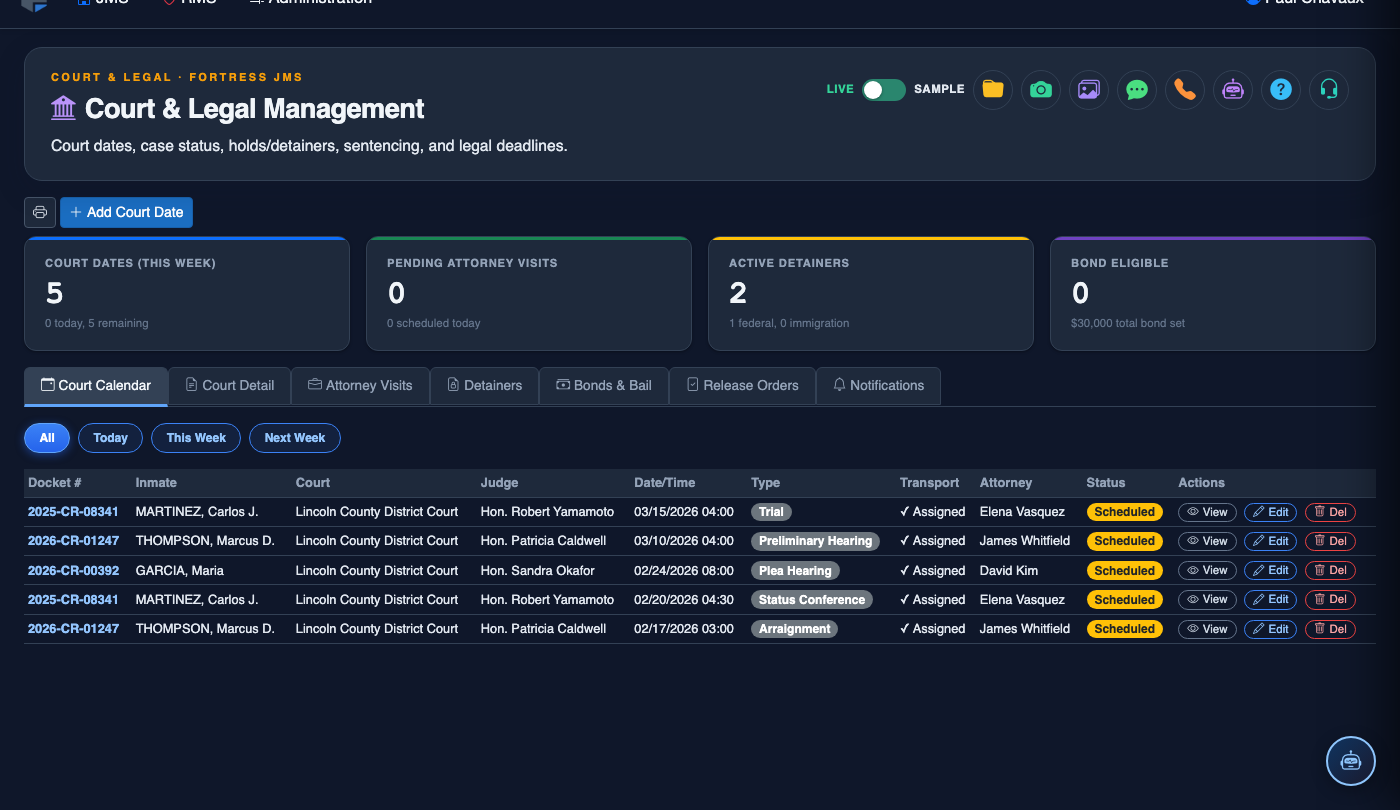
Go to Court & Legal and select the Hearing Schedule tab. The grid displays all upcoming hearings in chronological order with columns for Inmate, Booking Number, Hearing Type, Court, Judge, Date/Time, and Status.
Search for a Specific Inmate’s Hearings
Use the Inmate Search field at the top of the grid to filter hearings by inmate name or booking number. The schedule immediately filters to show only that inmate’s hearings, both past and upcoming, in reverse-chronological order with the next hearing highlighted.
Schedule a New Hearing
Click Schedule Hearing to open the new hearing form. Select the Inmate, choose the Hearing Type from the dropdown (Arraignment, Bond Review, Preliminary Hearing, Pretrial Conference, Motion Hearing, Sentencing, or Appeal), enter the Court, Judge, and Date/Time, then specify whether Physical Transport or Video Appearance is required.
Record a Continuance
When a court date is postponed, open the existing hearing record and click Continue Hearing. Enter the New Date, select the Continuance Reason (attorney request, court scheduling, discovery, etc.), and save. The original hearing is marked Continued in the history and a new hearing record is automatically created with the rescheduled date.
Document the Hearing Outcome
After the hearing concludes, locate the record and click Record Outcome. Select the Disposition (Sentenced, Released on Bond, Remanded, Not Guilty, Dismissed, etc.), enter any Judge’s Notes or Sentence Details, and log the Next Hearing Date if applicable. Saved outcomes are visible on the inmate’s full legal history.
Export Hearing History for Legal Counsel
Use the Export button to generate a PDF or CSV of a specific inmate’s full hearing history. This document is suitable for sharing with defense attorneys, public defenders, or court clerks and includes all hearing dates, types, outcomes, and continuance chains.
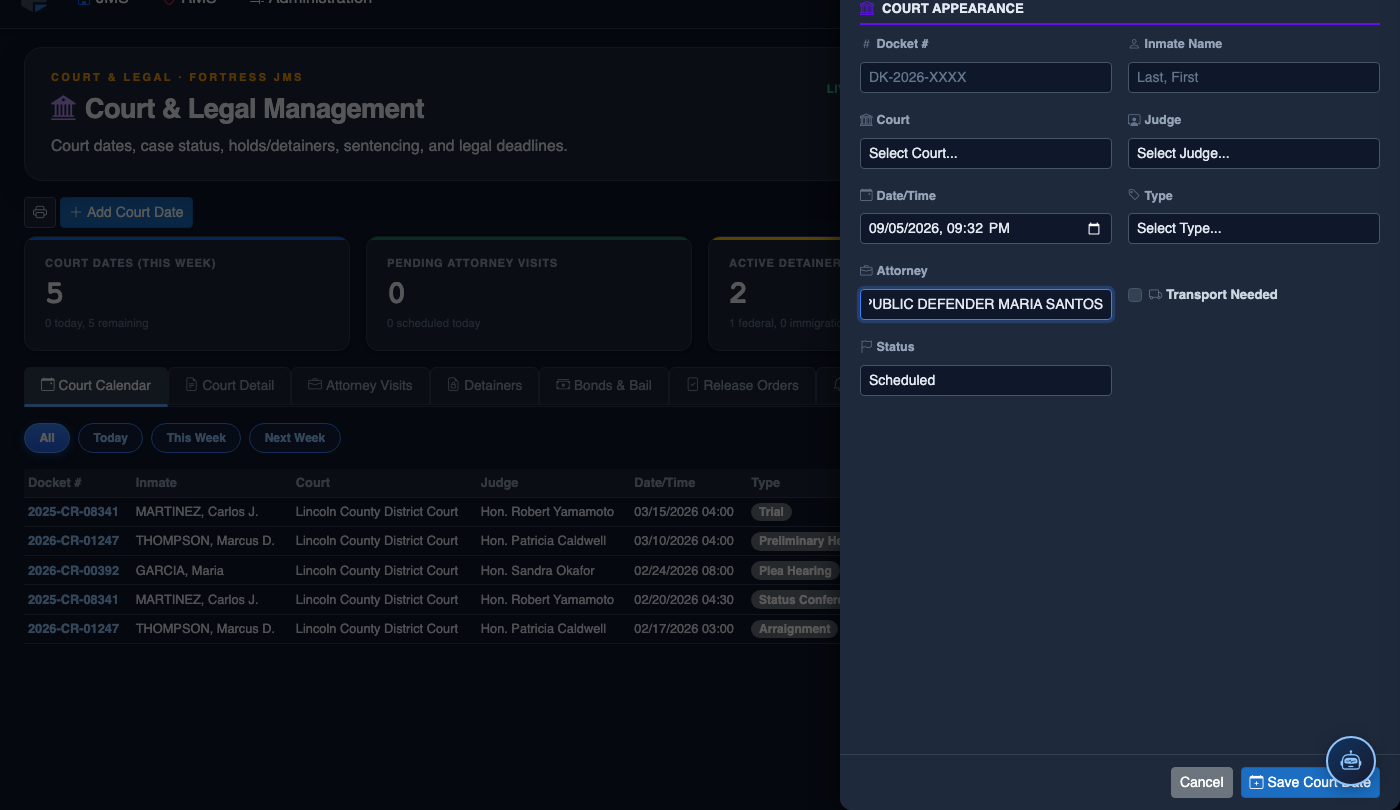
Schedule a New Court Date
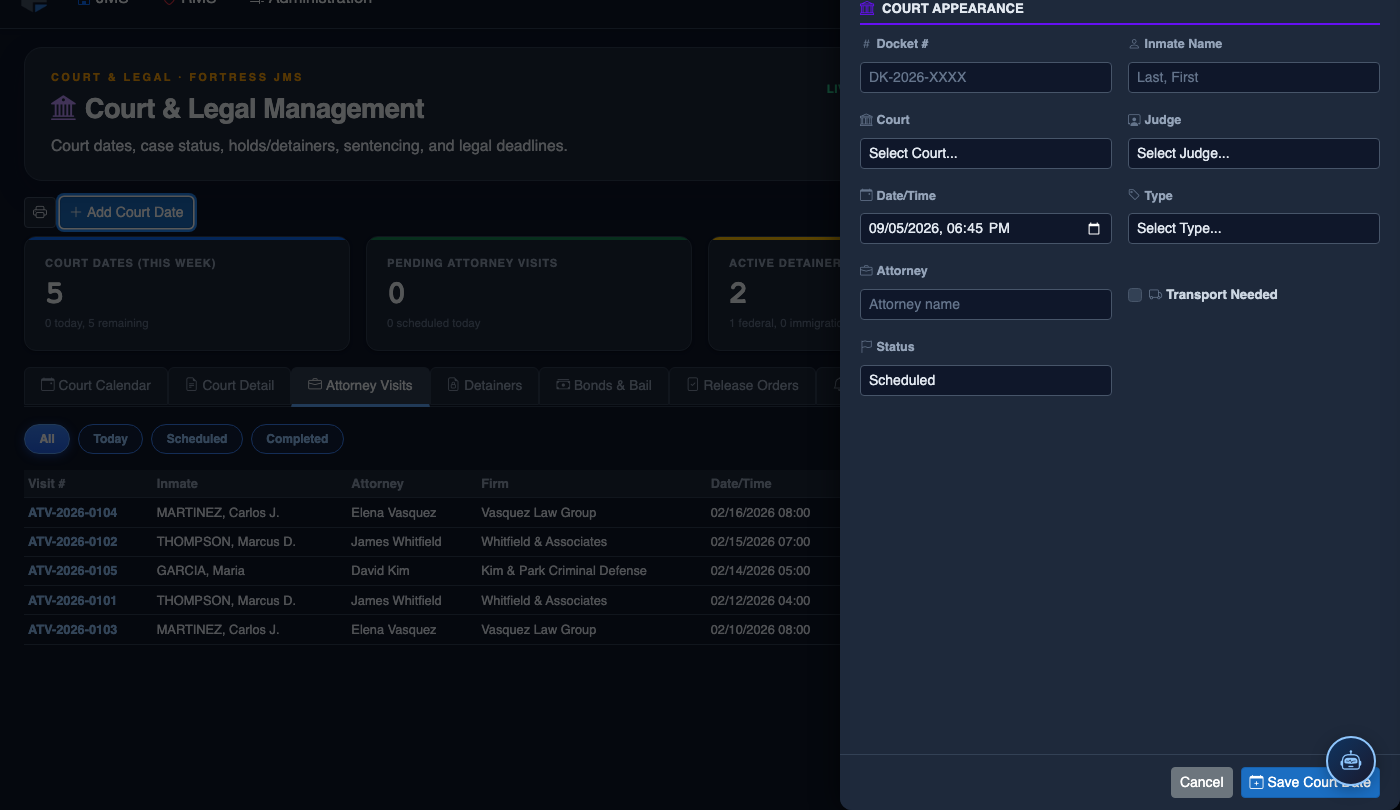
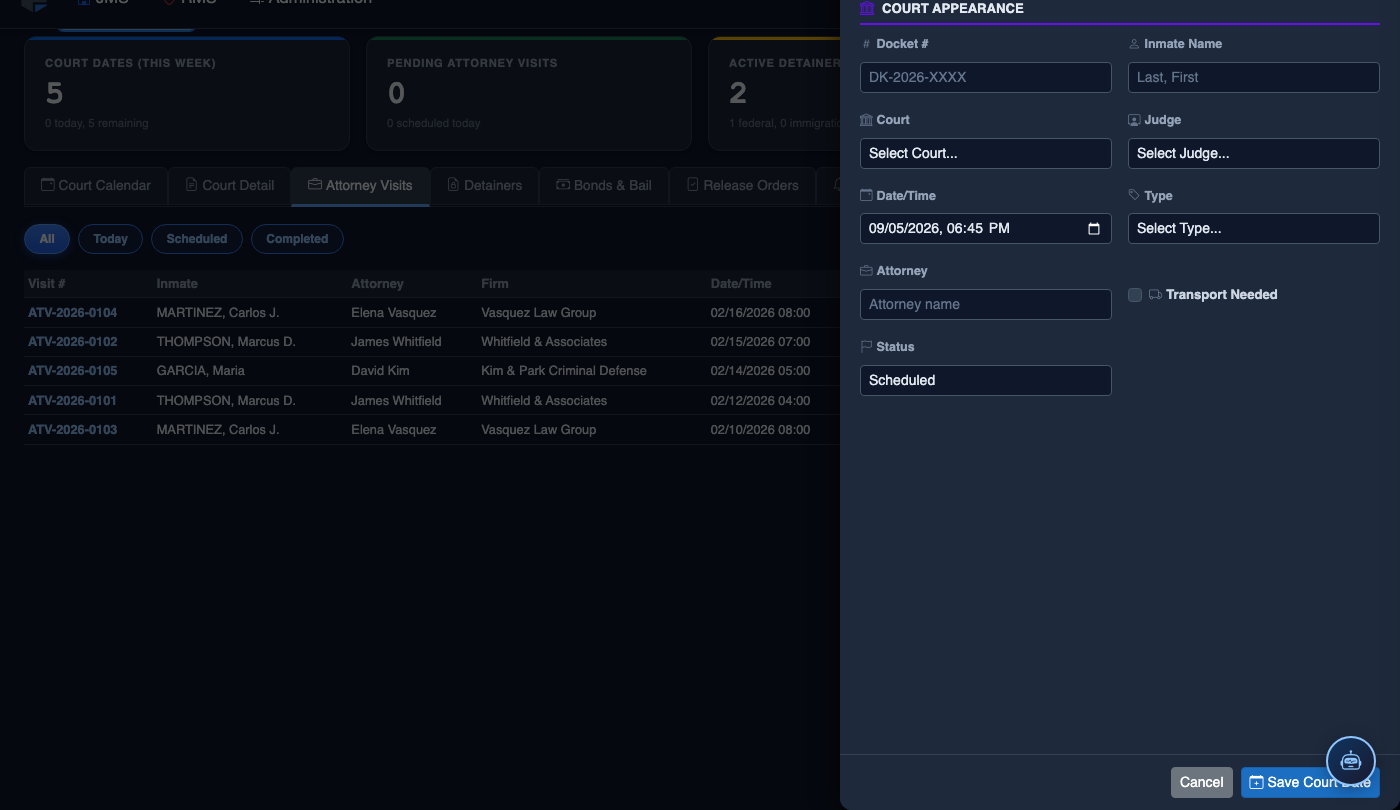
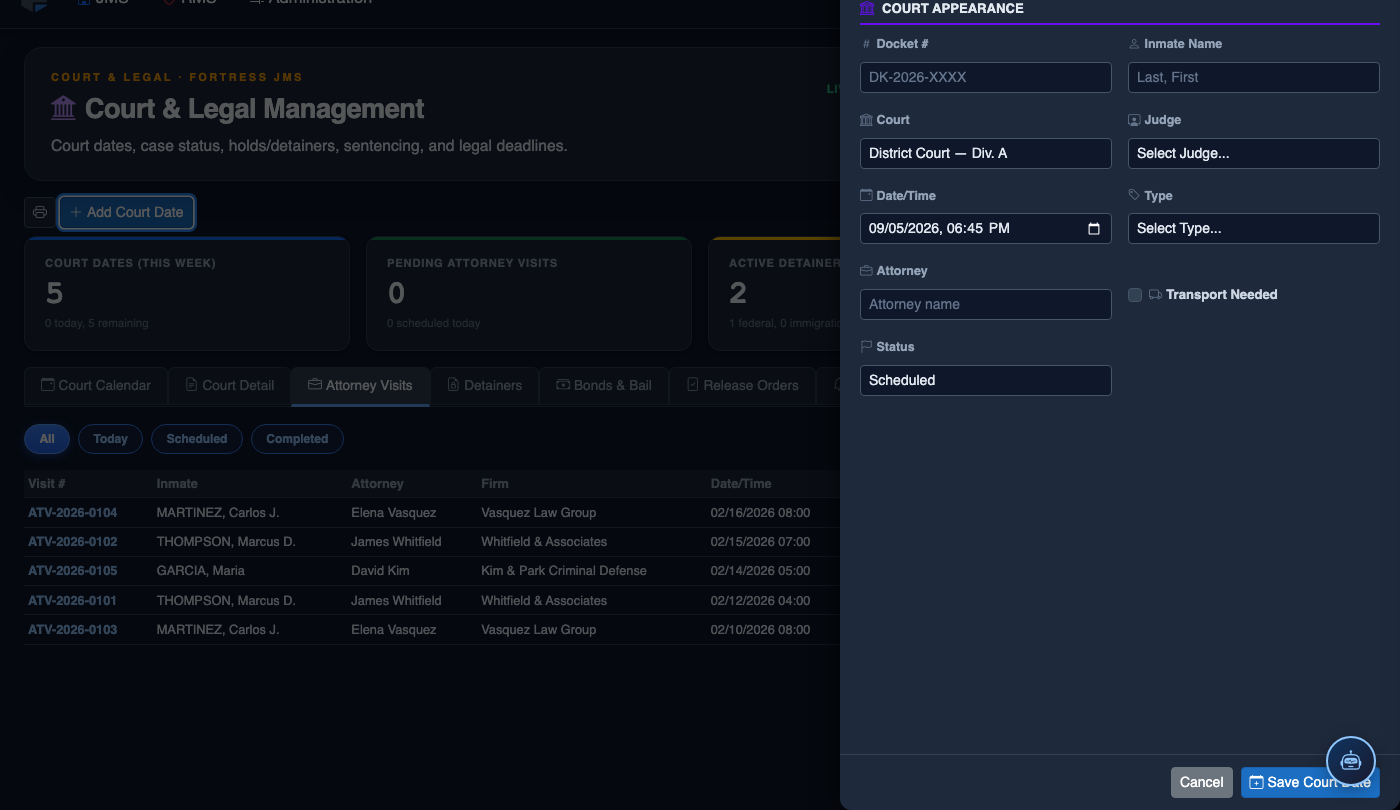
Click Add Court Date. Complete the court scheduling form:
- Inmate — search by name or booking number.
- Court — select the court and division from the directory.
- Hearing Type — Arraignment, Pre-Trial, Sentencing, Hearing, or Probation Violation.
- Case Number — enter the docket number for tracking.
- Date and Time — the exact court appearance date/time.
- Transport Required — toggle on to add the inmate to the transport queue; select escort type.
- Attorney — record assigned counsel for court coordination.
- Click Save Court Date. Transport is scheduled and the court docket updates automatically.
💡 Pro Tips
- When recording a continuance, always note the reason — court-tracked continuance patterns can reveal chronic scheduling issues with specific courtrooms or judges that affect your transport planning.
- Use the Upcoming Hearings filter (next 7 days) each morning to generate a quick briefing list for transport supervisors and booking officers before the day shift begins.
- Inmates with three or more continuances on the same charge should be flagged for a classification review — extended pretrial detention can affect housing unit assignments and program eligibility.
Mobile View — Hearing Schedule
FortressDMS is fully responsive. Officers can access the Hearing Schedule on a phone or tablet directly from the field — no app install required.
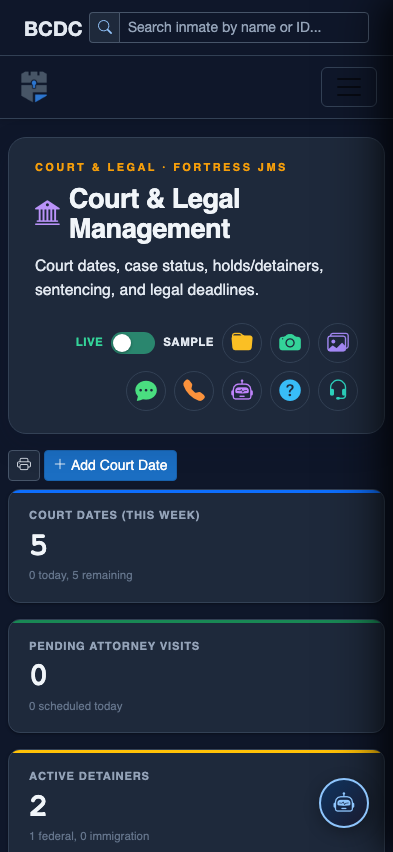
Tab view with data rows
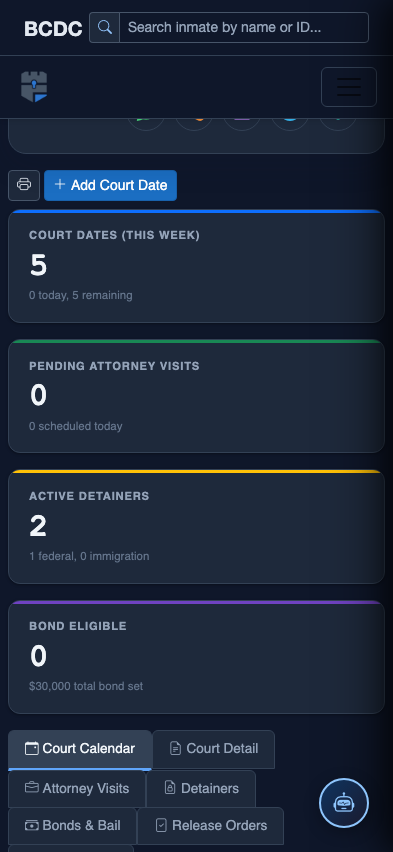
Scrolled / detail view