
Communicator Management
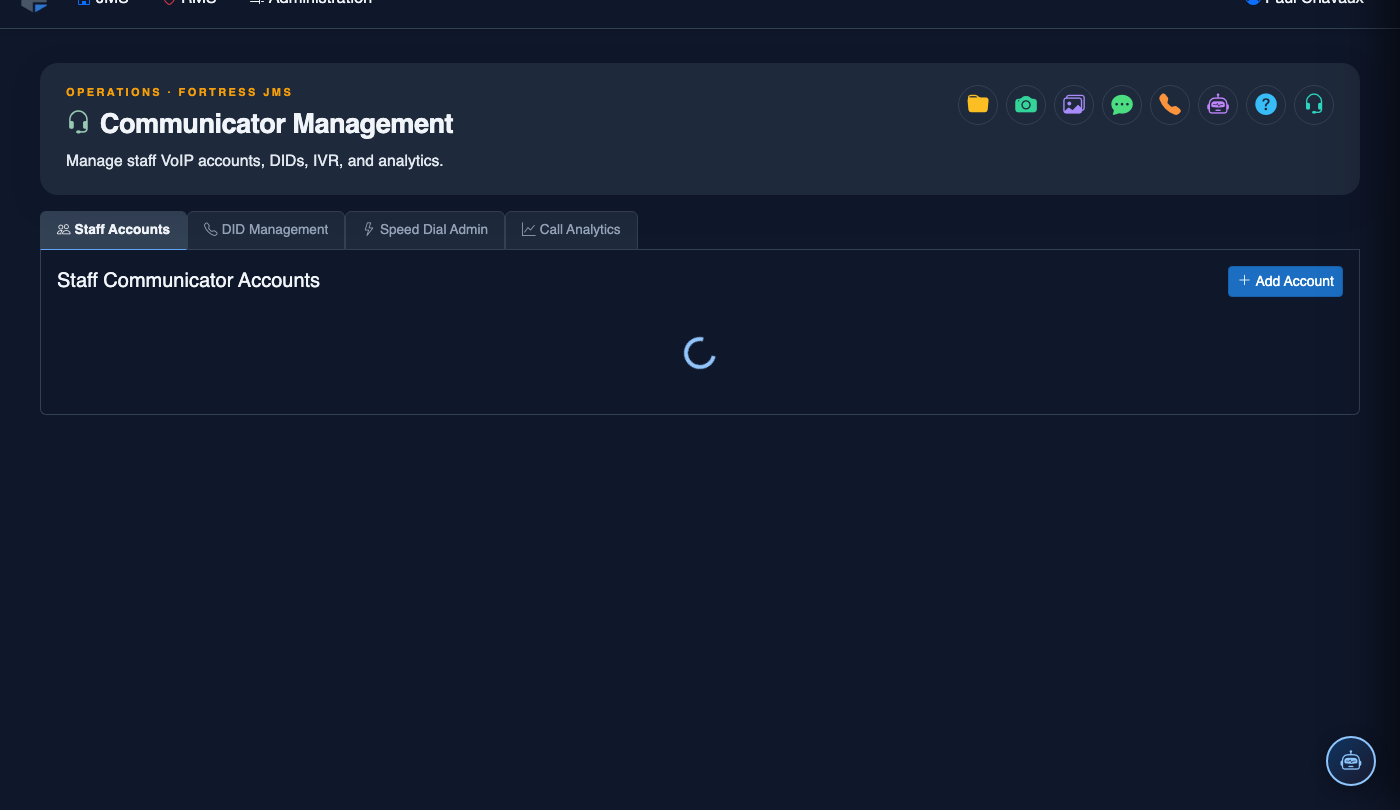
Communicator Management is the central administration hub for the FortressDMS inmate phone and messaging system, giving jail administrators full control over staff VoIP accounts, Direct Inward Dial (DID) numbers, and Interactive Voice Response (IVR) call trees. From a single module, supervisors can provision new extensions, assign inmate telephone access rules, manage DID routing, and configure the automated attendant that handles incoming calls to the facility. Every change is audit-logged to support compliance reviews and grievance investigations.
Staff Account Provisioning
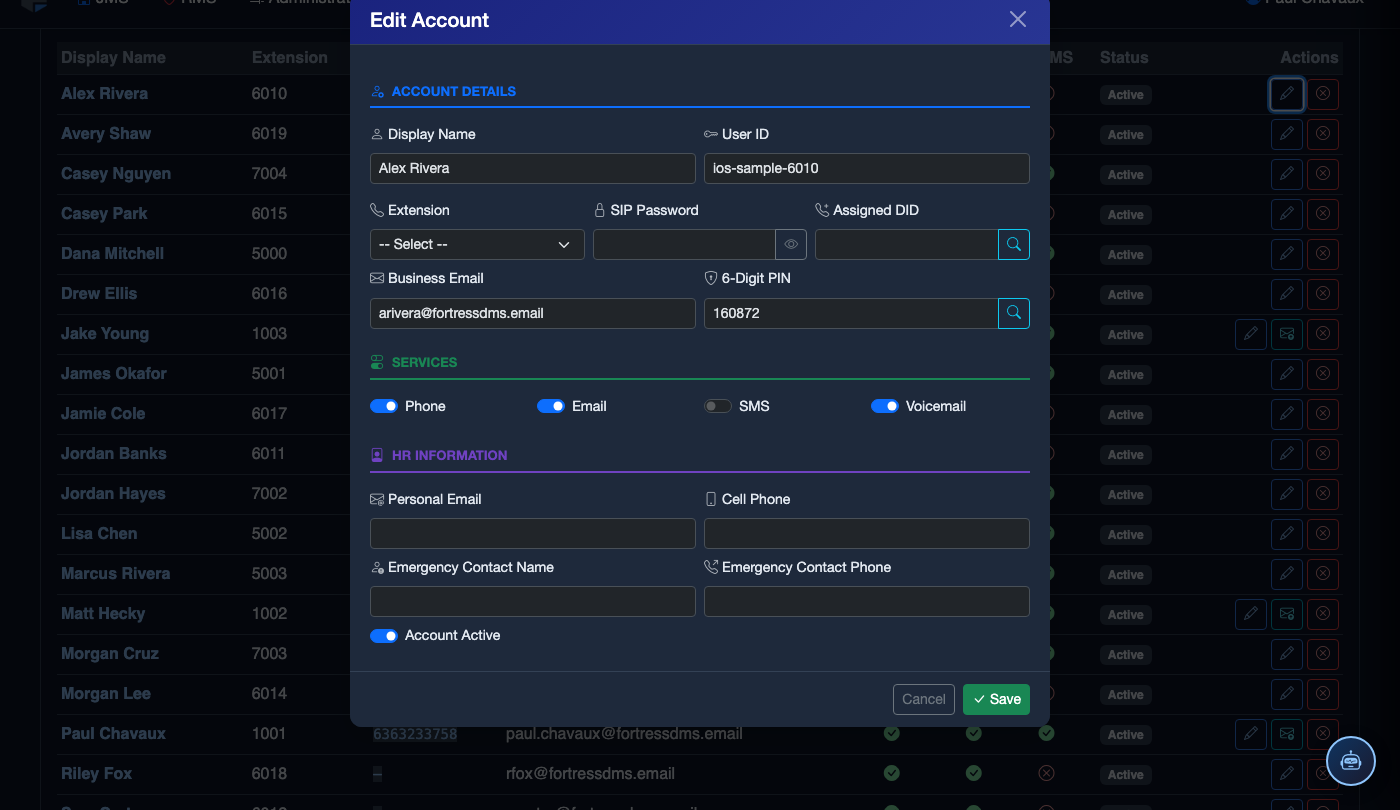
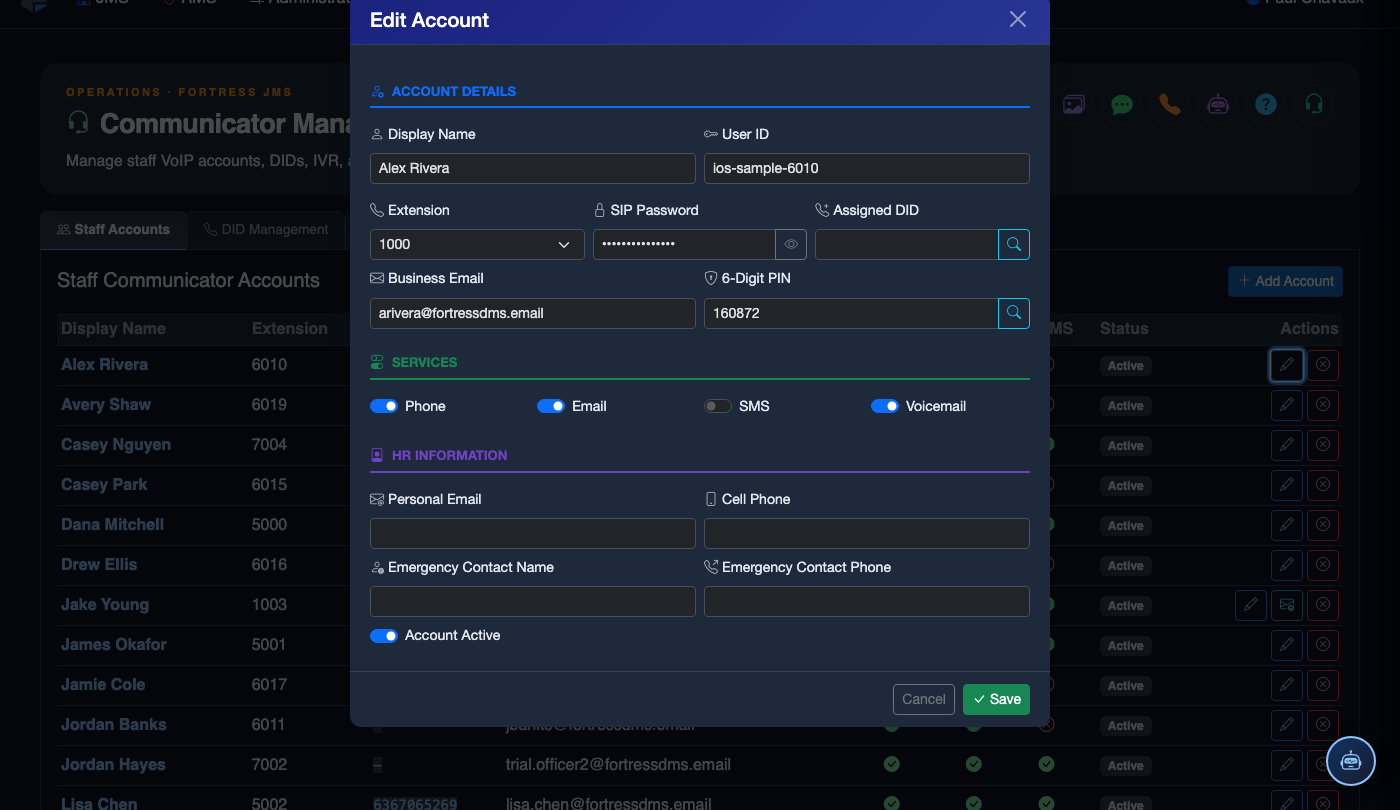
Create and manage VoIP extensions for officers and administrative staff with role-based call permissions and call recording settings.
DID Management
Assign, route, and audit all Direct Inward Dial numbers used by inmates and facility departments from a unified inventory view.
IVR Configuration
Build multi-level automated call trees for inmate information lines, attorney access menus, and public inquiry routing.
Call Monitoring & Recording
Live call monitoring and searchable call recording archives with attorney-client privilege exemption enforcement.
Pre-Paid Balance Tracking
Track inmate account balances, debit call costs in real time, and manage family deposits through the integrated commissary ledger.
Call Restriction Controls
Block specific numbers, enforce approved-contact-only dialing, and impose disciplinary call restrictions at the individual inmate level.
Step-by-Step: Administering the Communicator Management Module
Open Communicator Management
Select Communicator Management from the main navigation. The module landing page displays a summary dashboard with total active extensions, DID inventory utilization, and any configuration alerts requiring attention.
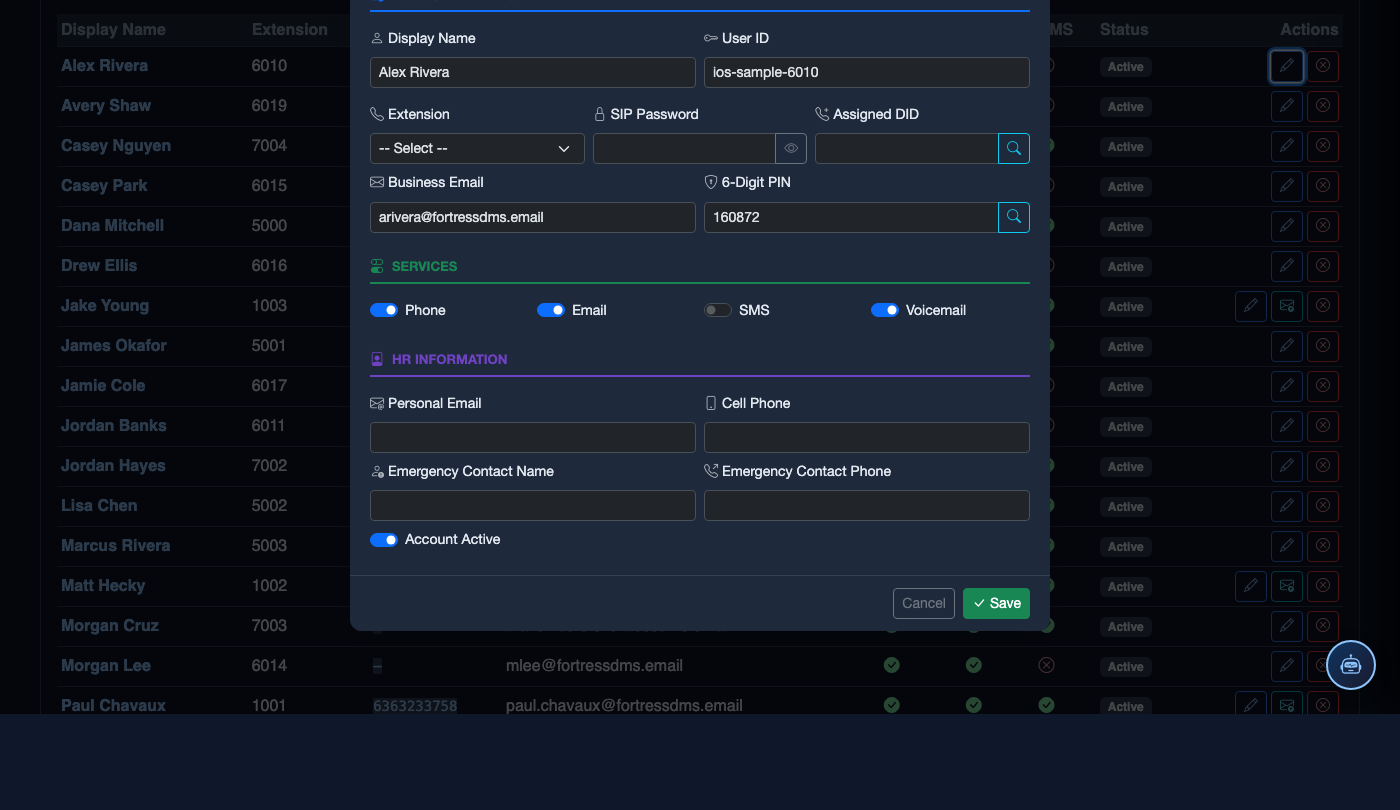
Review the Staff Accounts Tab
Click the Staff Accounts tab to see all provisioned VoIP extensions. The grid shows each staff member’s name, extension number, assigned role, and current call-recording policy. Use the Search field to locate a specific officer’s account quickly.
Manage DID Assignments
Open the DID Management tab to view all provisioned Direct Inward Dial numbers. Click any DID to edit its routing destination, set a Ring Group or Queue, and assign it to a department or inmate phone station. Numbers flagged in red indicate routing misconfigurations that need correction.
Configure the IVR Call Tree
Navigate to the IVR Setup tab. Use the drag-and-drop tree builder to define menu levels, record or upload audio prompts for each node, and set timeout behaviors. Always test each path using the Simulate Call tool before activating changes in production.
Set Call Restriction Rules
In any inmate’s Communicator Profile, use the Call Restrictions panel to block specific numbers, restrict to approved-contact-only dialing, or impose a total phone block as a disciplinary sanction. All restriction changes are timestamped and linked to the authorizing officer’s login.
Monitor Live and Recorded Calls
Access the Call Monitor panel to see all active calls in real time. Click Listen to join a live call in monitor mode (no beep). Use Call Records to search the archive by inmate name, booking number, date range, or called number — and download recordings for investigative use.
Audit Configuration Changes
Navigate to Audit Log within the module to review a chronological record of all provisioning changes, DID reassignments, IVR edits, and restriction modifications. Filter by User or Date Range to support internal investigations or external compliance audits.
💡 Pro Tips
- Run a DID inventory audit monthly to identify unassigned numbers accruing carrier charges — reassign or release them promptly.
- Use the Attorney-Client Exemption flag on attorney DIDs to ensure those calls are never recorded and remain privileged under applicable bar rules.
- Enable Pre-Paid Balance Alerts to notify inmates via the kiosk when their account drops below a configurable threshold, reducing call disruptions during legal or family calls.