
BWC Audit Log
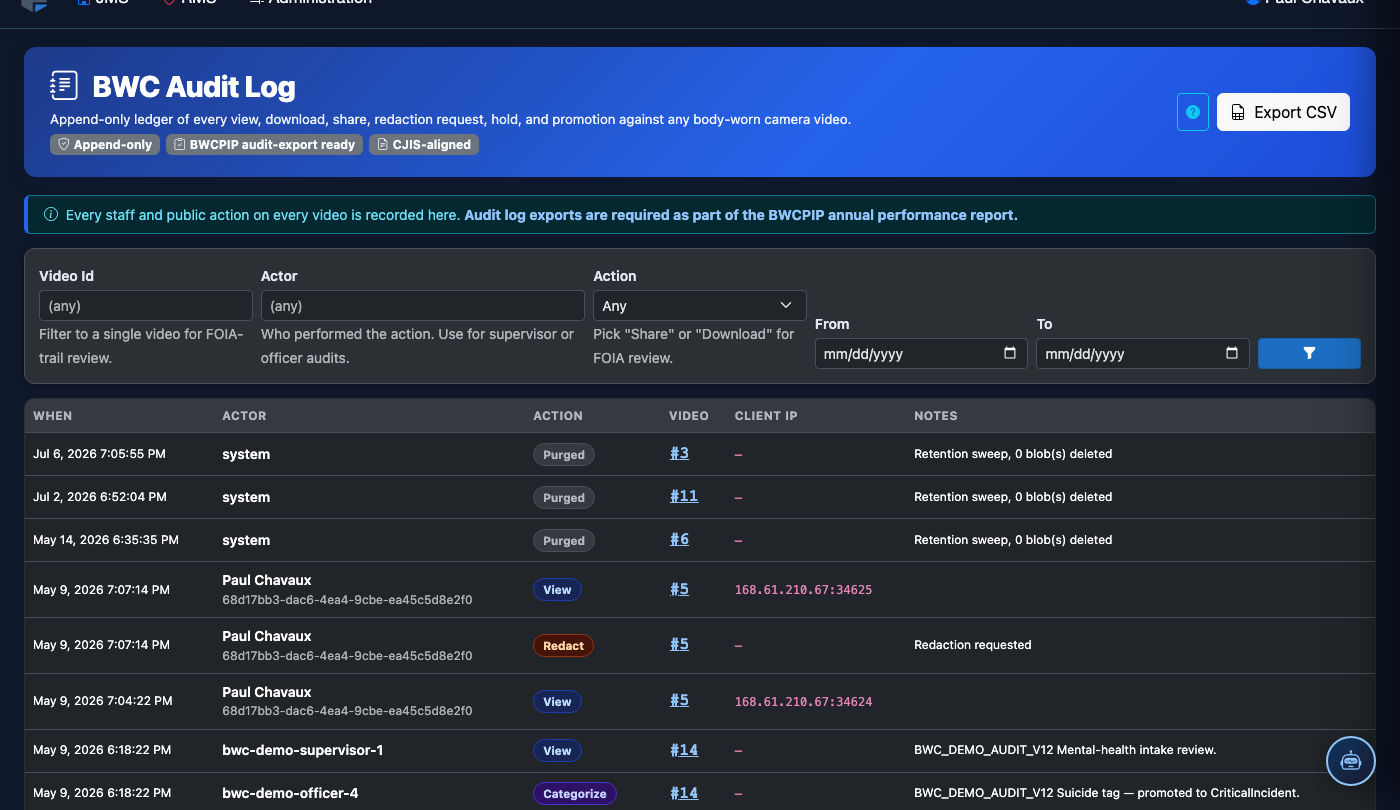
The BWC Audit Log module provides a comprehensive, tamper-evident record of every action taken within the body-worn camera system — from footage access and downloads to exception approvals and retention overrides. Every interaction with BWC evidence is timestamped and attributed to a specific user, creating an unbreakable chain of custody that satisfies the most rigorous legal and compliance standards. Administrators and internal affairs investigators rely on this log to detect unauthorized access and demonstrate evidentiary integrity in court.
Tamper-Evident Records
Every audit entry is write-once and cryptographically signed to prevent after-the-fact modification.
Footage Access Tracking
Log every view, download, and share event associated with a specific recording or incident.
Advanced Search & Filter
Search by user, action type, date range, incident number, or officer to quickly surface relevant entries.
Export for Legal Discovery
Generate audit trail exports in PDF or CSV format suitable for court submissions and FOIA responses.
Step-by-Step: Using the BWC Audit Log
Access the Audit Log Module
Navigate to Body-Worn Camera > Audit Log from the main navigation menu. Access is restricted to users with the BWC Administrator or Internal Affairs role.
Set Search Filters
Use the filter panel to narrow results. Set a Date Range, then optionally filter by User, Action Type (View, Download, Share, Delete, Exception Approved, Retention Override), or Incident Number.
Review the Audit Entry Grid
The results grid shows Timestamp, User, Action, Recording ID, Incident, and IP Address for each event. Entries are sorted newest-first by default.
Expand an Entry for Full Detail
Click any row to expand the Detail Panel. This shows the full event payload including the officer’s badge number associated with the footage, the user’s justification (if required), and any linked case numbers.
Flag Suspicious Access Events
If you identify an unauthorized or suspicious access event, click Flag for Review. This creates a notification for the Internal Affairs queue and marks the entry with a red indicator for future reference.
Export the Audit Trail
Click Export Audit Log and select your format. The export includes all currently filtered results. For legal discovery, use the PDF with Chain-of-Custody Cover Page option, which prepends a signed attestation page.
Schedule Automated Audit Reports
Use the Scheduled Reports option to configure weekly or monthly audit digests delivered to designated administrators via email, ensuring continuous oversight without manual intervention.
💡 Pro Tips
- Filter by Action Type = “Download” and sort by user to quickly identify officers who may be bulk-downloading footage outside of normal workflows.
- Cross-reference audit log timestamps against BWC recording metadata to verify no editing occurred between capture and review.
- For FOIA requests, combine the Audit Log export with the Share Review module to produce a complete record of who received footage and when.
Mobile View — Audit Log
FortressDMS is fully responsive. Officers can access the Audit Log on a phone or tablet directly from the field — no app install required.
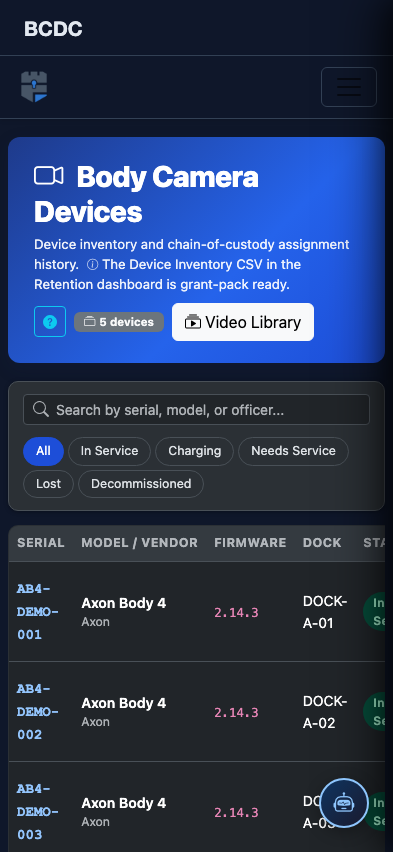
Tab view with data rows
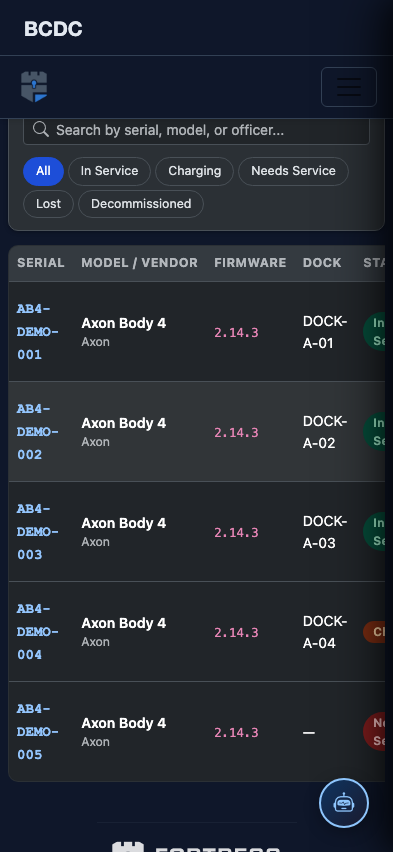
Scrolled / detail view