
Family Portal Access
The Family Portal Access tab within FortressDMS gives jail administrators complete control over inmate family account provisioning, access levels, and communication privileges. Staff can approve or revoke family member accounts, review visitation eligibility, and configure what each approved contact can see and do within the inmate-facing portal. This centralized access hub reduces front-desk workload while maintaining strict security over who can communicate with incarcerated individuals.
Family Account Management
Approve, suspend, or permanently revoke family member portal accounts with a single action.
Access Level Controls
Set granular permissions controlling which portal features each approved contact can access.
Approved Contact List
Cross-references the inmate’s approved visitation list to ensure only vetted individuals gain portal access.
Access Notifications
Automatically notify family members of account approval, denial, or changes to their portal access status.
Step-by-Step: Managing Family Portal Access
Navigate to the Offender & Family Portal Module
From the FortressDMS main navigation, click Offender & Family Portal, then select the Family Portal Access tab at the top of the module page.
Search for the Inmate Record
Use the Inmate Search bar to locate the incarcerated individual by booking number, last name, or facility ID. Click the inmate’s row to expand their family portal roster.
Review Pending Family Account Requests
The Pending Requests panel lists family members who have self-registered and are awaiting staff approval. Review each applicant’s name, relationship, and submitted ID documentation before taking action.
Verify Against the Approved Contact List
Click Check Approved List to cross-reference the applicant against the inmate’s pre-approved visitation contacts. The system will display a match status — only individuals on the approved list should receive full portal access.
Set Access Level Permissions
Use the Access Level dropdown to assign permissions: View Only (account balance and schedule), Standard (messaging and deposits), or Full (all portal features including grievance tracking). Restrict sensitive access for contacts with compliance concerns.
Approve or Deny the Account
Click Approve Access to activate the family member’s account with the configured permissions, or Deny with a required reason code. Denied applicants receive an automated notification with the denial reason.
Manage Active Family Accounts
Under the Active Accounts panel, staff can edit access levels, temporarily Suspend portal access for an active contact, or permanently Revoke an account. All changes are logged in the audit trail with officer badge number and timestamp.
💡 Pro Tips
- Always cross-reference a new family registration against the inmate’s classification level — high-security inmates may have restricted contact lists that limit portal access regardless of relationship.
- Use the Bulk Suspend action to immediately freeze all family portal accounts for an inmate placed in administrative segregation or lockdown status.
- The activity log on each family account shows last login time and all portal actions — review this during investigations involving suspected contraband coordination.
Mobile View — Family Portal Access
FortressDMS is fully responsive. Officers can access the Family Portal Access on a phone or tablet directly from the field — no app install required.
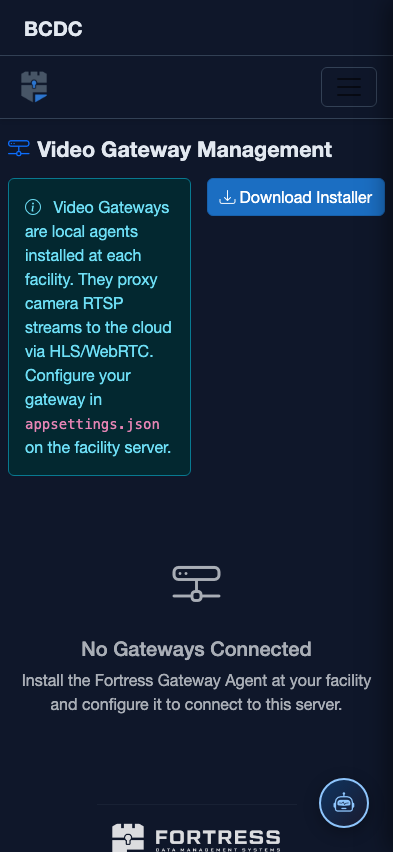
Tab view with data rows
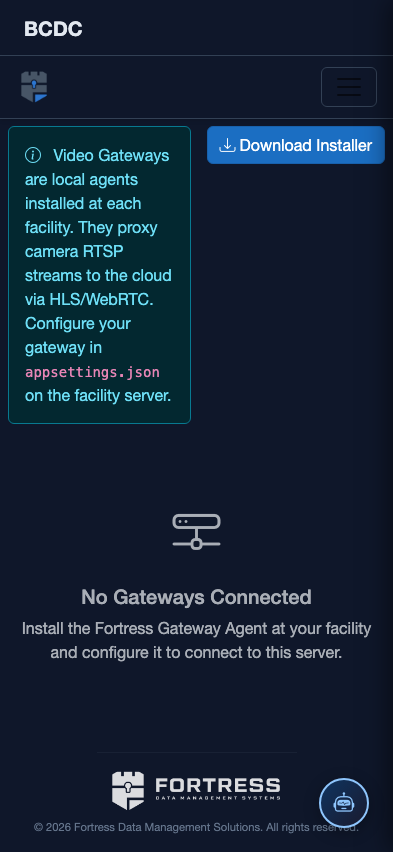
Scrolled / detail view