
Inter-Agency Inmate Billing
The Inter-Agency Billing module manages financial relationships between your facility and external agencies that contract to house their inmates at your jail. Configure per-diem billing rates, generate invoices, track housing contract terms, and reconcile incoming payments — all from a single centralized module. This module is essential for county facilities that generate revenue by housing state, federal, or municipal detainees.
Agency Configuration
Define billing rates, contact information, and contract terms for each partnering agency in one place.
Automated Invoicing
Generate per-diem invoices automatically based on daily inmate census and agency-specific billing rates.
Housing Contracts
Store and manage housing contract documents, capacity limits, and renewal dates for each agency agreement.
Payment Reconciliation
Record and reconcile agency payments against outstanding invoices with full audit trail support.
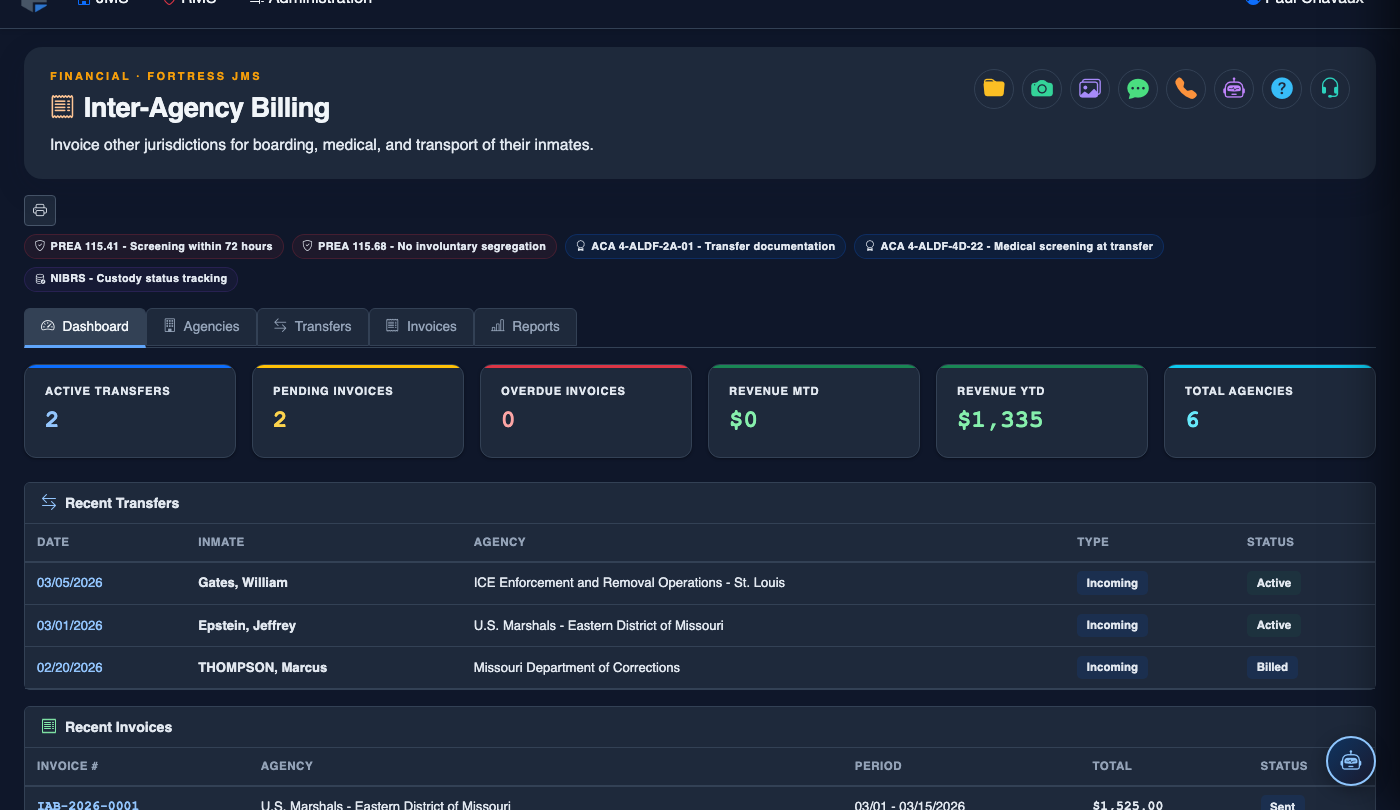
Step-by-Step: Inter-Agency Inmate Billing
Access the Inter-Agency Billing Module
From the main navigation, click Inter-Agency Billing. The module opens to a dashboard showing your active agency contracts, total outstanding receivables, and a quick-access panel for recent invoices. Administrator or Fiscal Officer role is required.
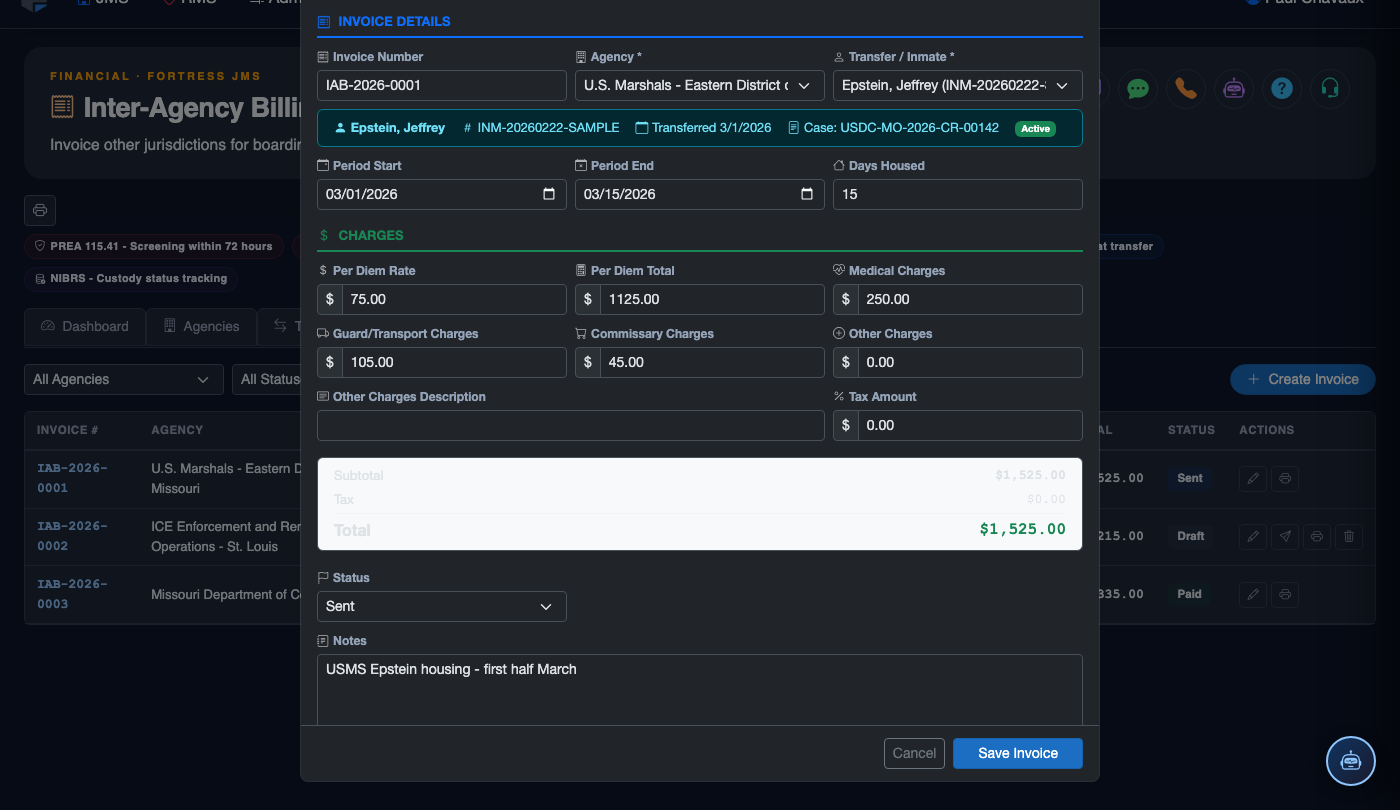
Configure a New Agency
Navigate to the Billing Setup tab and click Add Agency. Enter the agency name, billing contact, address, and establish the per-diem rate. Each agency can have unique rates for general population, medical, and segregation housing tiers.
Upload Housing Contracts
In the Housing Contracts tab, attach the signed intergovernmental agreement for each agency. Set the Contract Start Date, Expiration Date, and Maximum Bed Capacity. The system will alert staff when contracts approach their renewal deadline.
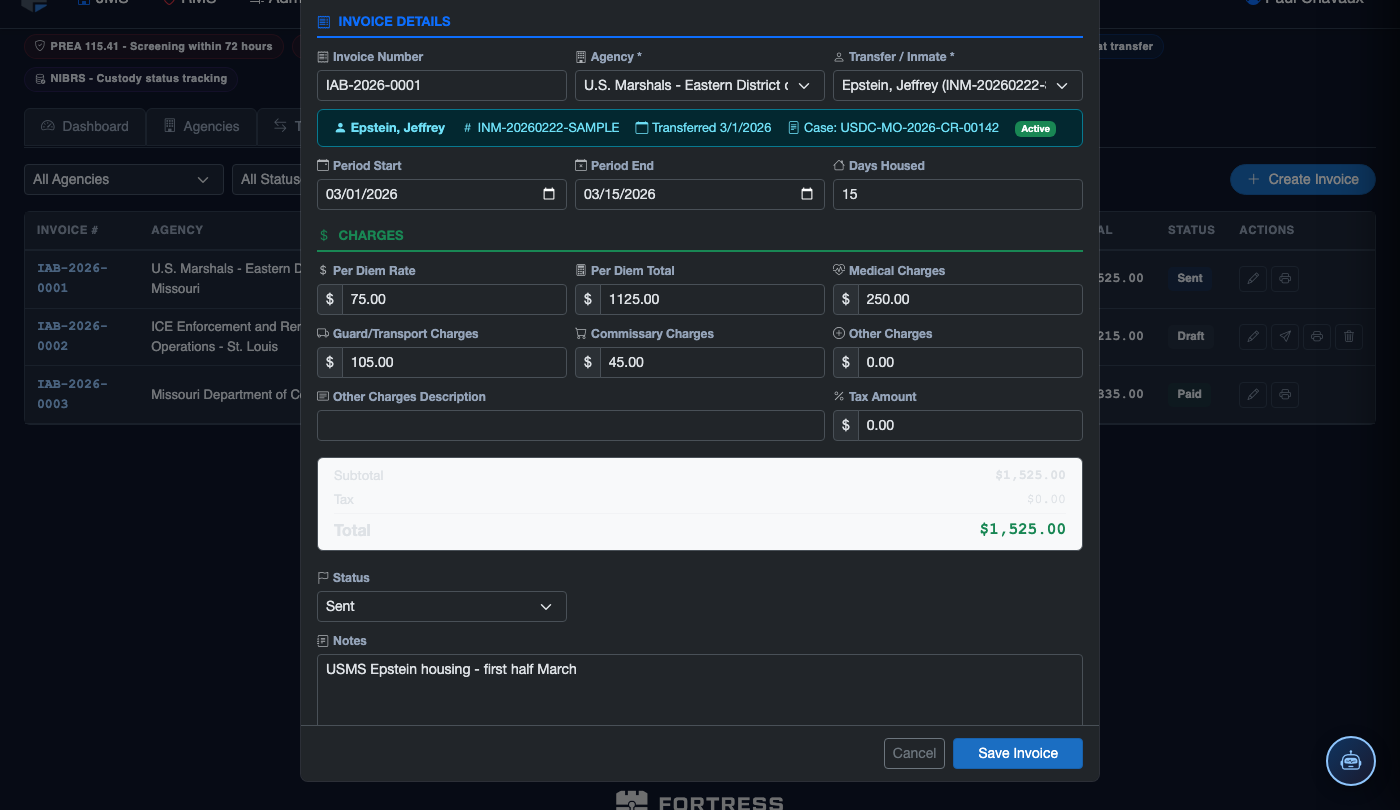
Link Inmates to Their Billing Agency
During booking or classification, assign each inter-agency inmate to the appropriate Billing Agency using the inmate record’s agency field. This linkage ensures that all days housed by that inmate are automatically captured on the correct agency invoice.
Generate Monthly Invoices
Go to the Invoices tab and click Generate Invoice. Select the agency, billing period, and confirm the system-calculated inmate-day count. Review the invoice preview showing itemized daily charges by inmate, then click Finalize to lock the invoice for transmission.
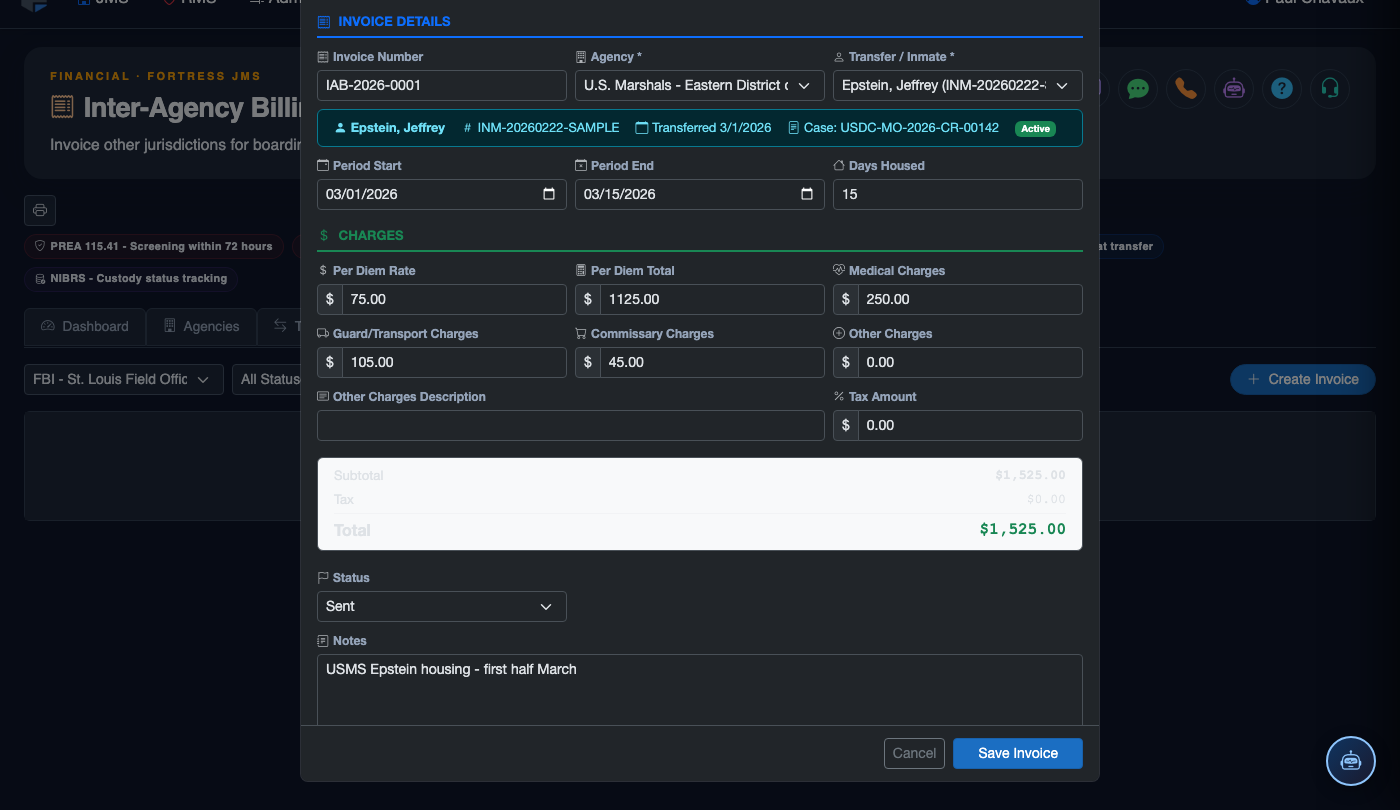
Record Payments
When payment is received, navigate to Payments & Reconciliation and click Record Payment. Select the invoice being paid, enter the Amount Received, Payment Date, and Reference Number (check or ACH). The system automatically calculates remaining balances.
Run Reconciliation Reports
Use the built-in reconciliation view in the Payments & Reconciliation tab to compare invoiced amounts, payments received, and outstanding balances for each agency over any date range. Export the reconciliation summary to PDF for submission to county finance or auditors.
💡 Pro Tips
- Always link inmates to their billing agency at intake — retroactive assignment can cause gaps in per-diem counts that are difficult to reconcile later.
- Set contract expiration alerts 60 and 30 days out so your administrator has time to renegotiate rates before the agreement lapses.
- Use tiered per-diem rates (general, medical, segregation) to accurately reflect the true cost of housing each inmate class — flat rates often leave revenue on the table.
- Run the monthly reconciliation report before closing the books each period; unresolved invoice discrepancies compound and become harder to dispute as time passes.