
Compliance Tracking
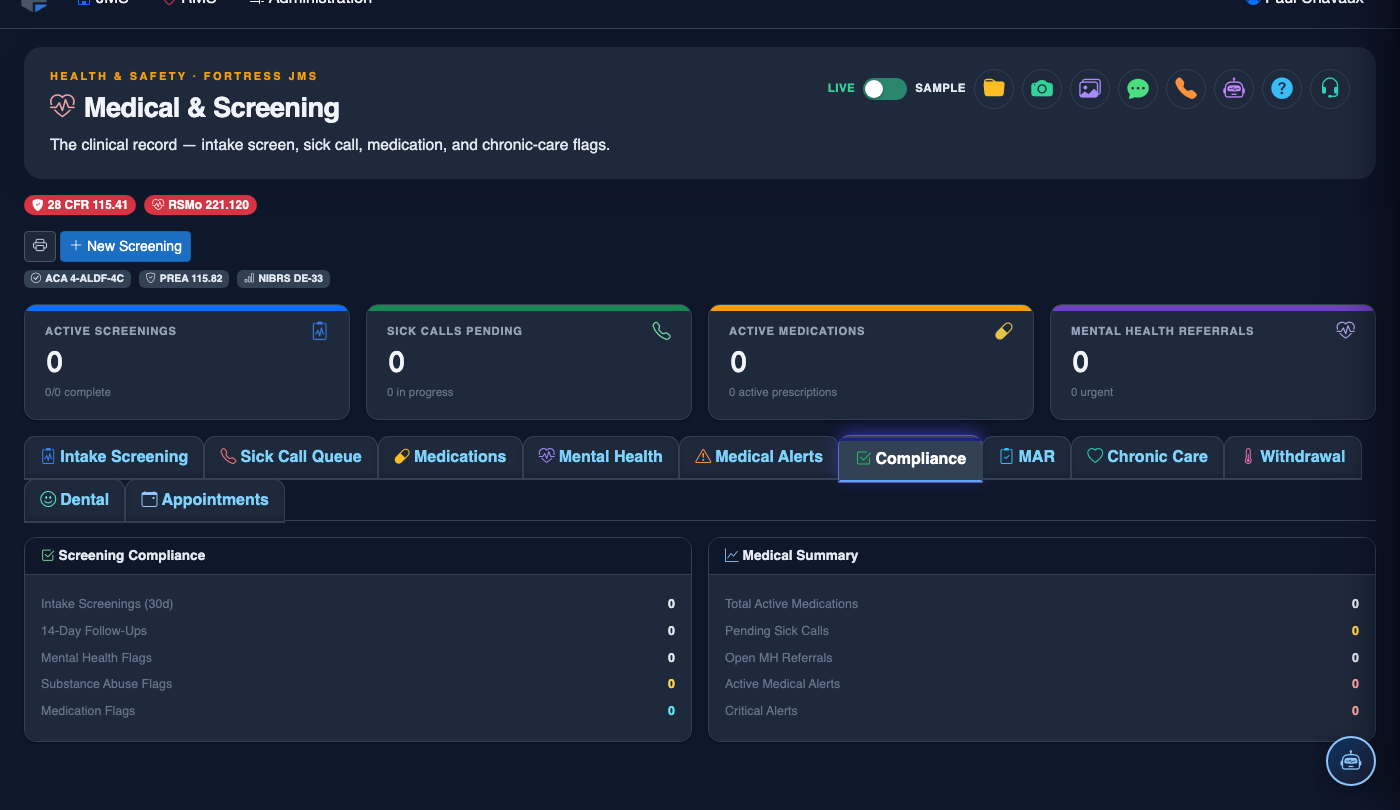
The Compliance Tracking tab ensures your facility’s medical program meets the rigorous standards set by accrediting bodies including NCCHC, ACA, and state jail standards commissions. It tracks required medical tasks, mandated timeframes, and outstanding deficiencies with automated escalation — providing administrators the audit-ready documentation needed to demonstrate continuous regulatory compliance.
Mandatory Task Tracking
Tracks all mandated medical tasks (intake screening, 14-day exam, TB test) with due dates and completion status.
Timeframe Monitoring
Automated alerts notify supervisors when mandated care windows are approaching or have elapsed without completion.
Deficiency Management
Log and track corrective action plans for each compliance deficiency with responsible party and resolution deadline.
Accreditation-Ready Reports
One-click compliance summary reports formatted to meet NCCHC, ACA, and state standards review requirements.
Step-by-Step: Medical Compliance Tracking
Open the Compliance Tracking Tab
Navigate to the inmate’s medical record and click the Compliance Tracking tab (Tab 6). The tab header shows a quick status indicator — green for all tasks on track, yellow for approaching deadlines, and red for overdue items.
Review the Mandatory Task Checklist
The Required Tasks panel lists every mandated medical task for this inmate based on their booking date and classification. Tasks include Receiving Screening (within 2 hours), 14-Day Health Assessment, TB Testing, and any classification-triggered tasks such as mental health evaluations for segregation placements.
Mark Tasks Complete
Click the checkmark next to any completed task. You will be prompted to confirm the Completion Date/Time, the Provider Who Completed It, and optionally link to the relevant clinical note or screening record. Completing a task from here also marks it done in the corresponding clinical module.
Log a Compliance Deficiency
When a task was not completed within its mandated window, click Log Deficiency. Document the Root Cause, Responsible Party, and a Corrective Action Plan with a target resolution date. The deficiency will be tracked until formally closed by a supervisor.
Run the Facility-Wide Compliance Report
Administrators can click Facility Compliance Report at the module level to generate a summary of all mandatory task completion rates, overdue tasks by housing unit, and open deficiencies. Select the Date Range and Standards Framework (NCCHC, ACA, or State) before exporting.
Configure Compliance Alert Thresholds
Supervisors can adjust alert thresholds in Medical Settings > Compliance Alerts. Set how many hours before a deadline supervisors receive a warning notification, and choose whether alerts are delivered via in-system notification, email, or both.
Close a Deficiency Record
Once a corrective action has been implemented and verified, a supervisor can click Close Deficiency, enter a Resolution Summary, and electronically sign the closure. The closed deficiency remains in the audit trail and is included in accreditation review reports.
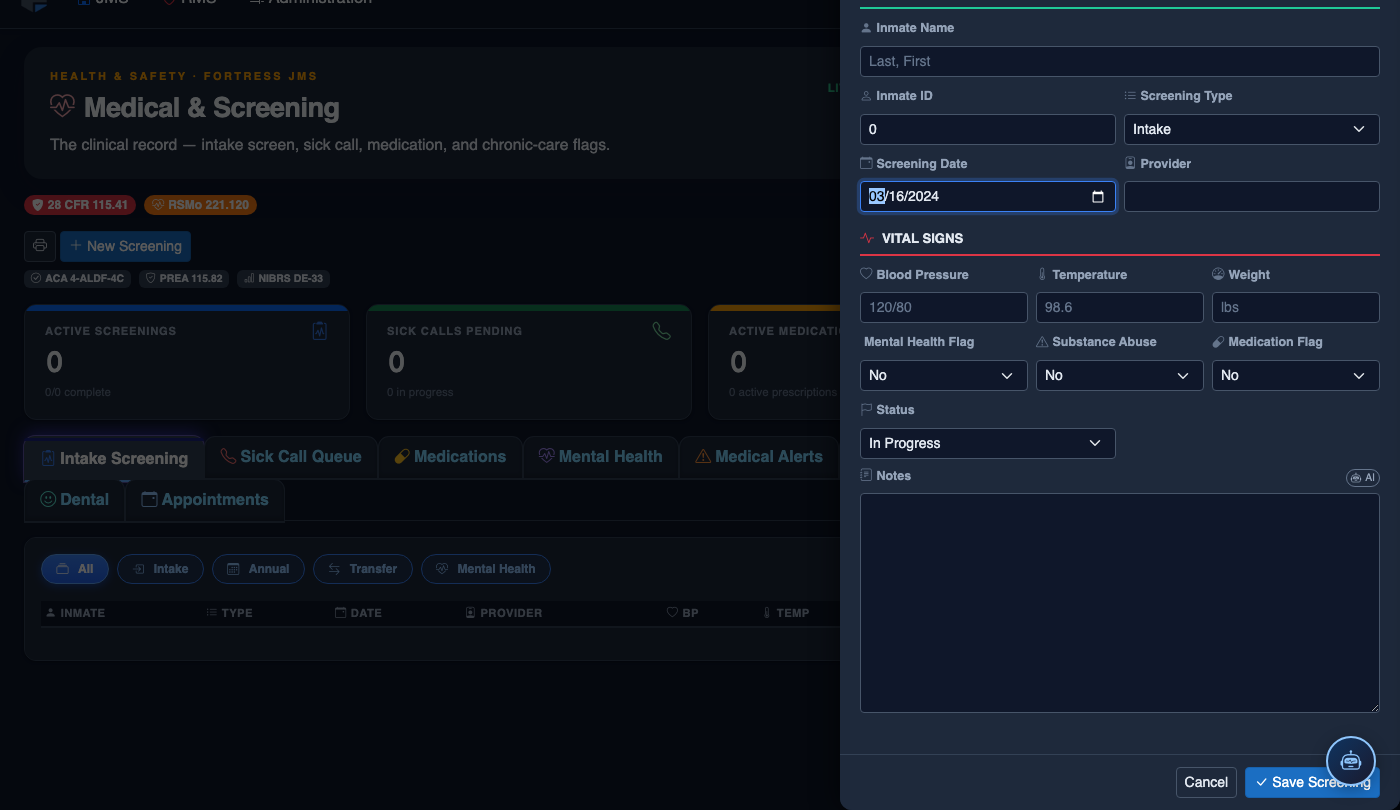
Create a New Medical Record
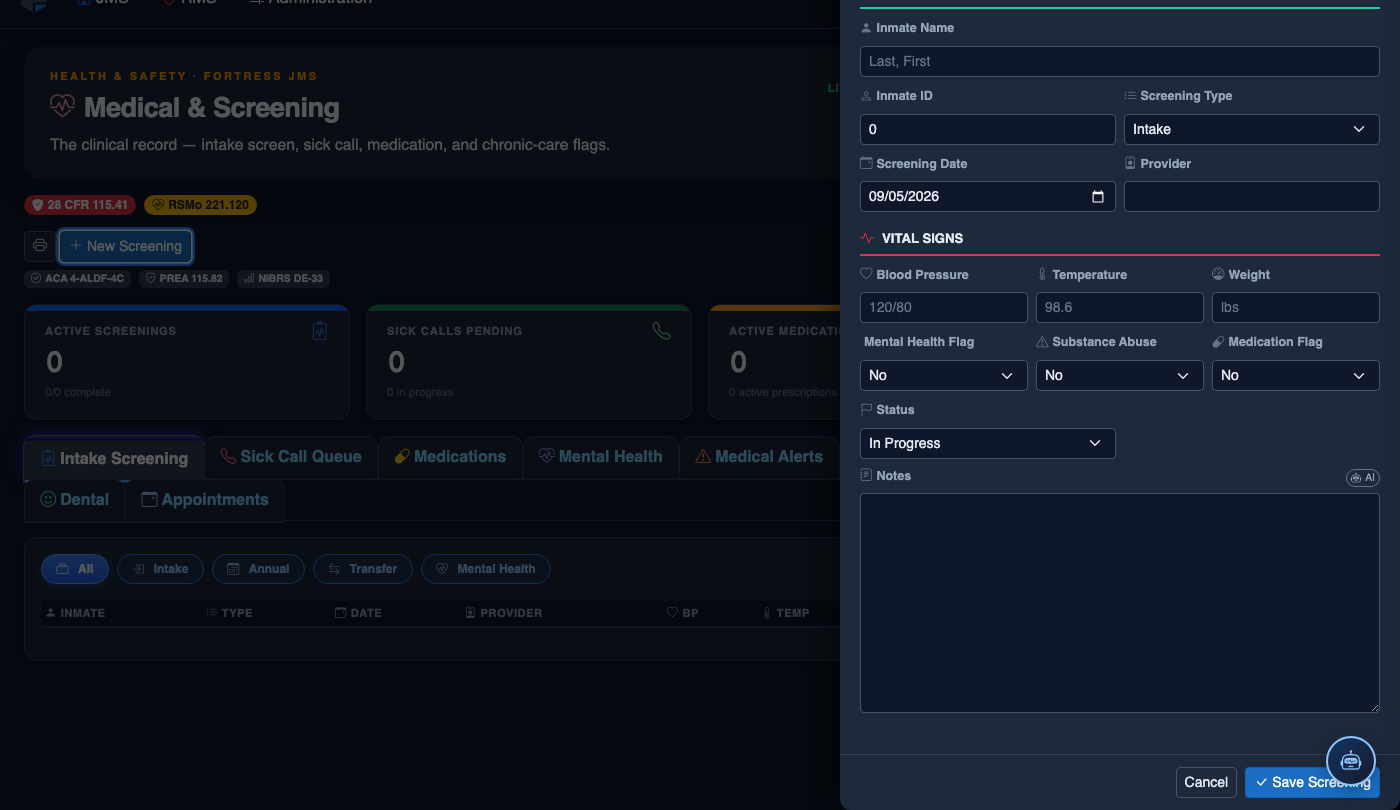
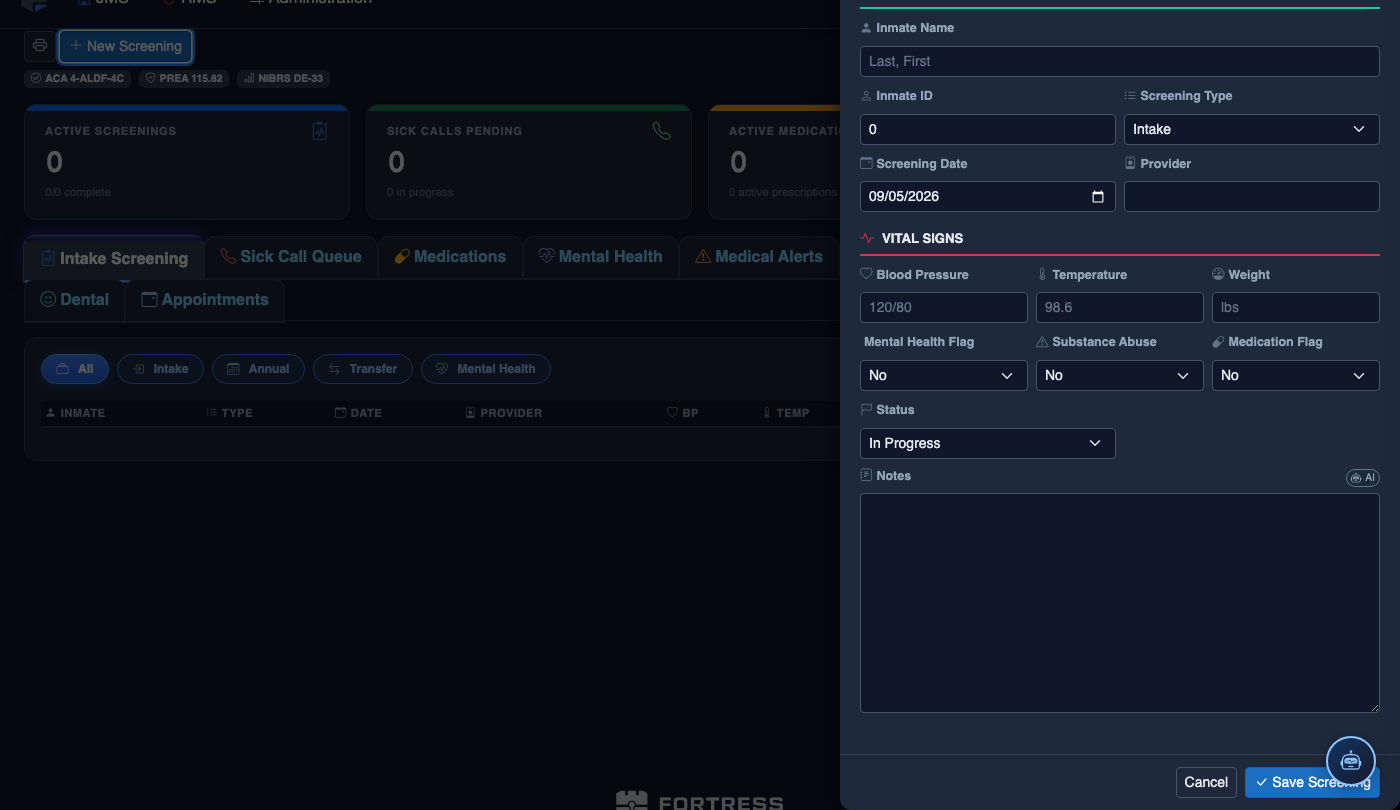
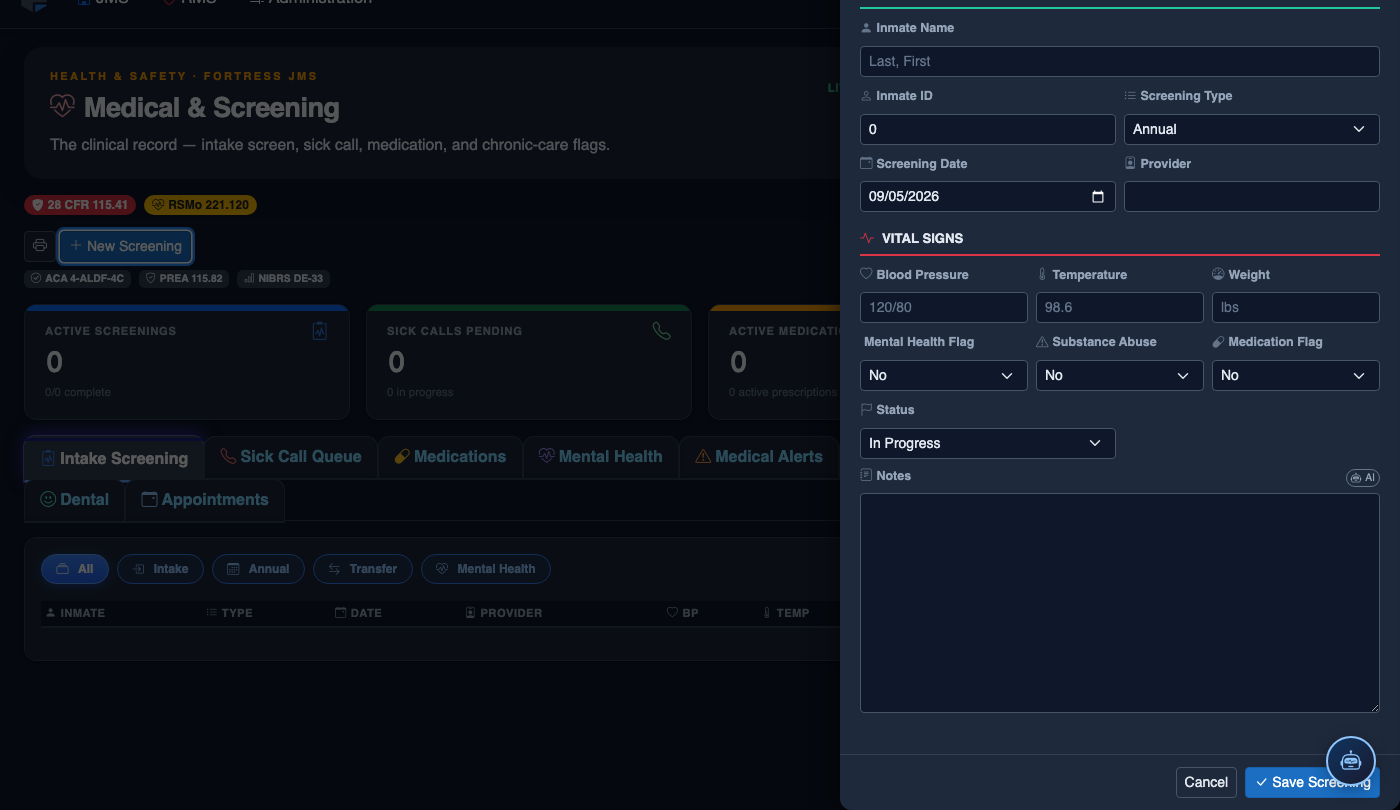
Click New Screening in the module toolbar. Complete the medical form:
- Inmate — search by name or booking number.
- Visit Type — Intake Screening, Sick Call, Scheduled Follow-Up, or Emergency.
- Priority — Routine, Urgent, or Emergent; Emergent pages on-call provider immediately.
- Chief Complaint / Findings — document symptoms, vitals, and objective observations.
- Provider — assign the clinician or nurse conducting the visit.
- Disposition — Treat and Return, Infirmary Admission, Hospital Transfer, or No Action.
- Add any Prescriptions, Follow-Up Date, or Restrictions.
- Click Save Record. Alerts fire automatically if vital signs are out of range.
💡 Pro Tips
- Run the Facility Compliance Report weekly — catching deficiencies early is far less costly than discovering them during an accreditation audit or a civil rights investigation.
- The system automatically generates a compliance task list the moment an inmate is booked in, ensuring nothing slips through even during high-volume intake days.
- Linking completed tasks to their corresponding clinical notes creates an unbroken evidence chain that protects your facility from deliberate indifference claims.
Mobile View — Compliance Tracking
FortressDMS is fully responsive. Officers can access the Compliance Tracking on a phone or tablet directly from the field — no app install required.
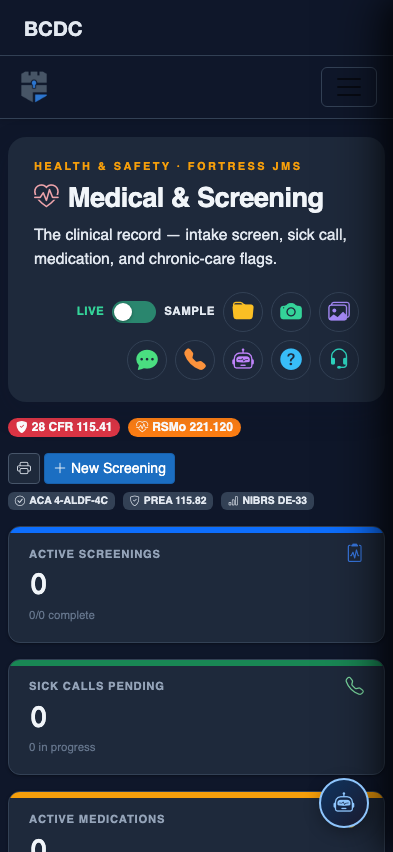
Tab view with data rows
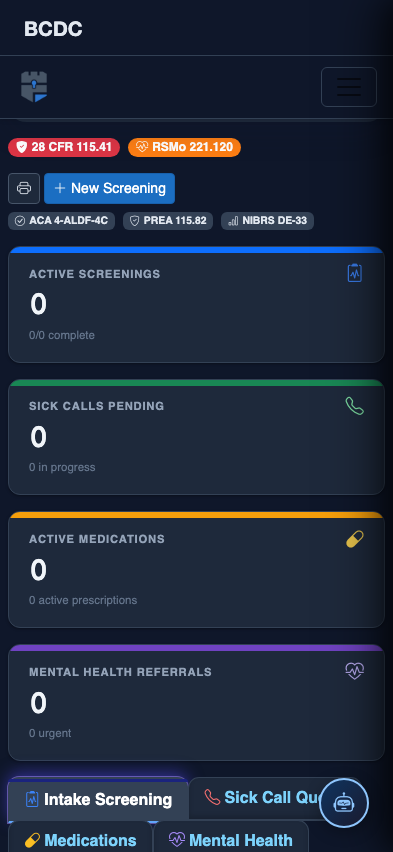
Scrolled / detail view