
Maintenance Schedules
The Maintenance Schedules tab enables correctional facilities to build and manage recurring preventive maintenance programs for every asset class — from vehicles and HVAC systems to electronic security equipment and armory weapons. Automated schedule generation eliminates the risk of missed service intervals, extends asset service life, and keeps facilities compliant with manufacturer warranty requirements and state inspection standards.
Recurring Schedule Builder
Define maintenance tasks by time interval (daily, weekly, monthly, annually) or by usage metric such as mileage or operating hours.
Automated Alerts
System-generated notifications alert maintenance supervisors when a scheduled service is approaching or overdue.
Checklist Templates
Attach standardized inspection checklists to each schedule so technicians follow a consistent, documented procedure every time.
Compliance History
Maintain a complete service history per asset, including technician signatures and checklist results, for audit and warranty purposes.
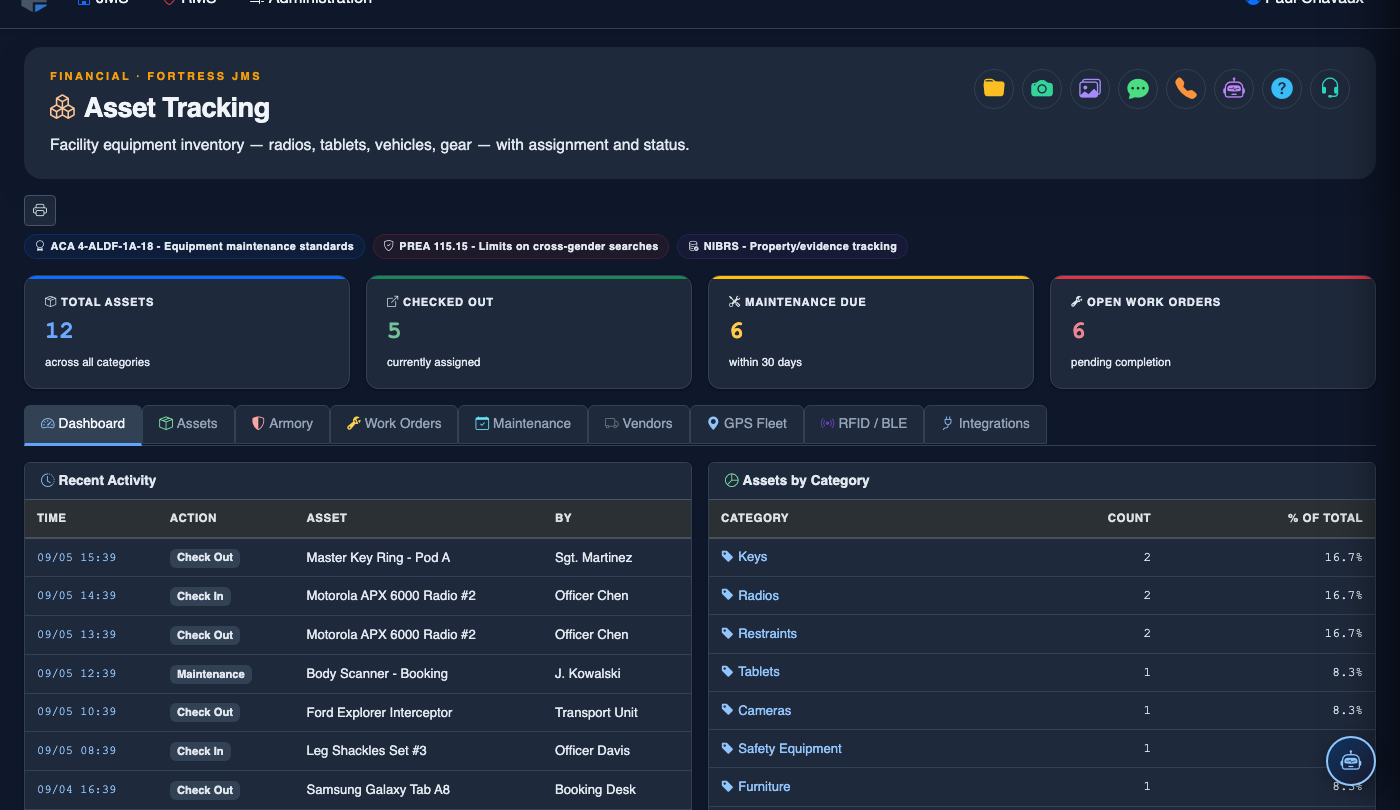
Step-by-Step: Maintenance Schedules
Access the Maintenance Schedules Tab
Go to Asset Tracking and click Maintenance Schedules. The calendar view shows all upcoming scheduled maintenance tasks color-coded by asset category. Switch to List View for a sortable table of all schedules.
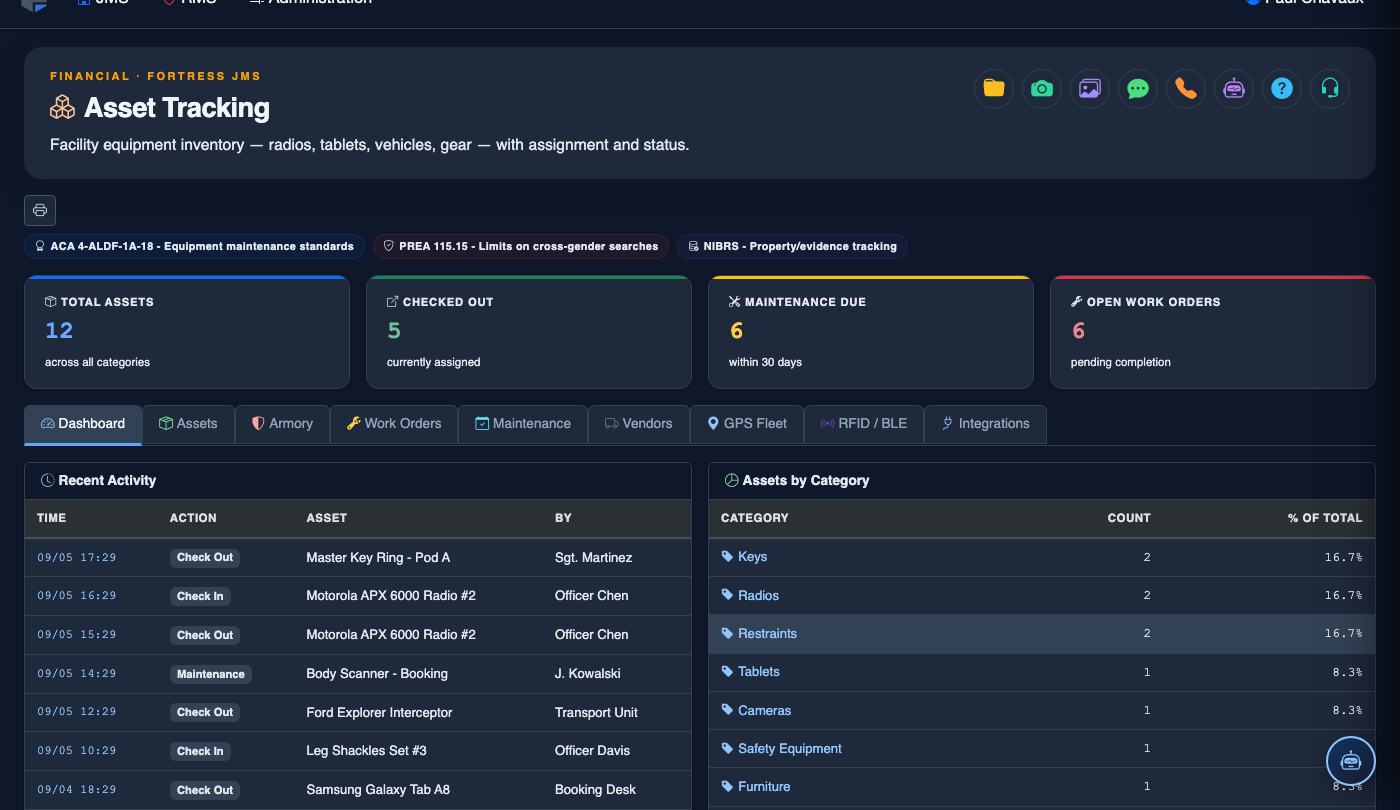
Create a New Maintenance Schedule
Click + New Schedule. Search for the target asset, then define the Maintenance Type (e.g., Oil Change, Annual Inspection, Filter Replacement). Set the recurrence pattern: choose Time-Based (every N days/weeks/months) or Usage-Based (every N miles or operating hours).
Attach a Checklist Template
In the Checklist section, select an existing template from the library or click Create New Template. Add inspection line items (e.g., Check tire pressure, Test emergency lights, Inspect brake pads). Templates can be reused across multiple assets of the same type.
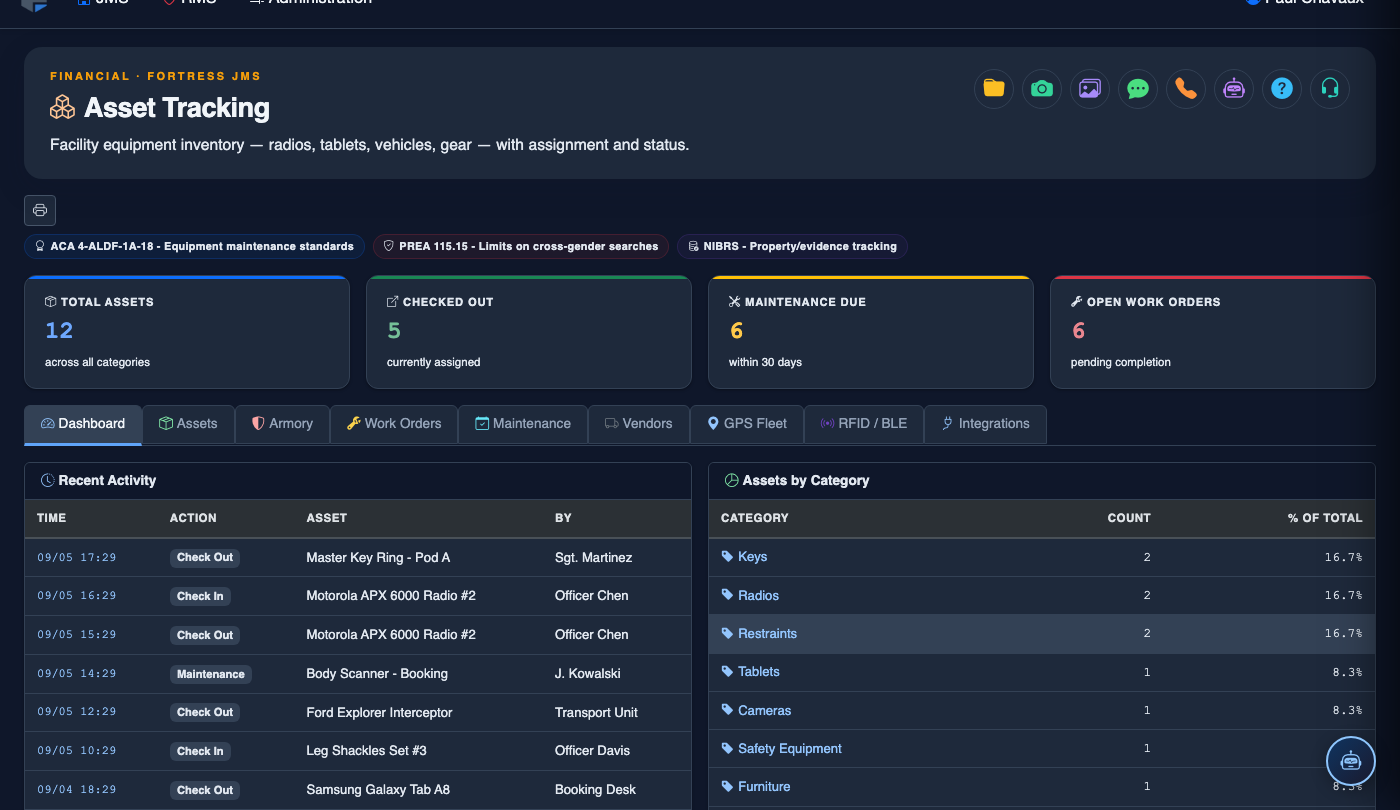
Configure Alert Thresholds
Set Advance Notice (e.g., notify 7 days before due) and an Overdue Escalation window (e.g., escalate to supervisor after 3 days past due). Designate alert recipients by role — maintenance staff receive the primary alert, supervisors receive escalation notices.
Complete and Document a Scheduled Service
When a scheduled task is due, the technician opens it and completes the attached checklist item by item, marking each Pass / Fail / N/A. Failed items automatically spawn a linked Work Order. The technician signs off electronically and the record is locked into the compliance history.
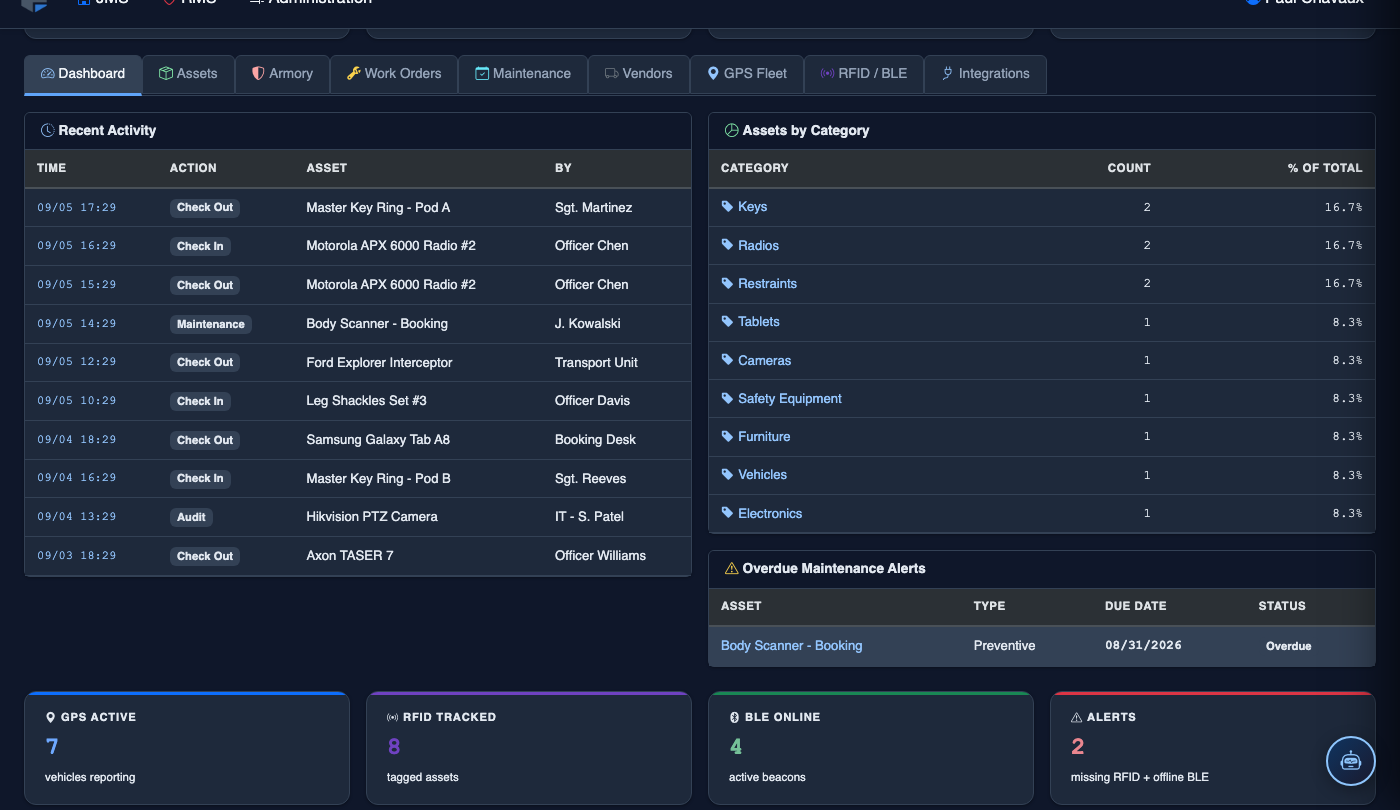
Review the Compliance History Report
Navigate to Reports > Maintenance Compliance. Filter by asset, date range, or maintenance type. The report displays on-time completion rate, overdue instances, and checklist failure patterns — valuable data for capital planning and state inspection preparation.
Bulk-Schedule by Asset Group
Use Bulk Schedule to apply the same maintenance program to an entire asset group at once (e.g., all transport vans). Select the asset group, choose a schedule template, stagger start dates if needed to distribute workload evenly, then click Apply to All.
💡 Pro Tips
- Use Usage-Based scheduling for transport vehicles — mileage-triggered oil changes are more accurate than calendar intervals and extend engine life in high-use fleets.
- Build checklist templates collaboratively with your maintenance staff before going live; their field experience ensures the templates catch real failure points rather than just box-checking.
- Tie your scheduled maintenance completion rate to department KPIs — facilities that maintain 95%+ on-time rates consistently perform better on state operational inspections.
Mobile View — Maintenance Schedules
FortressDMS is fully responsive. Officers can access the Maintenance Schedules on a phone or tablet directly from the field — no app install required.
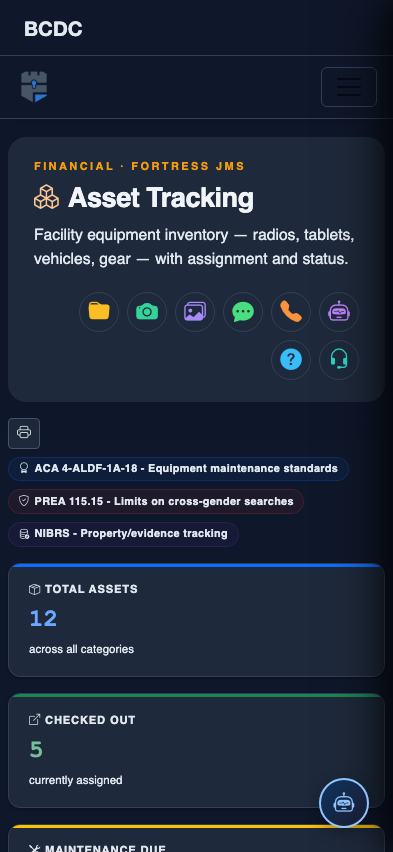
Tab view with data rows
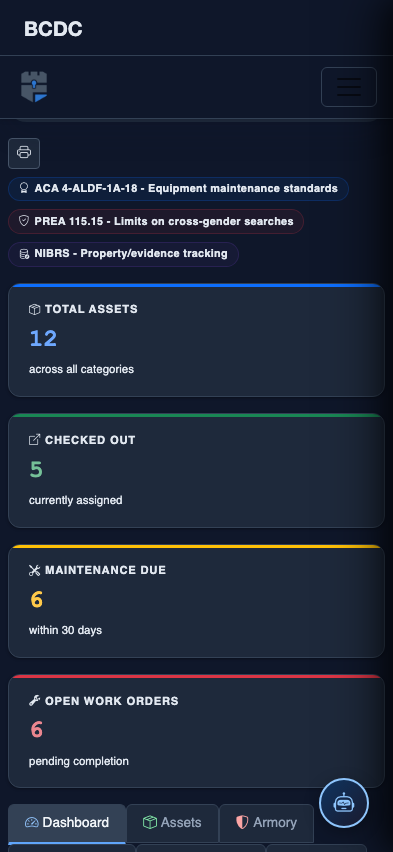
Scrolled / detail view