
Housing Contracts
The Housing Contracts tab provides a centralized repository for all intergovernmental housing agreements between your facility and external agencies. Store signed contract documents, track capacity commitments, monitor expiration dates, and ensure your billing rates always align with the terms of the current agreement. Contract compliance tracking helps administrators avoid inadvertent overbilling or capacity violations that can jeopardize agency relationships.
Document Storage
Attach signed PDF agreements directly to each agency record for instant retrieval during audits or disputes.
Capacity Management
Track the contracted maximum bed count per agency and compare against current occupancy to avoid over-housing.
Expiration Alerts
Automated alerts notify administrators at 60, 30, and 7 days before a contract expires to prompt timely renewal.
Rate History
Every rate change is recorded with an effective date so historical invoices always reflect the correct contractual rate.
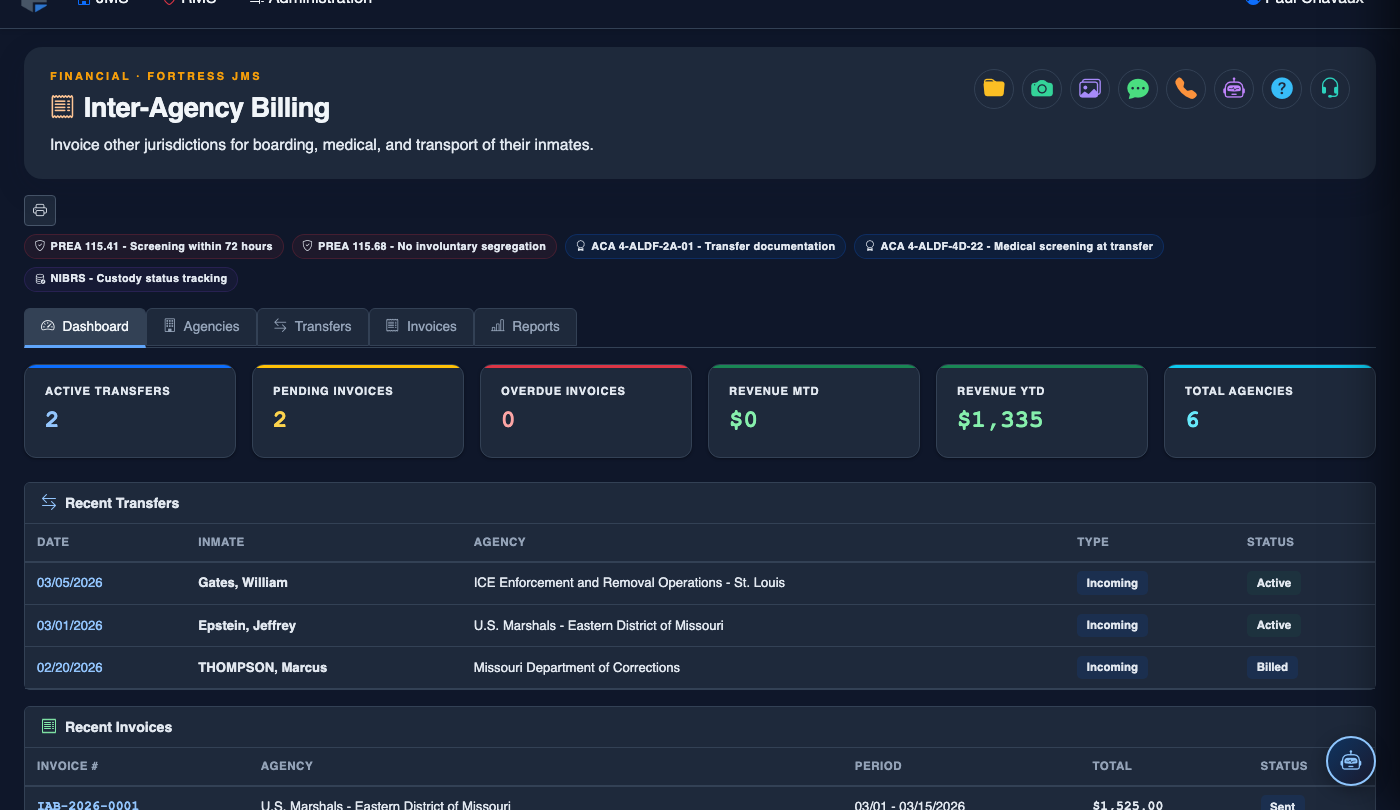
Step-by-Step: Managing Housing Contracts
Access the Housing Contracts Tab
In Inter-Agency Billing, click the Housing Contracts tab. The page lists all contracts sorted by expiration date, with color-coded status indicators: green for active, amber for expiring within 60 days, and red for expired or lapsed contracts.
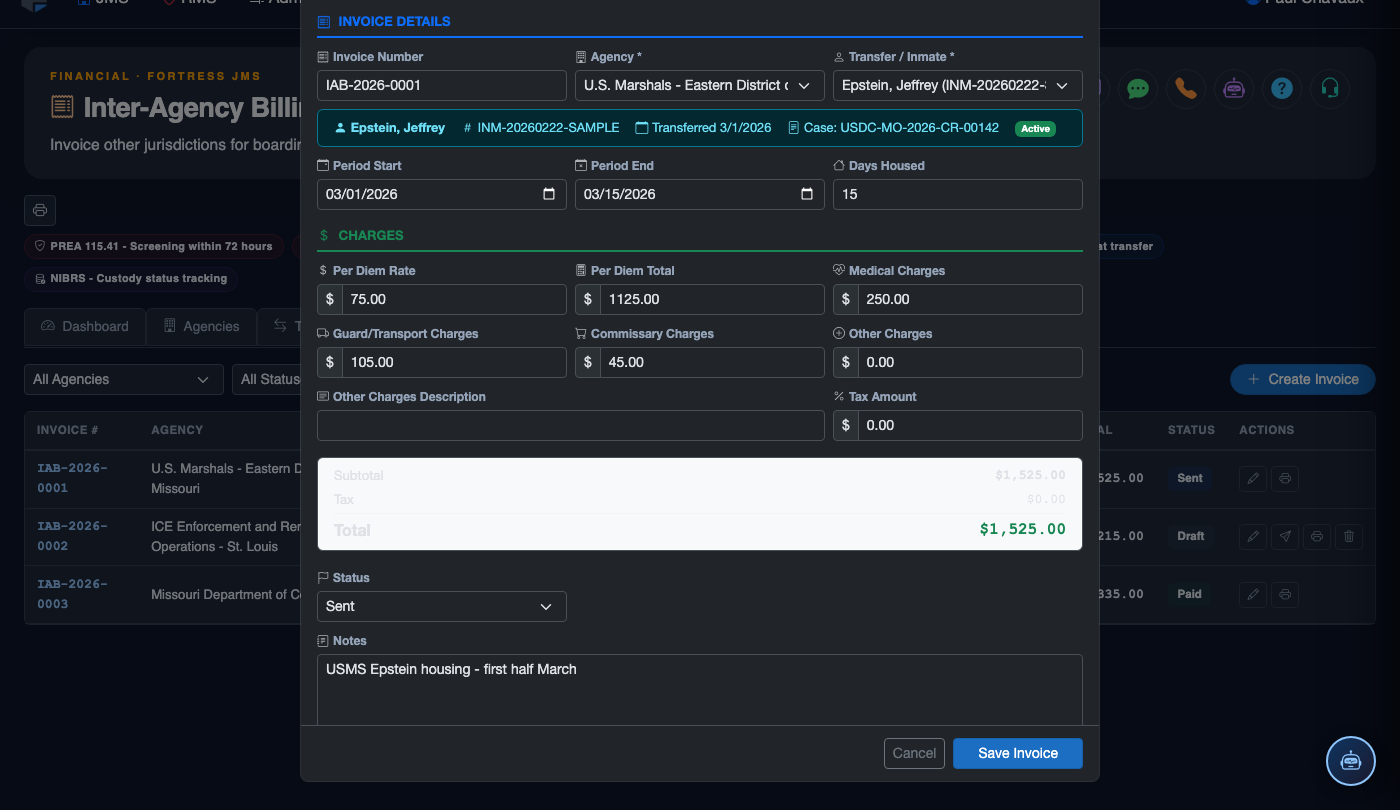
Add a New Contract
Click Add Contract and select the Agency the contract applies to. Enter the Contract Title, Contract Number (as assigned by your county or the agency), Start Date, and Expiration Date. The contract number will appear on all invoices for traceability.
Set Bed Capacity and Rate Terms
Enter the Maximum Contracted Beds for this agreement. This value drives the capacity utilization report, which alerts staff when current occupancy for that agency approaches the contracted ceiling. Confirm or update the per-diem rate that this contract authorizes — a rate discrepancy between the contract record and the billing setup will flag a warning.
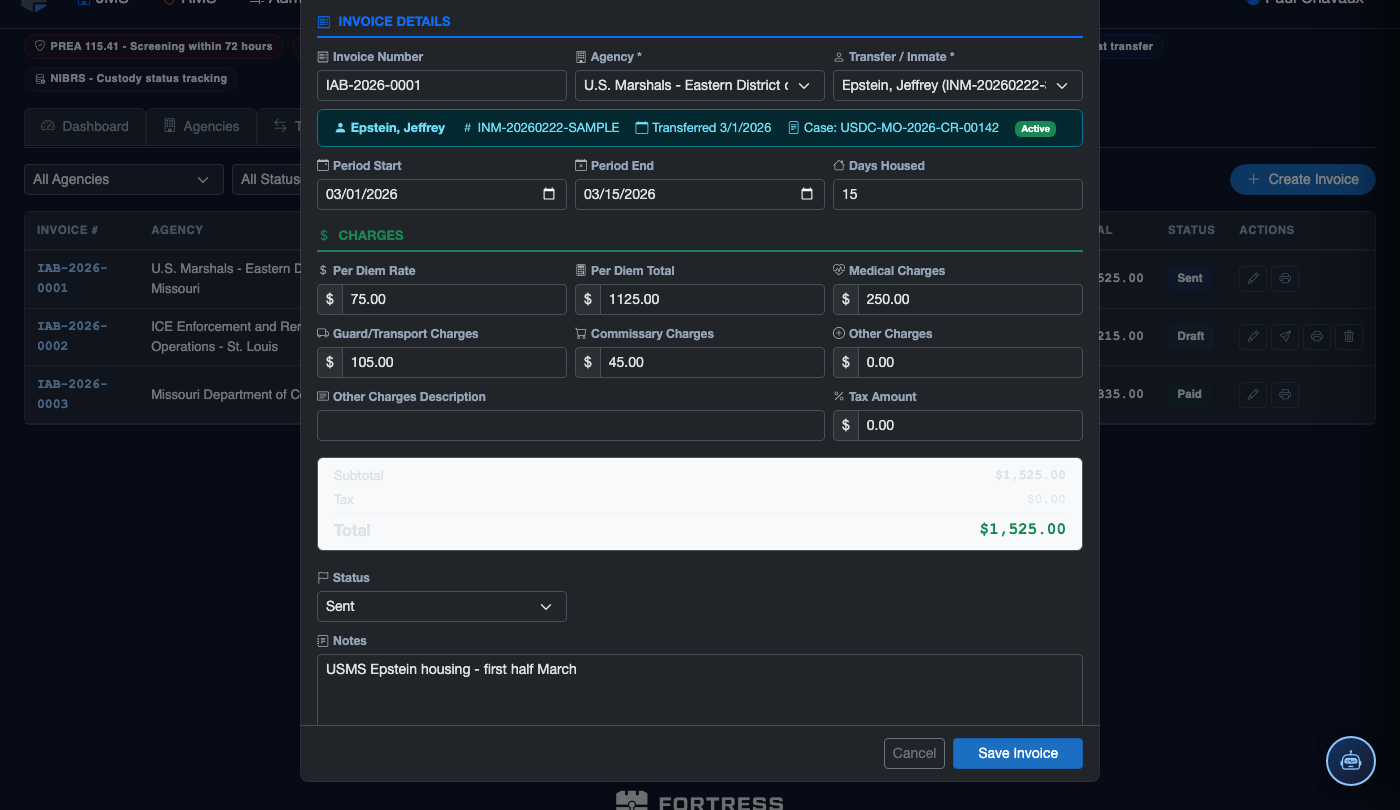
Upload the Signed Agreement
Use the Attach Document button to upload a scanned PDF of the fully executed intergovernmental agreement. Multiple documents can be attached (original agreement plus amendments). Attached documents are stored securely and accessible only to users with Fiscal Officer or Administrator roles.
Configure Renewal Alerts
In the Alert Settings section, specify the Alert Email Recipients and which advance-notice thresholds to use (60-day, 30-day, 7-day options). The system sends automated email reminders to your administrator and the agency’s billing contact as the expiration date approaches.
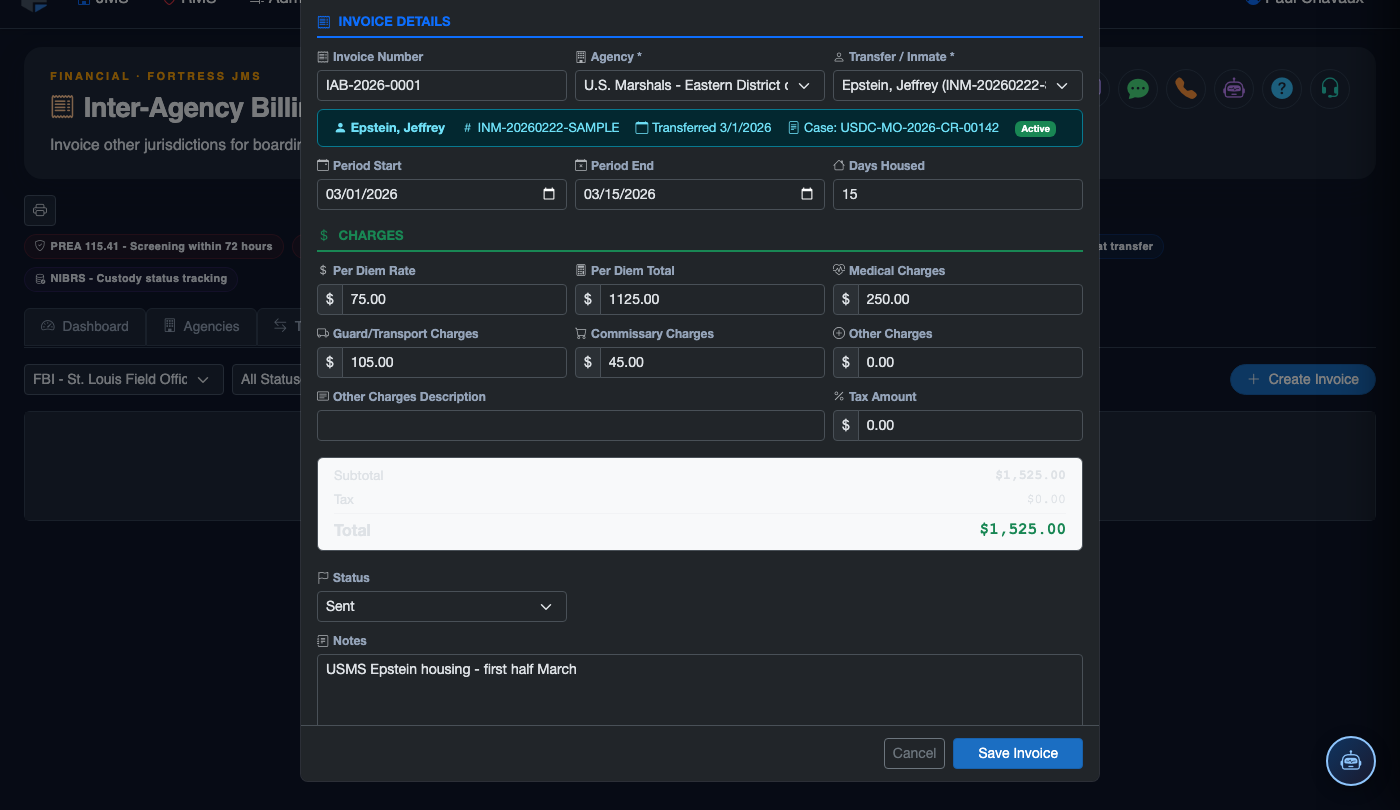
Renew or Amend an Existing Contract
Click Edit on a contract to update the Expiration Date and upload the renewal amendment. If rates changed at renewal, update them in Billing Setup with the new effective date simultaneously. Attaching the amendment document to the contract record maintains a complete document chain for auditors.
Monitor Capacity Utilization
The Capacity Utilization column on the contracts list shows current occupancy as a percentage of the contracted maximum. Hover over the percentage bar to see the exact inmate count. When utilization exceeds 90%, the system displays an amber warning to prompt coordination with the contracting agency before over-housing occurs.
💡 Pro Tips
- Treat the contract number field as mandatory — it serves as the legal reference on every invoice and makes disputes far easier to resolve with the agency’s accounts payable team.
- Upload amendments as separate attachments rather than replacing the original document — preserving the original signed agreement is important if a billing dispute escalates to a legal review.
- Keep the capacity ceiling 5-10% below your physical maximum so you have buffer room during temporary population spikes without breaching the contract.
- Coordinate contract renewal and rate updates on the same day to ensure billing setup and contract terms stay in sync from the effective date forward.
Mobile View — Housing Contracts
FortressDMS is fully responsive. Officers can access the Housing Contracts on a phone or tablet directly from the field — no app install required.
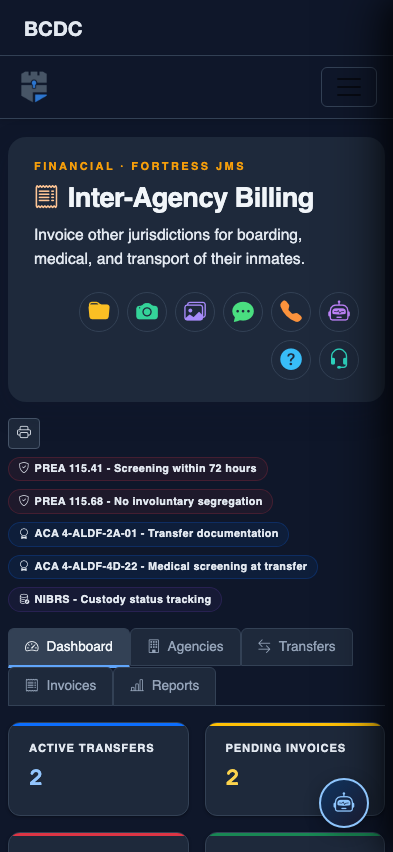
Tab view with data rows
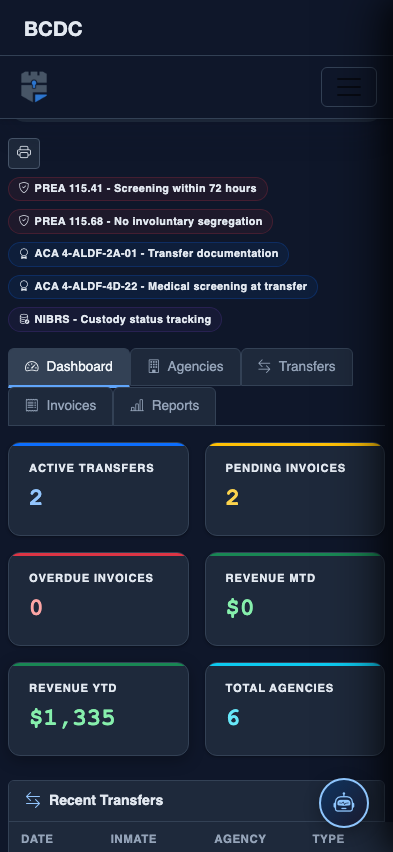
Scrolled / detail view