
Chronic Care Management
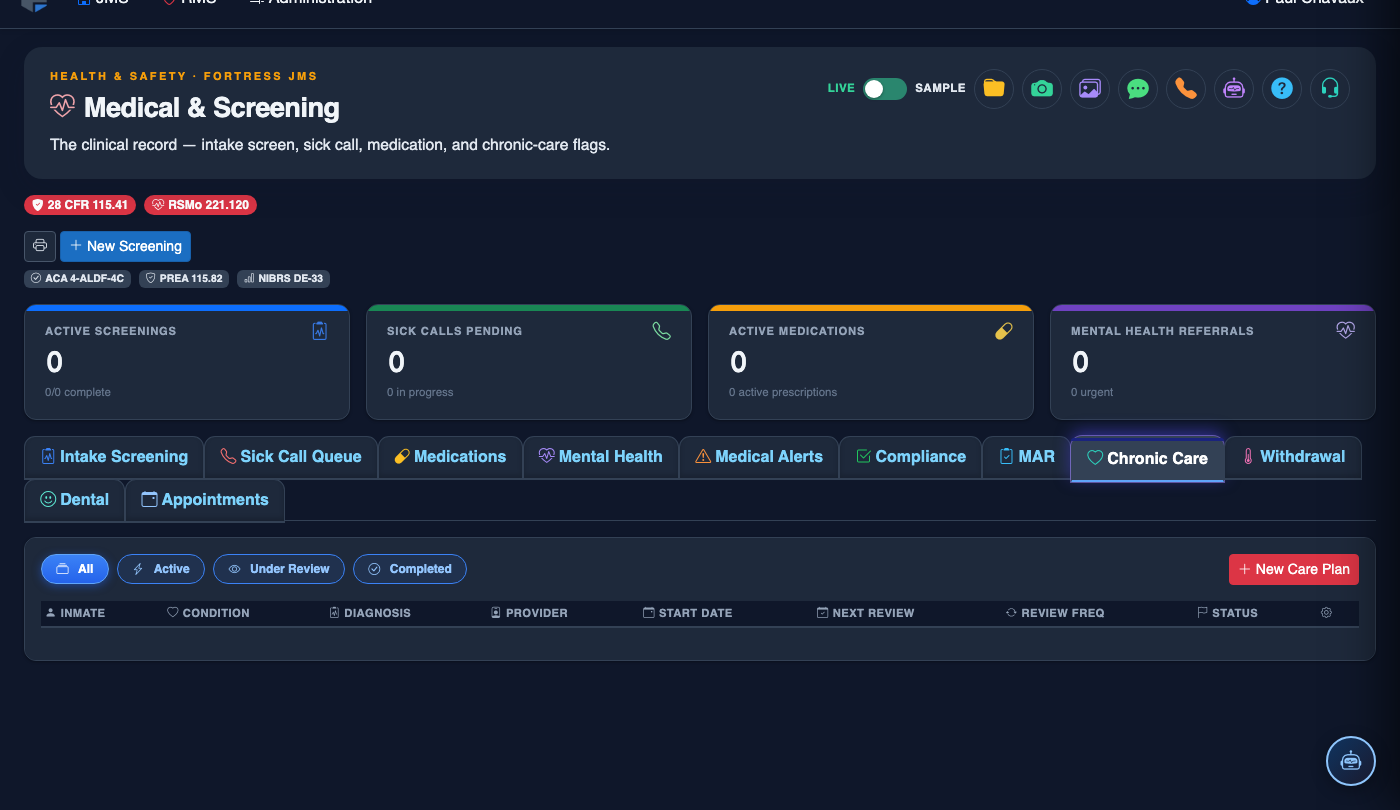
The Chronic Care Management tab supports the ongoing medical management of inmates with long-term health conditions such as diabetes, hypertension, HIV, hepatitis C, asthma, and cardiac disease. It tracks scheduled chronic care clinic visits, labs, diagnostic results, and clinical outcomes — ensuring your facility meets NCCHC chronic care program standards and provides constitutionally adequate ongoing medical treatment.
Chronic Condition Registry
Maintains a facility-wide registry of all inmates enrolled in chronic care programs with active condition tracking.
Clinic Visit Scheduling
Automated scheduling ensures chronic care clinic visits occur at required intervals (90-day, 6-month) based on condition protocols.
Lab & Diagnostic Tracking
Links lab orders, results, and diagnostic imaging records directly to each chronic care encounter for longitudinal trend analysis.
Outcome Monitoring
Tracks key clinical indicators (HbA1c, blood pressure, viral load) over time to demonstrate treatment effectiveness.
Step-by-Step: Managing Chronic Care Programs
Enroll an Inmate in a Chronic Care Program
From the inmate’s medical record, click the Chronic Care Management tab (Tab 8). Click Enroll in Program, select the Chronic Condition (e.g., Diabetes Type 2, Hypertension, HIV/AIDS, Hepatitis C), and choose the Care Protocol. The system automatically generates a clinic visit schedule based on the selected protocol’s required visit intervals.
Schedule and Conduct Clinic Visits
The system auto-schedules the next clinic visit when each encounter is documented. To book a visit, click the upcoming visit entry and confirm the Date/Time and Provider. During the encounter, click Document Visit to open the structured chronic care encounter form with condition-specific assessment fields.
Order and Link Lab Work
From within the chronic care encounter, click Order Labs to select required diagnostic tests. Lab orders are transmitted electronically to the contracted laboratory. When results return, they are automatically linked to the originating encounter and flagged for provider review. Out-of-range results generate an automatic Critical Lab Alert.
Track Clinical Outcome Indicators
The Outcome Trends panel displays longitudinal graphs of key clinical indicators specific to the enrolled condition — HbA1c for diabetes, systolic/diastolic for hypertension, viral load and CD4 count for HIV. Trends help providers adjust treatment plans and demonstrate measurable patient outcomes.
Manage Missed Clinic Visits
If an inmate misses a scheduled chronic care visit (e.g., due to court transport or refusal), click Mark as Missed and document the reason. The system flags the overdue visit in the Compliance Tracking tab and escalates to the Medical Supervisor if the visit is not rescheduled within 72 hours.
Generate Chronic Care Program Report
At the module level, administrators can run the Chronic Care Program Report to see all enrolled inmates, visit compliance rates by condition, and any inmates with overdue encounters. This report maps directly to NCCHC Standard J-G-02 chronic care program requirements.
Coordinate Release Planning for Chronic Conditions
Before an inmate with a chronic condition is released, the Release Transition Plan tool generates a community referral summary including active medications, recent lab results, upcoming care needs, and recommended community providers. This document supports reentry health continuity and reduces emergency room recidivism.
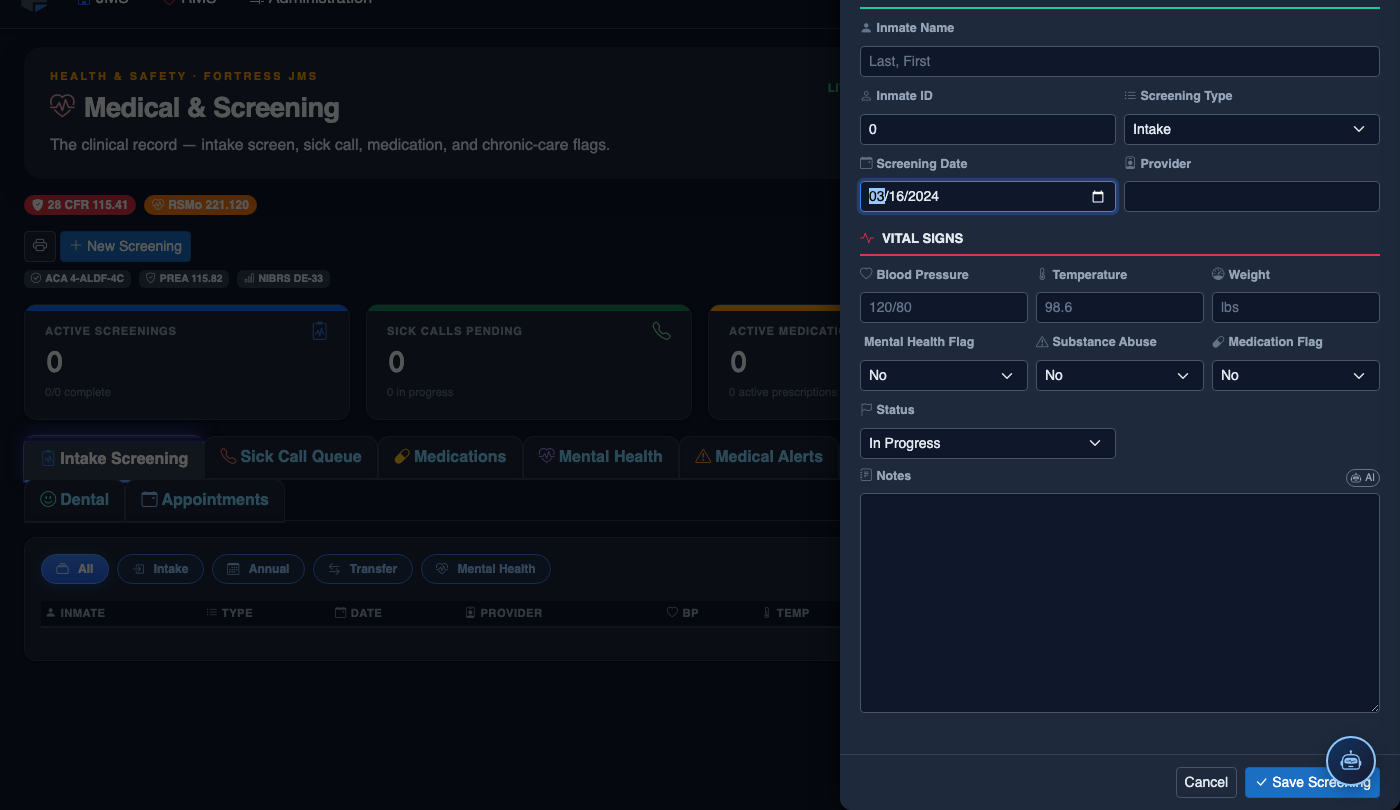
Create a New Medical Record
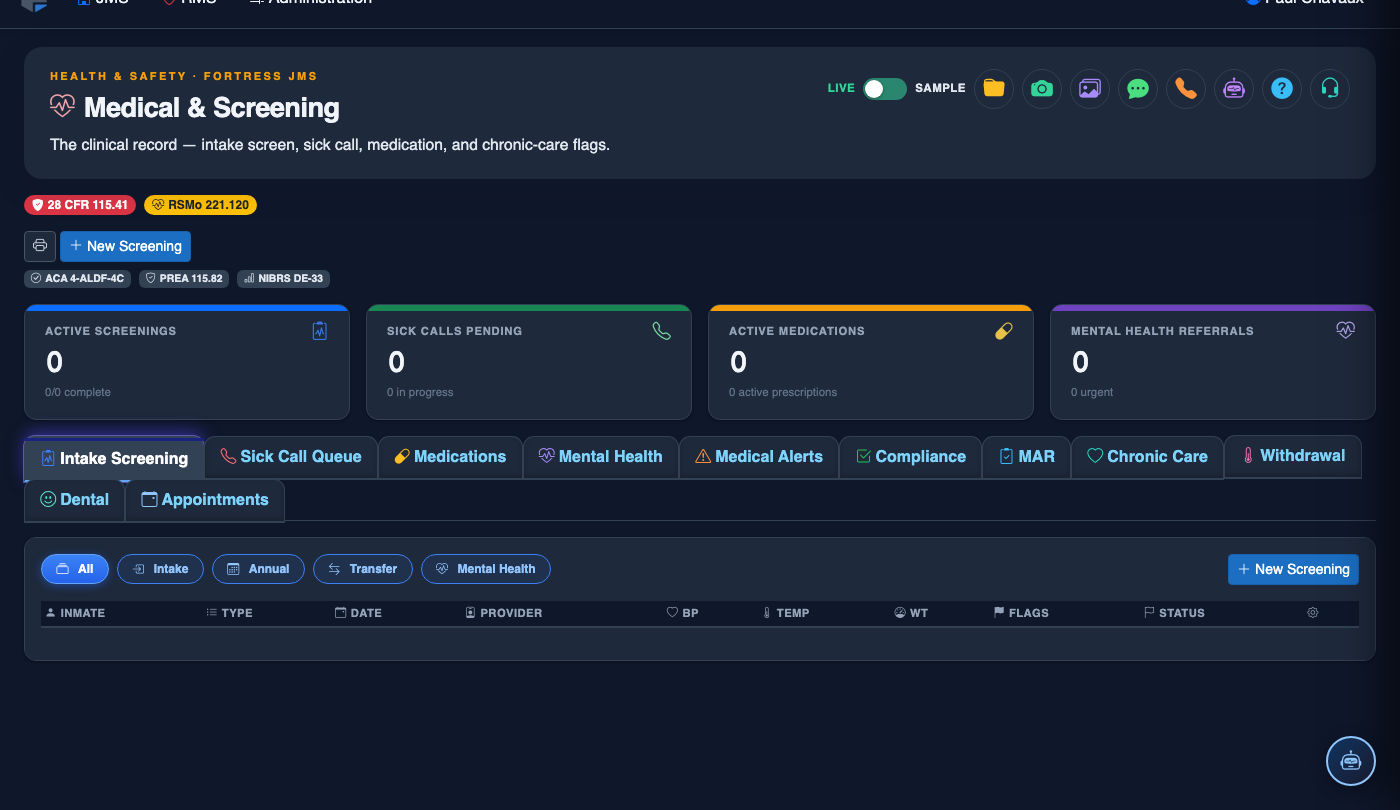
Click New Screening in the module toolbar. Complete the medical form:
- Inmate — search by name or booking number.
- Visit Type — Intake Screening, Sick Call, Scheduled Follow-Up, or Emergency.
- Priority — Routine, Urgent, or Emergent; Emergent pages on-call provider immediately.
- Chief Complaint / Findings — document symptoms, vitals, and objective observations.
- Provider — assign the clinician or nurse conducting the visit.
- Disposition — Treat and Return, Infirmary Admission, Hospital Transfer, or No Action.
- Add any Prescriptions, Follow-Up Date, or Restrictions.
- Click Save Record. Alerts fire automatically if vital signs are out of range.
💡 Pro Tips
- Enable the Missed Visit Escalation setting to automatically notify the Medical Director when any chronic care inmate goes more than 7 days past a scheduled visit — this is your primary protection against deliberate indifference claims in federal court.
- Use the Outcome Trends graphs in accreditation surveys to demonstrate that your chronic care program is not just scheduling visits, but actually achieving measurable health improvements.
- The chronic care registry automatically updates when an inmate is transferred to another housing unit — medical staff at the receiving unit are notified of all active chronic care enrollments within 15 minutes of the housing move.
Mobile View — Chronic Care Management
FortressDMS is fully responsive. Officers can access the Chronic Care Management on a phone or tablet directly from the field — no app install required.
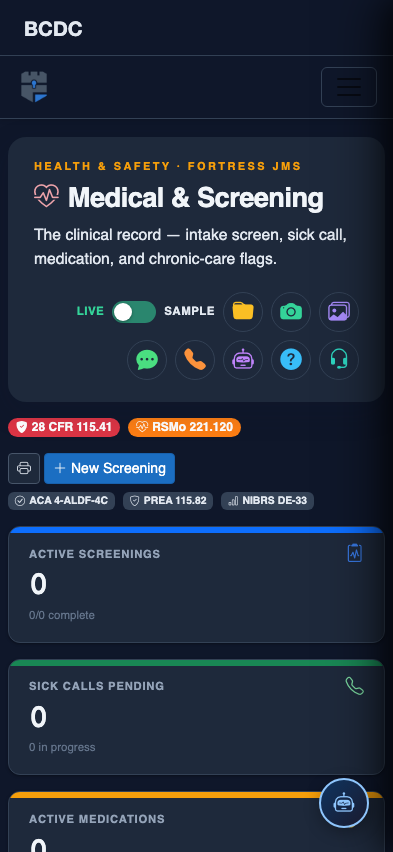
Tab view with data rows
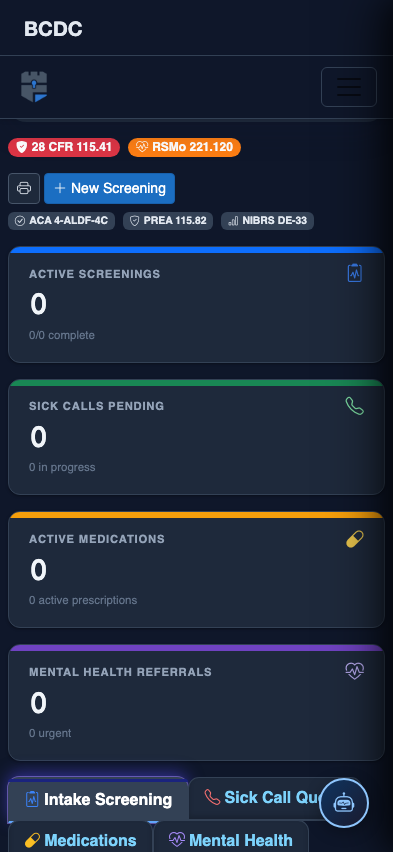
Scrolled / detail view