
Legal Holds
The Legal Holds tab provides a centralized registry for all court-ordered holds that prevent inmate release — including federal detainers, immigration holds, out-of-county warrants, and judicial no-release orders — ensuring that no inmate is inadvertently released while an active hold is in force. Booking staff, shift supervisors, and records officers rely on Legal Holds to maintain compliance with court orders, track hold expiration dates, and receive automated alerts when holds are nearing expiry or require verification. An unmanaged legal hold can result in wrongful release liability; this tab eliminates that risk.
Hold Registry
Maintain a complete, searchable registry of all active and expired holds across the facility population with hold type, issuing authority, and expiration status.
Expiration Tracking & Alerts
Automated alerts notify supervisors when holds are expiring within 48 hours, preventing unintended release and ensuring timely renewal requests.
Multi-Agency Hold Support
Track holds from federal courts, ICE, state agencies, and out-of-county courts simultaneously, each with their own issuing authority and contact information.
Release Block Integration
Active holds automatically block release processing in the booking module, preventing any officer from completing a release while a hold is in force.
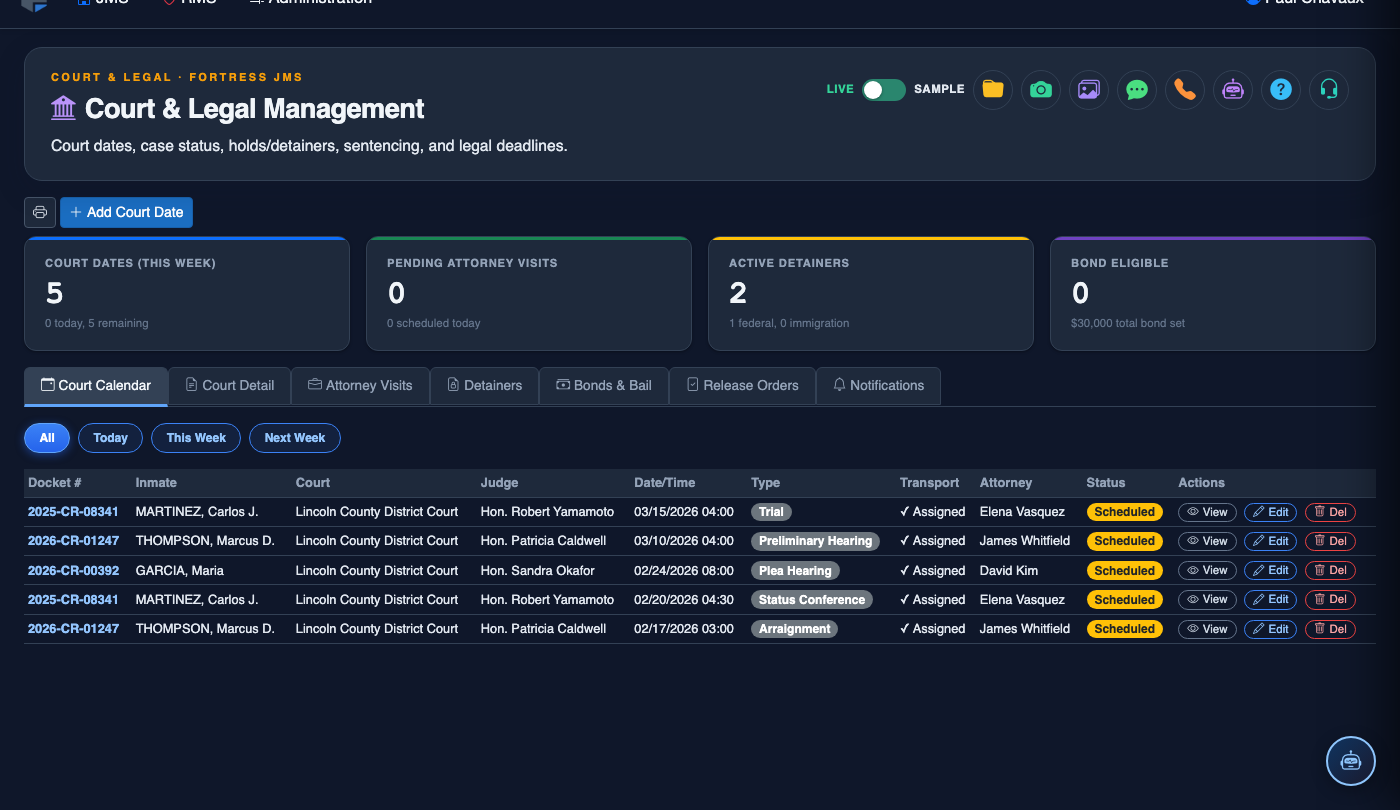
Step-by-Step: Managing Legal Holds
Open the Legal Holds Tab
Go to Court & Legal and select the Legal Holds tab. The page displays a sortable grid of all active holds with columns for Inmate Name, Booking Number, Hold Type, Issuing Authority, Issue Date, Expiration Date, and Status (Active, Expiring Soon, Expired, Released).
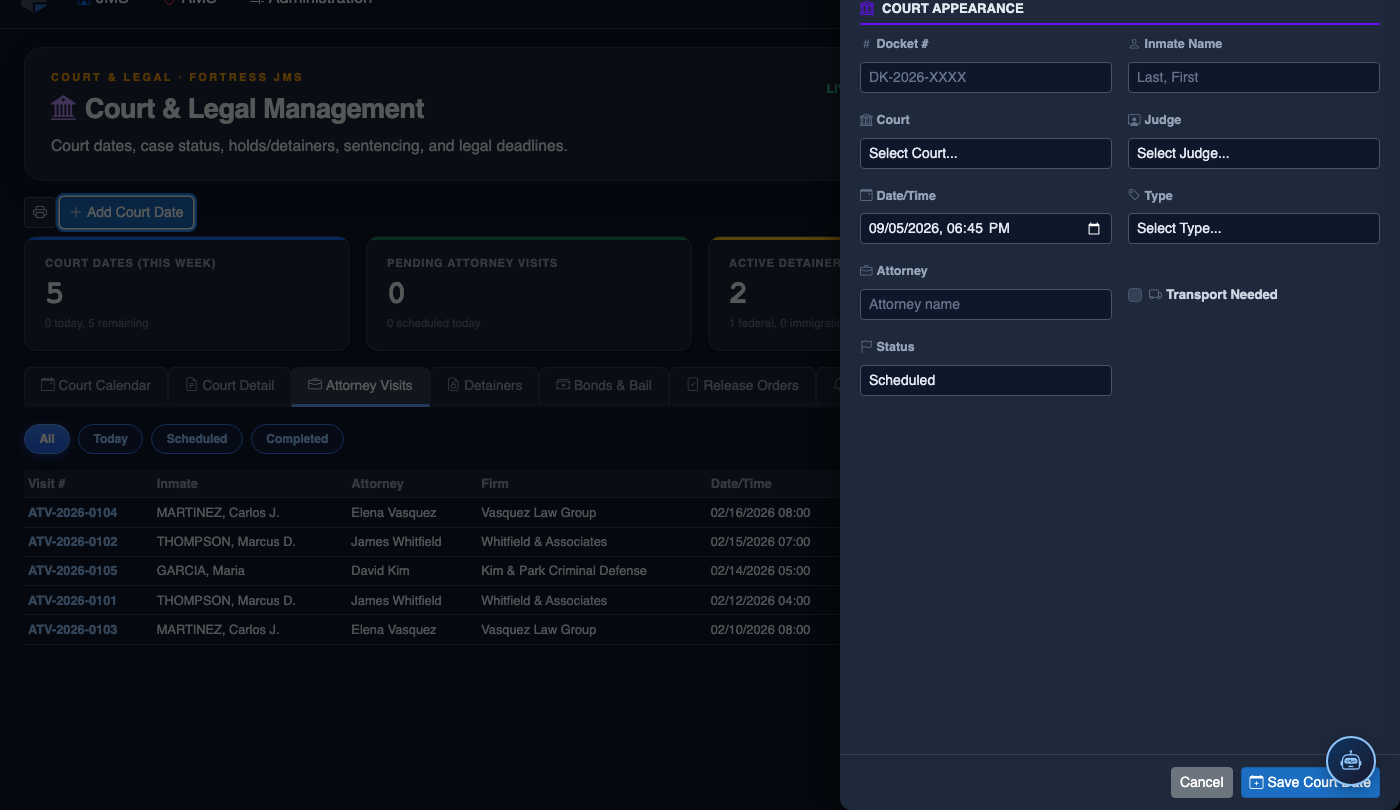
Place a New Legal Hold
Click Add Hold. Search for the inmate by name or booking number. Select the Hold Type: options include Federal Court Detainer, ICE Immigration Hold, Out-of-County Warrant, Judicial No-Release Order, Probation/Parole Hold, or Interstate Compact Hold. Enter the Issuing Authority, Case Number, Issue Date, and Expiration Date (leave blank for indefinite holds).
Attach Supporting Documentation
Upload the court order, detainer form, or warrant document using the Attach Document button on the hold record. Supported formats include PDF and scanned images. Attached documents are permanently linked to the hold record and accessible during audits or litigation without searching physical files.
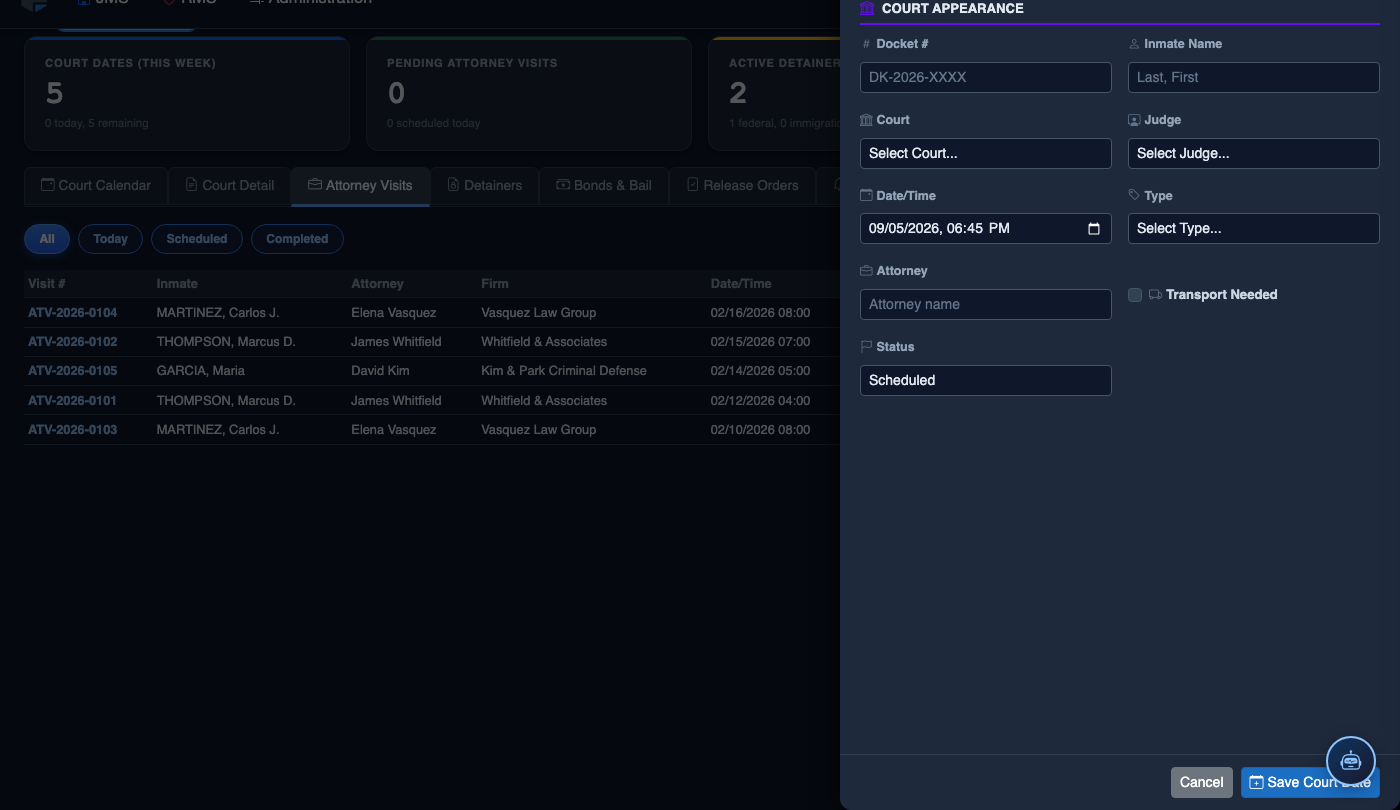
Review and Act on Expiring Holds
The system flags holds expiring within 48 hours in amber and 24 hours in red on the Legal Holds grid. For each expiring hold, contact the issuing authority to determine whether the hold should be renewed, lifted, or converted to a new order. Use the Extend Hold action to update the expiration date once confirmation is received.
Lift a Legal Hold
When a hold is officially released by the issuing authority, open the hold record and click Lift Hold. Enter the Release Date, the Authorizing Official, and upload any release order documentation. Lifted holds are marked Inactive but retained in the inmate’s permanent legal record — they are never deleted.
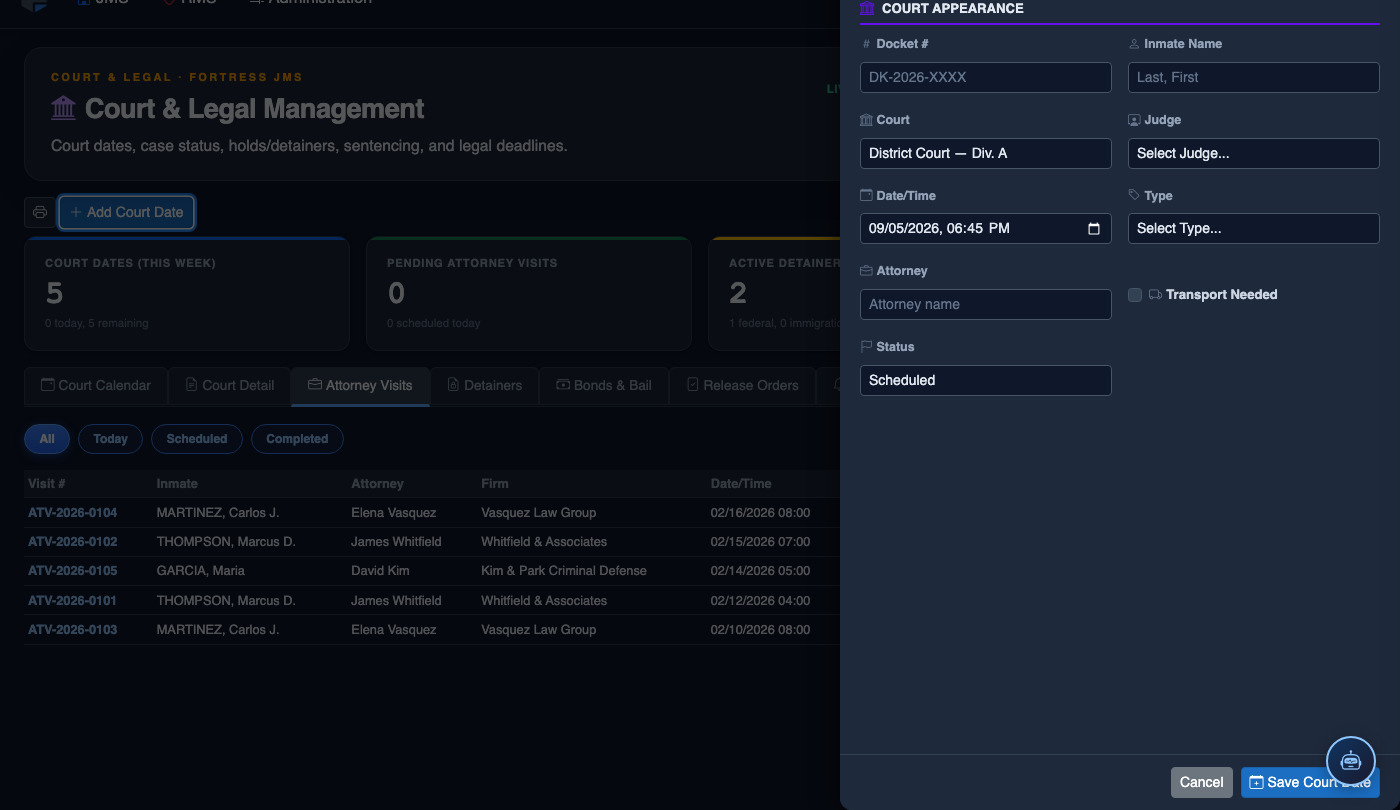
Verify All Holds Before Processing Release
Before completing any inmate release in the Booking module, the system automatically checks for active legal holds and blocks the release workflow if any are found. Booking staff will see a Legal Hold Alert with the hold details and the issuing authority’s contact information to resolve the conflict before release can proceed.
Generate Active Holds Report
Use the Export function to generate a PDF or CSV report of all currently active holds in the facility. This report is required for shift briefings, accreditation inspections, and inter-agency coordination with federal or state partners who need verification of an inmate’s hold status.
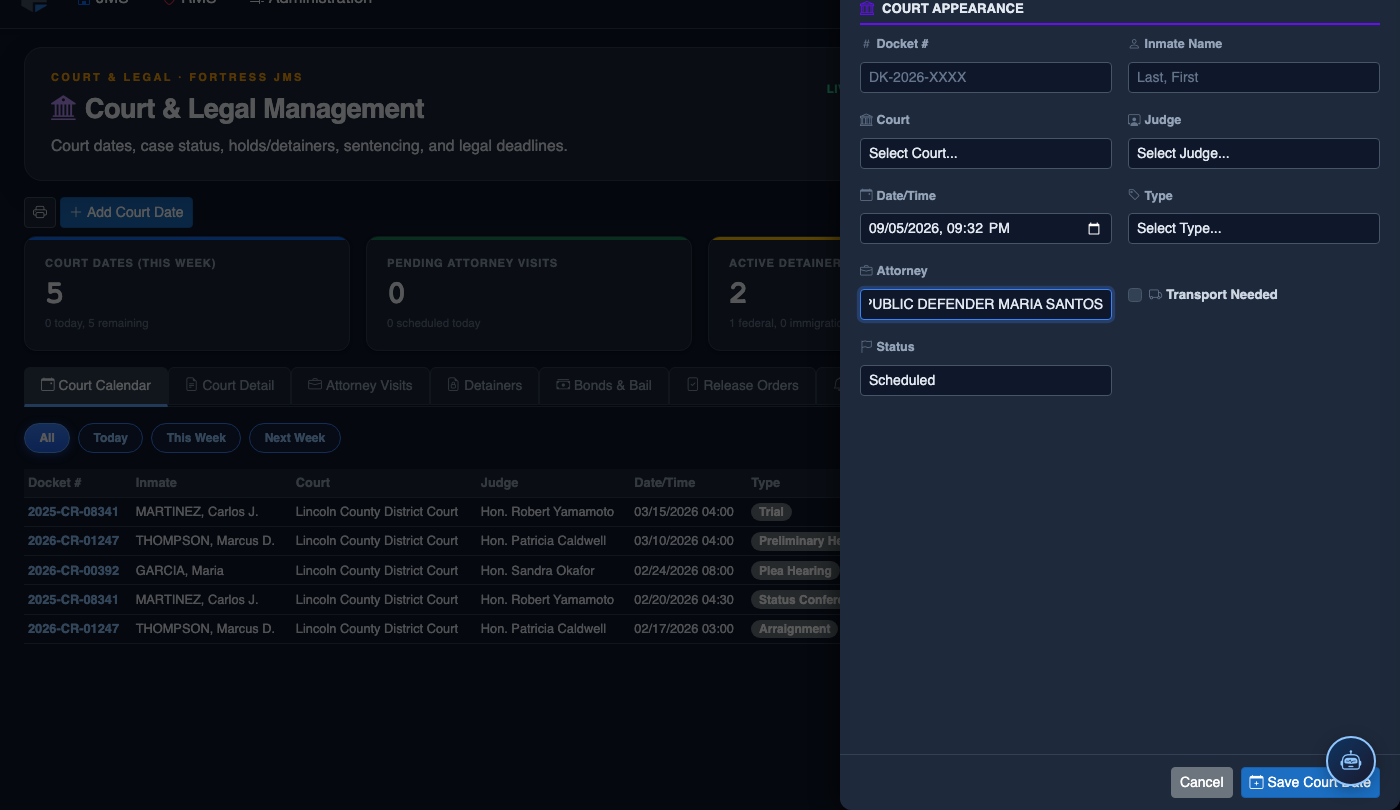
Schedule a New Court Date
Click Add Court Date. Complete the court scheduling form:
- Inmate — search by name or booking number.
- Court — select the court and division from the directory.
- Hearing Type — Arraignment, Pre-Trial, Sentencing, Hearing, or Probation Violation.
- Case Number — enter the docket number for tracking.
- Date and Time — the exact court appearance date/time.
- Transport Required — toggle on to add the inmate to the transport queue; select escort type.
- Attorney — record assigned counsel for court coordination.
- Click Save Court Date. Transport is scheduled and the court docket updates automatically.
💡 Pro Tips
- ICE detainers often have a 48-hour notification requirement after bond eligibility — set the expiration alert to 72 hours for federal immigration holds to ensure you have time to notify the agency before the window closes.
- Indefinite holds (no expiration date) should be audited quarterly — contact the issuing authority to confirm the hold is still valid, as courts sometimes withdraw holds without notifying the holding facility.
- Train all booking staff on the Legal Hold Alert workflow: a blocked release is not a system error — it is the system working correctly. Always resolve holds through proper channels, never by bypassing the block.
Mobile View — Legal Holds
FortressDMS is fully responsive. Officers can access the Legal Holds on a phone or tablet directly from the field — no app install required.
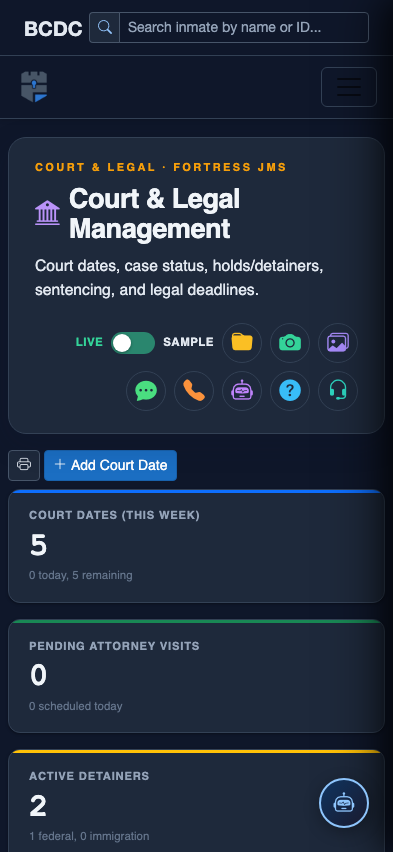
Tab view with data rows
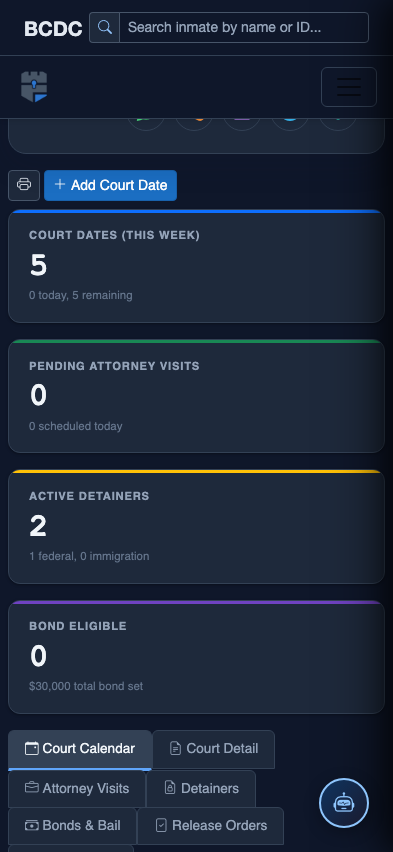
Scrolled / detail view