
Call Analytics
The Call Analytics tab delivers real-time and historical telephony metrics across your entire facility, giving administrators actionable insight into inmate calling patterns, peak usage periods, and policy compliance. Drill down by housing unit, classification level, or individual inmate to identify anomalies, support investigations, and optimize communication resource allocation.
Usage Dashboards
At-a-glance charts showing call volume by hour, day, and week across all housing units and extensions.
Pattern Detection
Automated flagging of unusual calling patterns including after-hours spikes, contact frequency anomalies, and blocked-number attempts.
Compliance Reporting
Generate ready-to-export reports for court orders, discovery requests, and internal policy audits with one click.
Peak Usage Analysis
Identify high-demand call windows to better schedule officer supervision and prevent communication device congestion.
Step-by-Step: Reviewing Call Analytics
Open the Call Analytics Tab
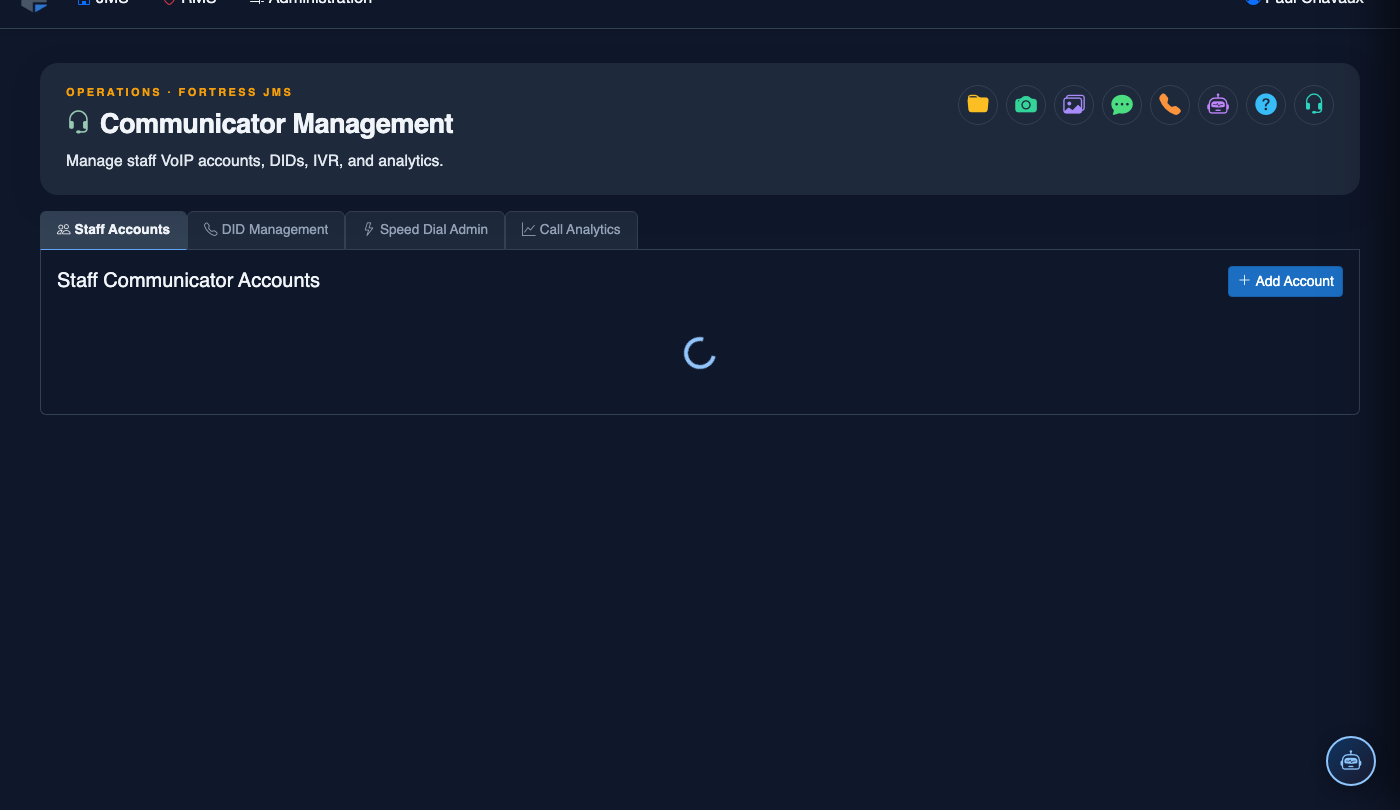
Navigate to Inmate Communicator → Communicator Management and click the Call Analytics tab. The dashboard loads with the current week’s summary automatically.
Set Your Date Range and Filters
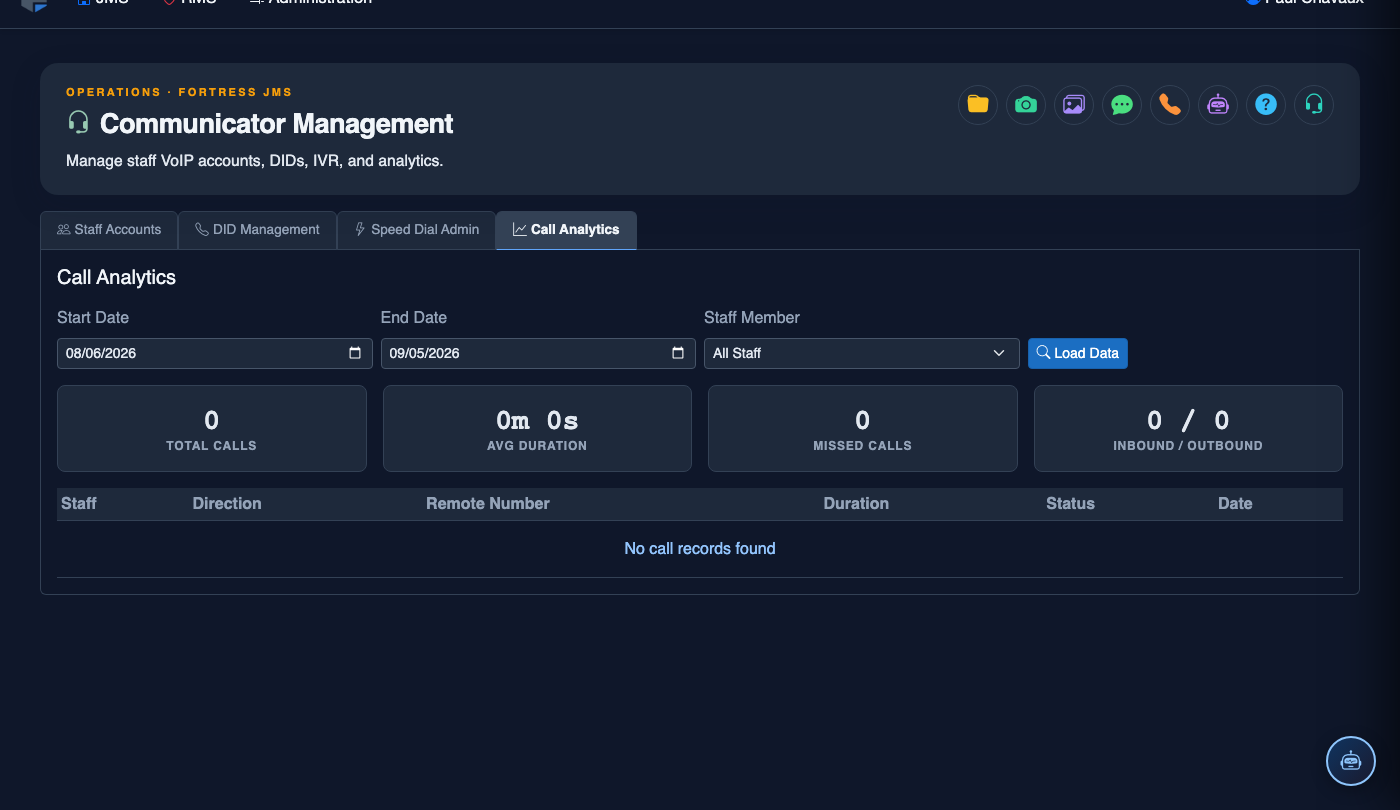
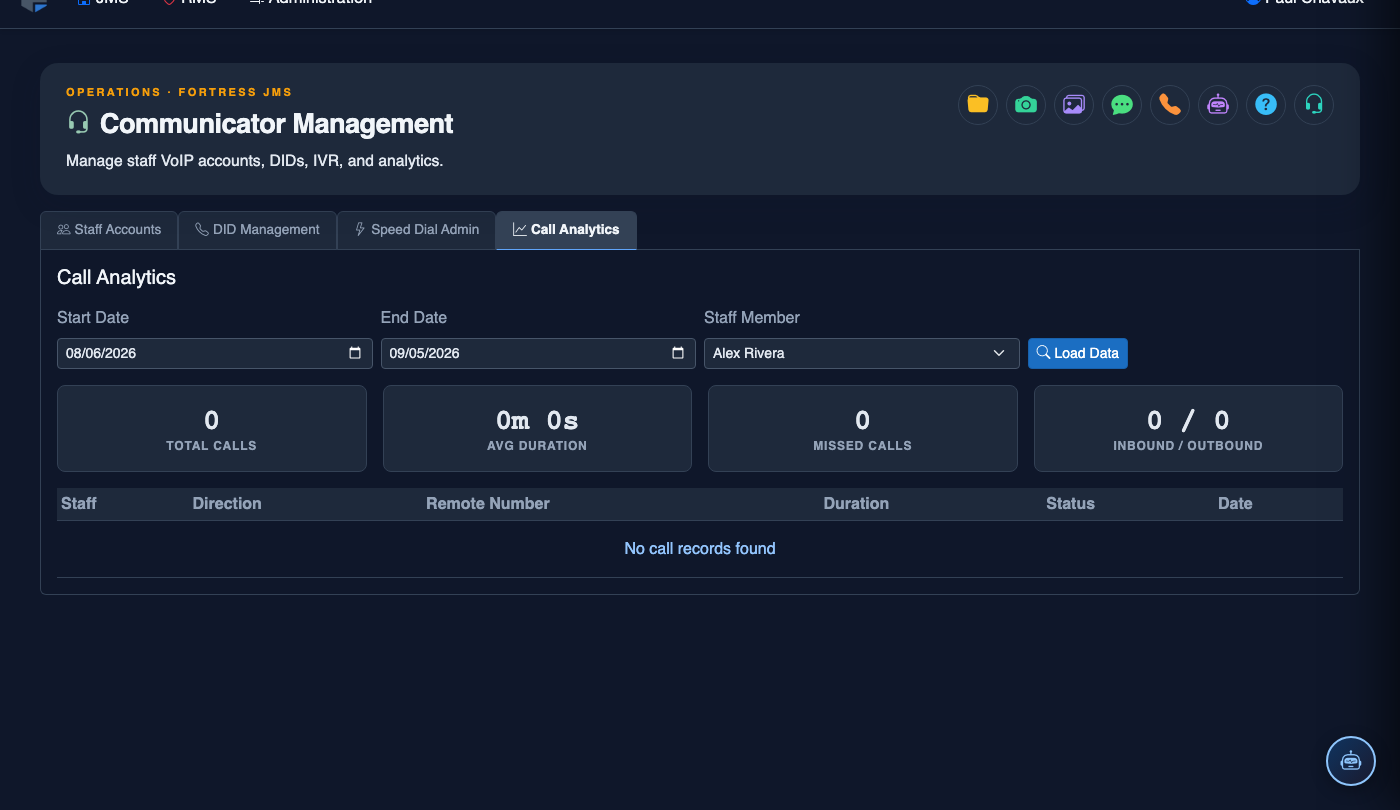
Use the Date Range Picker to select a custom period. Apply filters using the Housing Unit, Classification, and Inmate dropdowns to narrow the dataset to your investigation scope.
Review Volume Charts
The Call Volume by Hour bar chart highlights peak activity periods. Hover over any bar to see the exact call count, total duration, and number of unique inmates active during that hour.
Drill Into Anomaly Flags
Any rows highlighted in amber indicate system-detected anomalies. Click an anomaly row to expand the detail panel showing the flagged contact, call frequency, and the policy rule that was triggered.
Export Data for Investigations
Click Export at the top-right of any table or chart. Choose CSV for spreadsheet analysis or PDF for court-ready documentation. All exports are timestamped and watermarked with the exporting officer’s credentials.
Schedule Recurring Reports
Click + Schedule Report to configure automated weekly or monthly analytics summaries delivered to designated staff email addresses. Set the Recipient Group, Report Format, and Delivery Day.
Save Custom Dashboard Views
After configuring your preferred filters and chart layout, click Save View and name the configuration. Saved views appear in the My Dashboards sidebar for instant recall during future sessions.
💡 Pro Tips
- Enable the Anomaly Alerts notification to receive immediate email or SMS when the system detects a statistical outlier in an inmate’s calling pattern — critical for active investigations.
- Cross-reference call analytics with commissary purchase data and visitation logs to build a comprehensive behavioral picture during classification reviews.
- Export a baseline report at the start of each quarter to establish normal calling patterns; deviations become much easier to identify with a documented baseline on file.
Mobile View — Call Analytics
FortressDMS is fully responsive. Officers can access the Call Analytics on a phone or tablet directly from the field — no app install required.
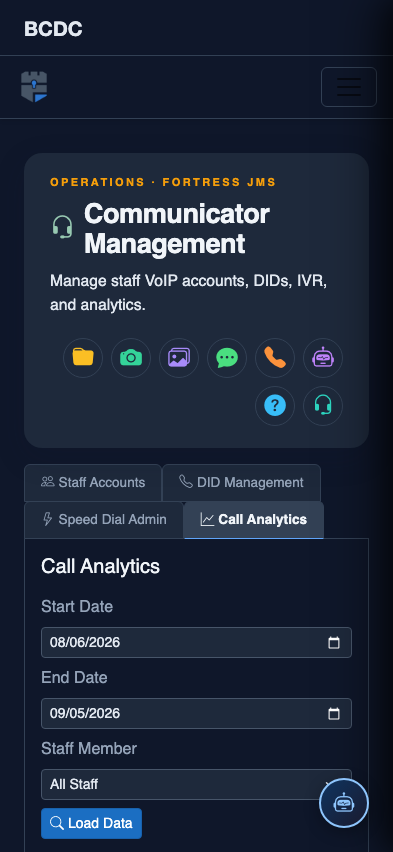
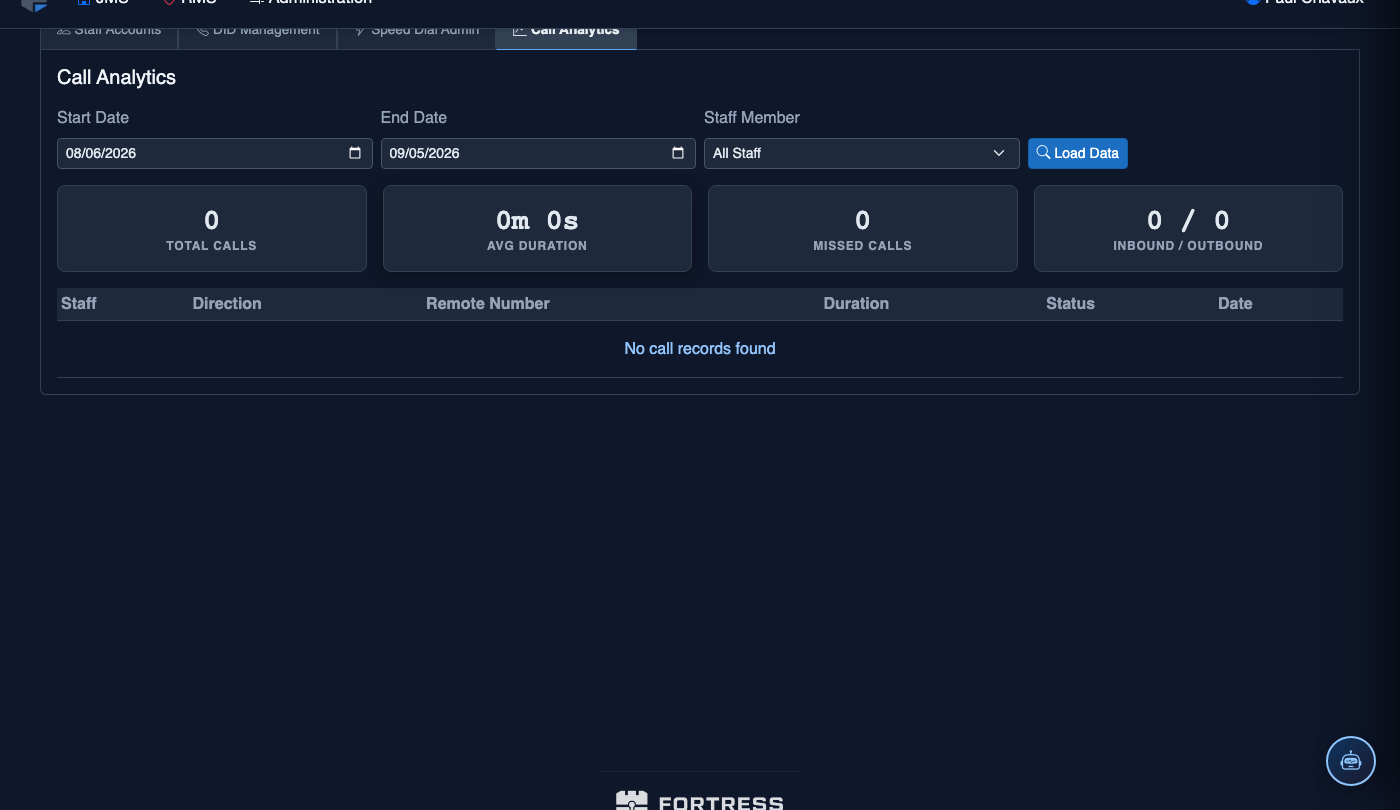
Tab view with data rows
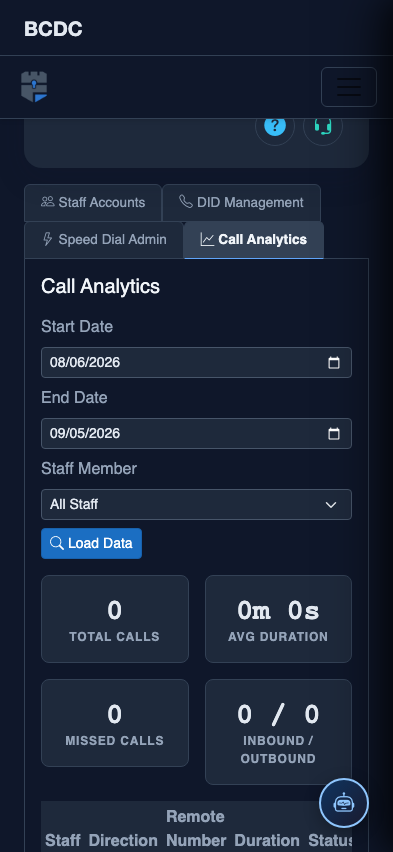
Scrolled / detail view