
Transport Reviews
The Transport Reviews tab enables supervisors and transport coordinators to audit completed inmate movement orders, verify officer compliance, and identify patterns that may indicate procedural gaps or safety concerns. Every transport log — including departure and arrival timestamps, escort officer sign-offs, and incident notes — is available for structured review and reporting directly within this tab.
Completed Transport Log
View a chronological list of all completed transport orders with officer, vehicle, inmate, and destination details.
Supervisor Sign-Off
Supervisors can formally review and sign off on transport records, creating an auditable chain of accountability.
Incident Flag Review
Filter reviews to surface transports that had incident flags, delays, or officer notes requiring follow-up action.
Compliance Reporting
Export transport review summaries for state audits, court reporting requirements, and internal quality assurance.
Step-by-Step: Transport Reviews
Open the Transport Reviews Tab
Navigate to the Inmate Movement module and select the Transport Reviews tab. You will see a grid listing all completed transport orders pending or completed supervisor review, sorted by most recent departure date.
Apply Date and Officer Filters
Use the Date Range picker and the Officer dropdown to narrow the review queue. You can also filter by Review Status (Pending, Approved, Flagged) to prioritize records that still require supervisor attention.
Open a Transport Record for Review
Click any row to expand the full transport record. The detail view shows the Inmate Name and ID, Escort Officer(s), Vehicle Unit, Departure and Arrival Times, Destination, chain-of-custody signatures, and any Incident Notes entered during the trip.
Flag Records Requiring Follow-Up
If a transport record reveals a procedural issue — such as an unsigned chain-of-custody form, unexplained delay, or officer incident note — click Flag for Follow-Up. Enter a Review Note describing the concern and assign it to the responsible supervisor or shift commander.
Approve Compliant Transport Records
For records that meet all procedural requirements, click Approve and enter your supervisor PIN to apply your sign-off. Approved records are stamped with your name, badge number, and the approval timestamp, making them available for inclusion in compliance reports.
Export the Review Summary Report
Click Export Review Report to generate a PDF or CSV of all reviewed transport records within your selected date range. This document is formatted for submission to county administrators, state oversight bodies, or in response to court discovery requests.
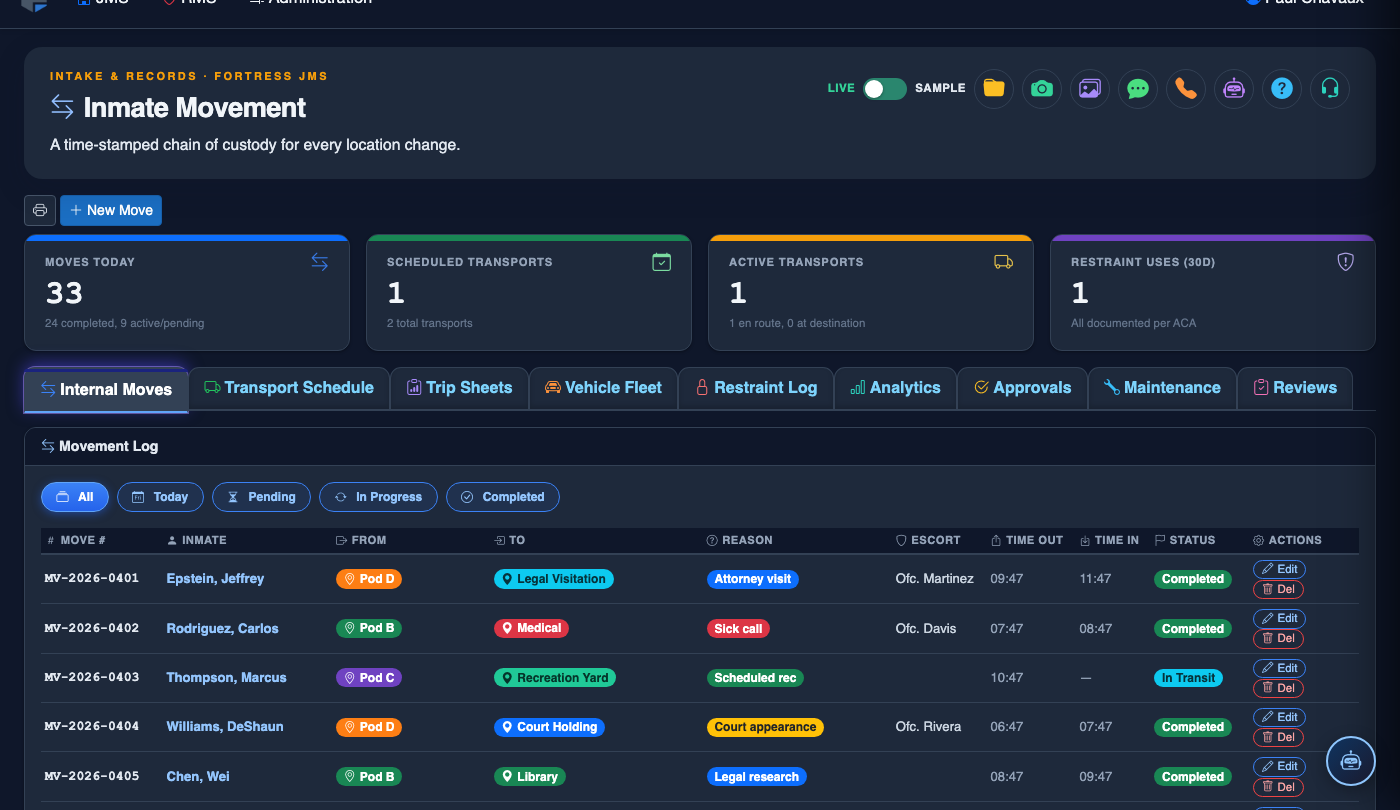
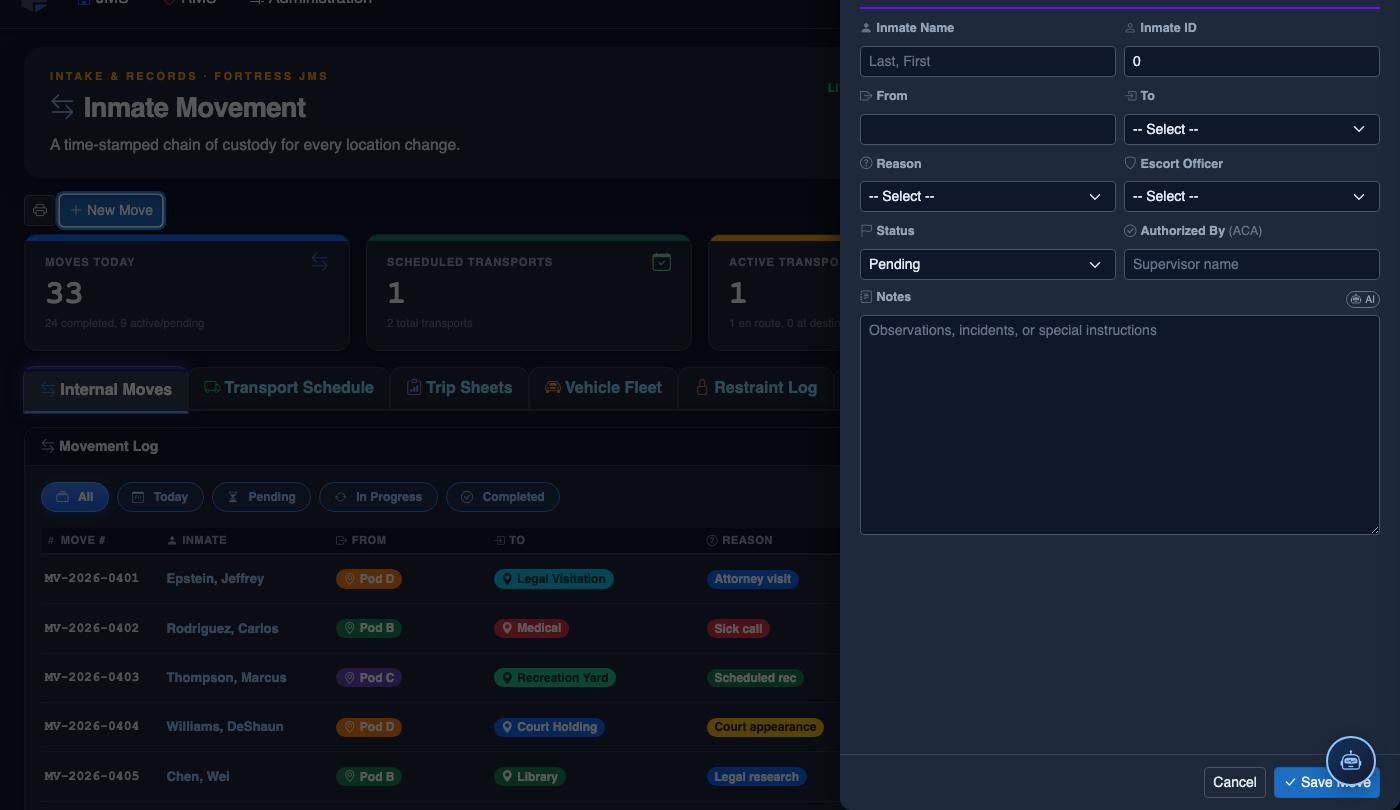
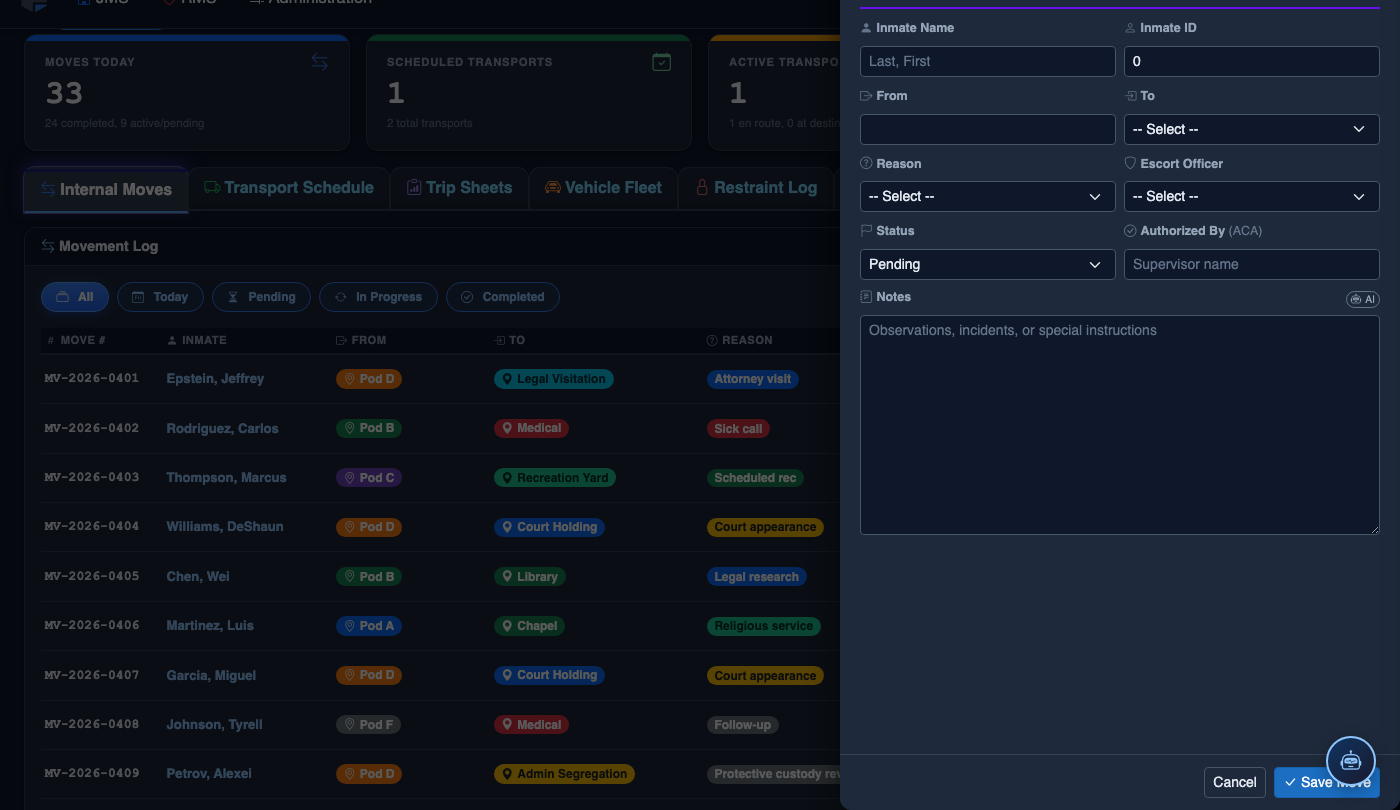
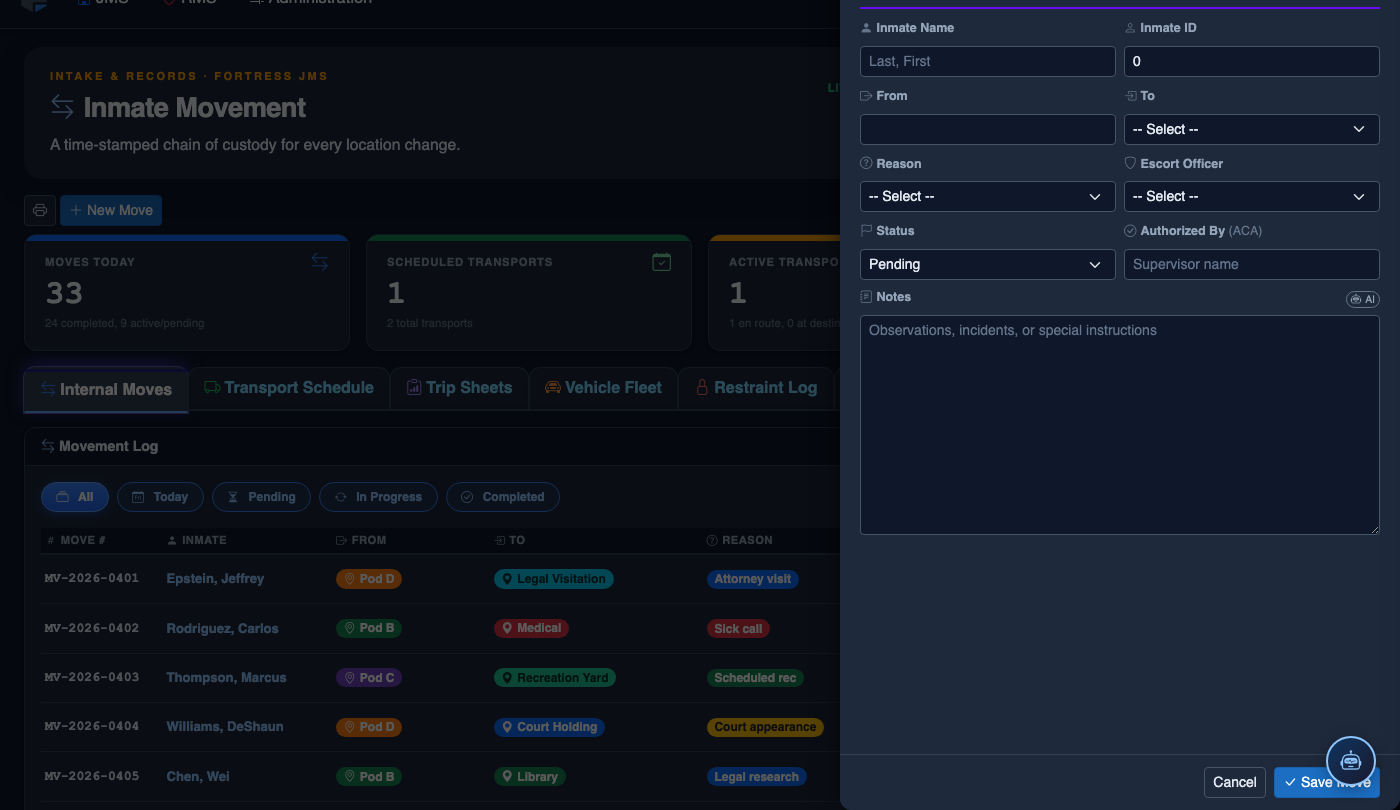
Log a New Movement
Click New Move in the module toolbar. Complete the movement record:
- Inmate — search by name or booking number.
- From Location — select origin unit, pod, and cell.
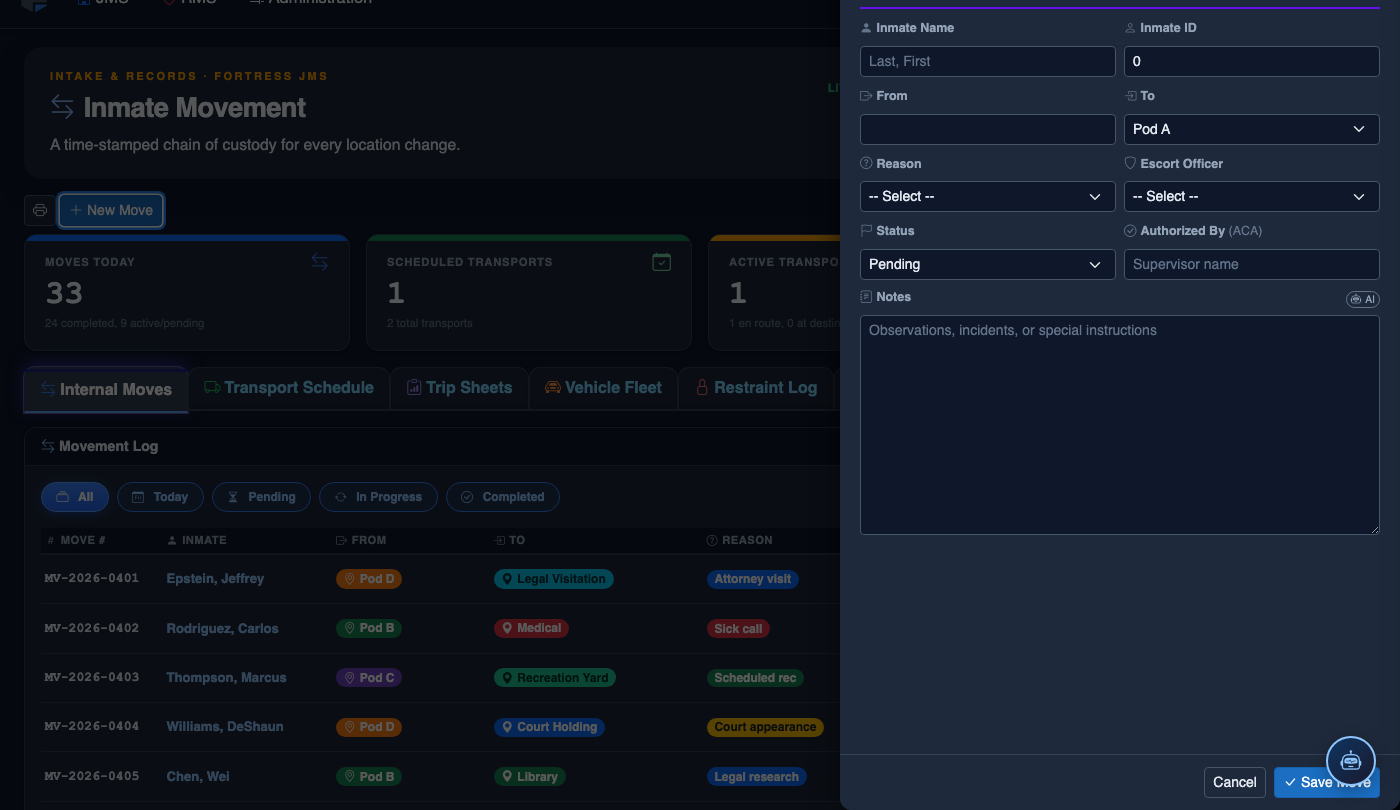
- To Location — select destination; the system flags restricted or unavailable beds.
- Movement Type — Internal Transfer, Court Transport, Medical, or Emergency.
- Reason — Classification Change, Disciplinary, Safety, Court Hold, etc.
- Authorizing Officer and Escorting Officer.
- Scheduled Date/Time — defaults to now for immediate moves.
- Click Save Movement. Bed Roster and Assignment records update automatically.
💡 Pro Tips
- Set a weekly calendar reminder to review the Pending Review queue — letting approvals accumulate beyond two weeks can create compliance gaps that are difficult to explain during state audits.
- Use the Flagged filter as the first stop every shift to ensure that follow-up items from prior reviews are resolved promptly and not left open indefinitely.
- Transport records with incident notes automatically appear at the top of the queue with a red indicator — never approve these without reading the full note and confirming a corrective action was taken.
Mobile View — Transport Reviews
FortressDMS is fully responsive. Officers can access the Transport Reviews on a phone or tablet directly from the field — no app install required.
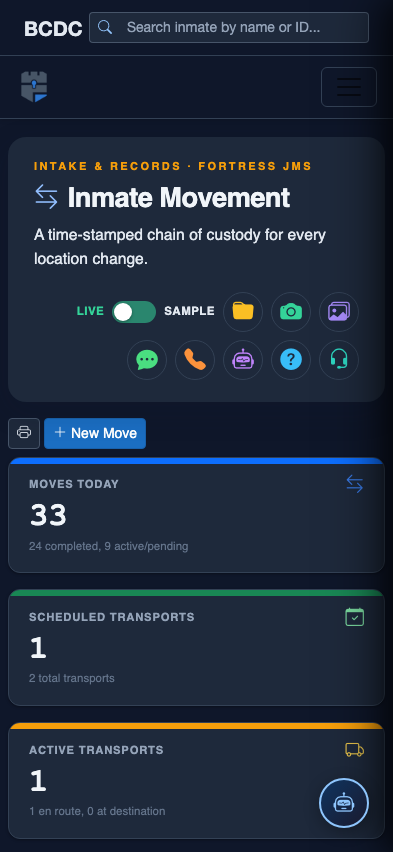
Tab view with data rows
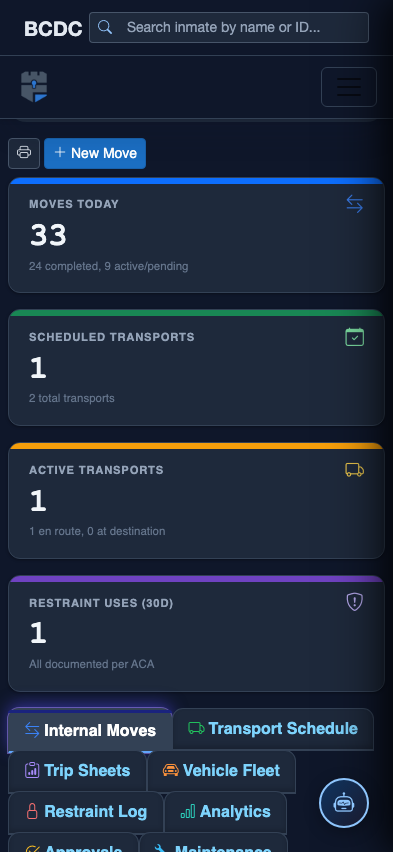
Scrolled / detail view