
Mental Health
The Mental Health tab provides correctional medical staff with a structured framework for documenting, tracking, and managing inmate mental health assessments and ongoing care. From intake screening through treatment planning and crisis intervention, this module ensures your facility meets constitutional standards of care and supports continuity of mental health services throughout an inmate’s incarceration.
Intake Mental Health Screening
Structured intake questionnaire flags immediate psychiatric risks and suicide watch requirements at booking.
Treatment Plans
Create and manage individualized mental health treatment plans with goals, interventions, and review schedules.
Crisis Intervention Log
Document all mental health crises, de-escalation actions taken, and follow-up care decisions in a centralized log.
Progress Notes & History
Chronological mental health progress notes with SOAP format support and provider signature capture.
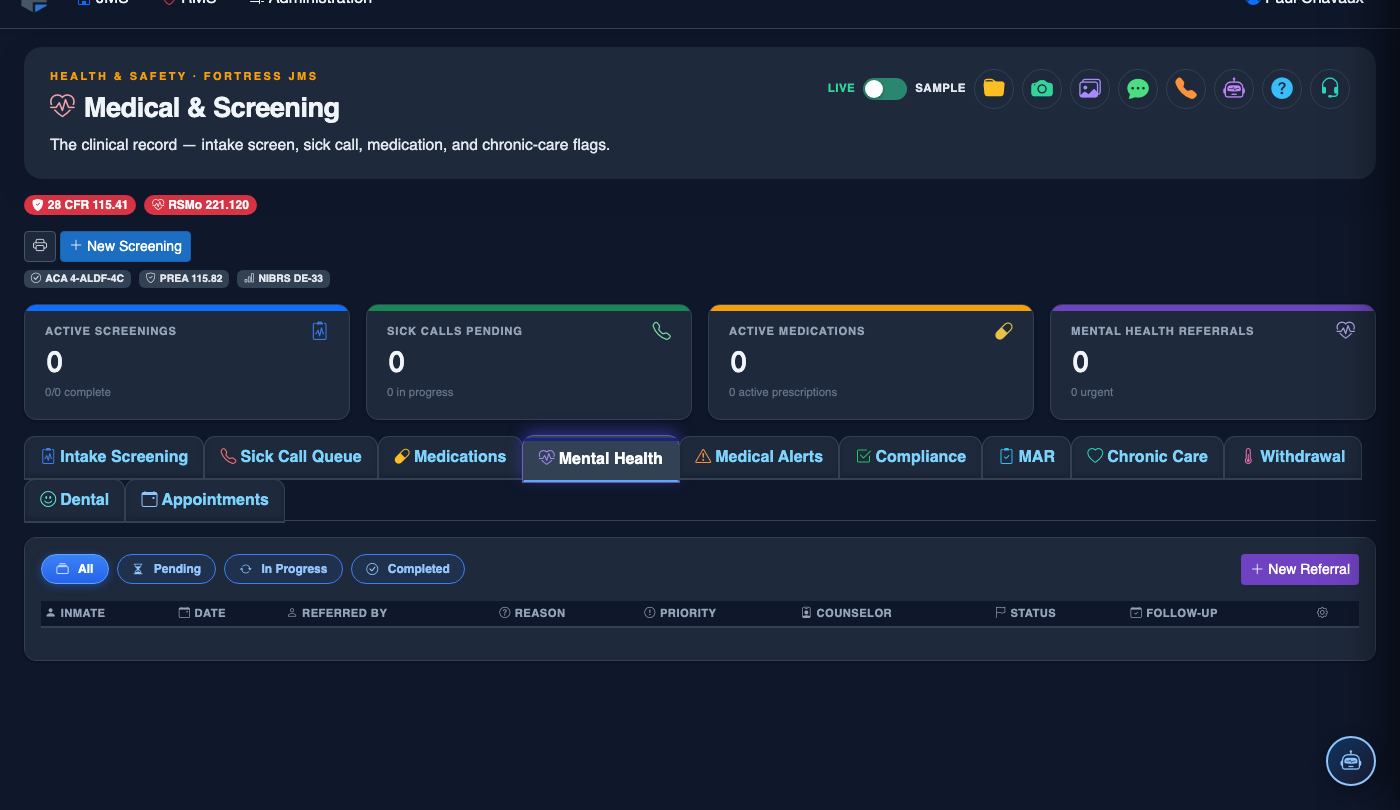
Step-by-Step: Mental Health Assessment & Care
Open the Mental Health Tab
From the inmate’s medical record, click the Mental Health tab (Tab 4) within the Medical & Screening module. You will see any existing mental health history and screening records for this inmate.
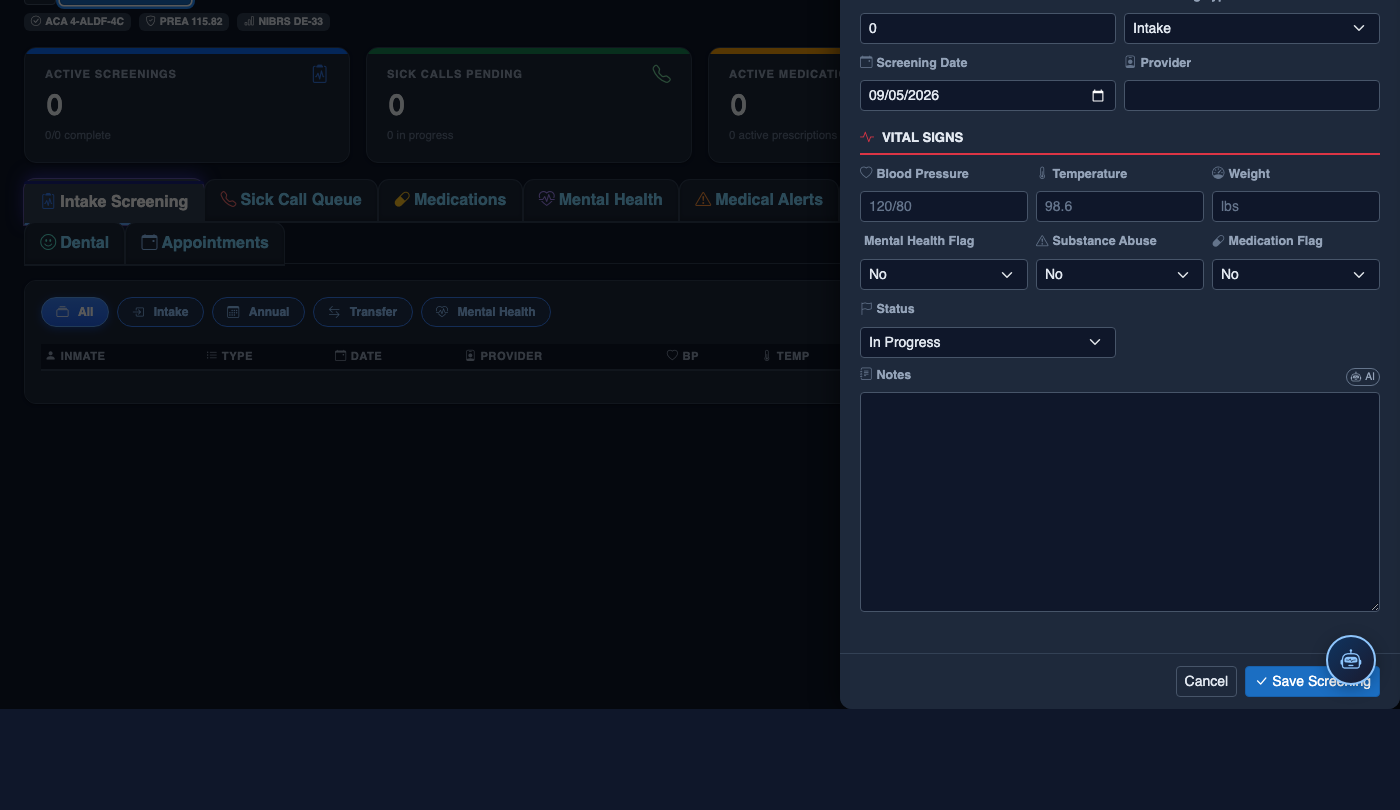
Conduct Intake Mental Health Screening
Click New Screening to initiate the structured intake questionnaire. Complete all required fields including Suicide Risk Assessment, Prior Psychiatric History, Current Medications, and Substance Use History. Flag any immediate risk indicators using the Risk Level dropdown.
Create a Treatment Plan
Click Add Treatment Plan and complete the plan fields including Diagnosis, Treatment Goals, Interventions, Review Frequency, and Responsible Provider. Set the Plan Start Date and a scheduled Review Date.
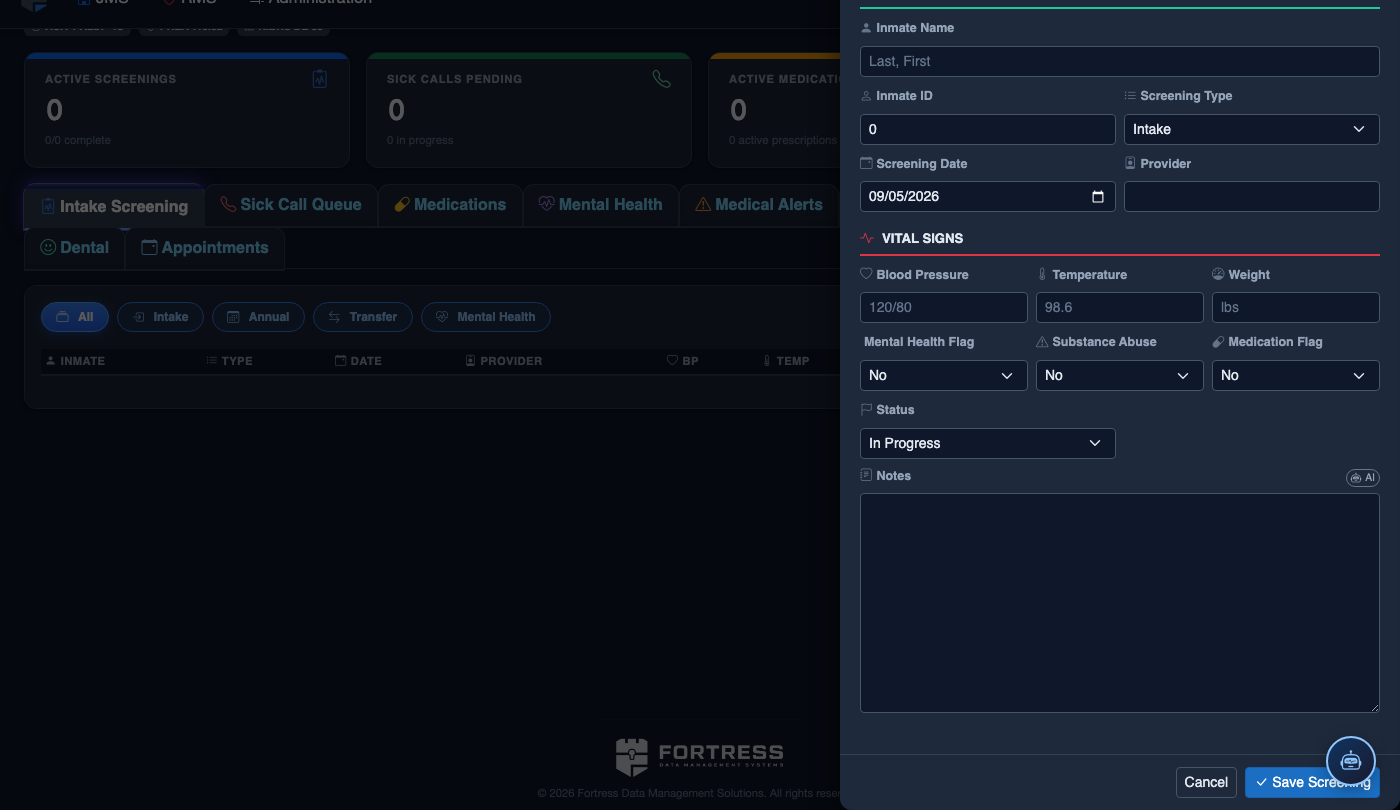
Add Progress Notes
Use the Add Progress Note button to document clinical encounters. Notes follow SOAP format (Subjective, Objective, Assessment, Plan). Each note is timestamped and attributed to the logged-in provider automatically.
Log a Crisis Intervention
If a mental health crisis occurs, click Log Crisis Event. Document the Crisis Type, Precipitating Factors, Interventions Performed, Response Outcome, and any Housing Changes (e.g., transfer to suicide watch cell). Attach any incident report numbers for cross-referencing.
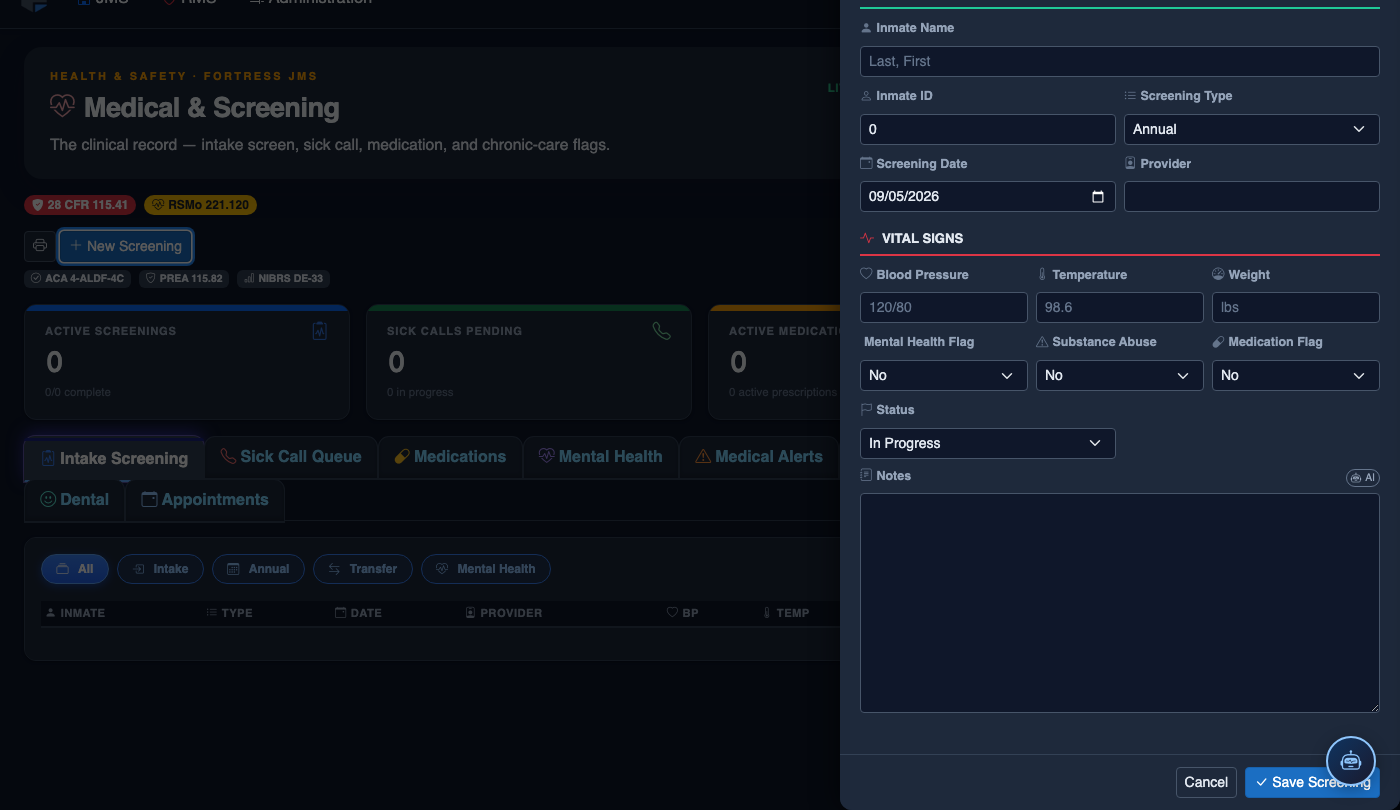
Schedule Follow-Up Appointments
Use the Schedule Appointment feature to book follow-up mental health sessions. Select the Provider, Appointment Type (individual therapy, medication review, group session), and Date/Time. Scheduled appointments appear on the provider’s daily work queue.
Review Mental Health History at Release
Before an inmate is released, use the Mental Health Summary view to generate a continuity-of-care report. Click Print Summary or Export PDF to provide the inmate with a referral document for community mental health services.
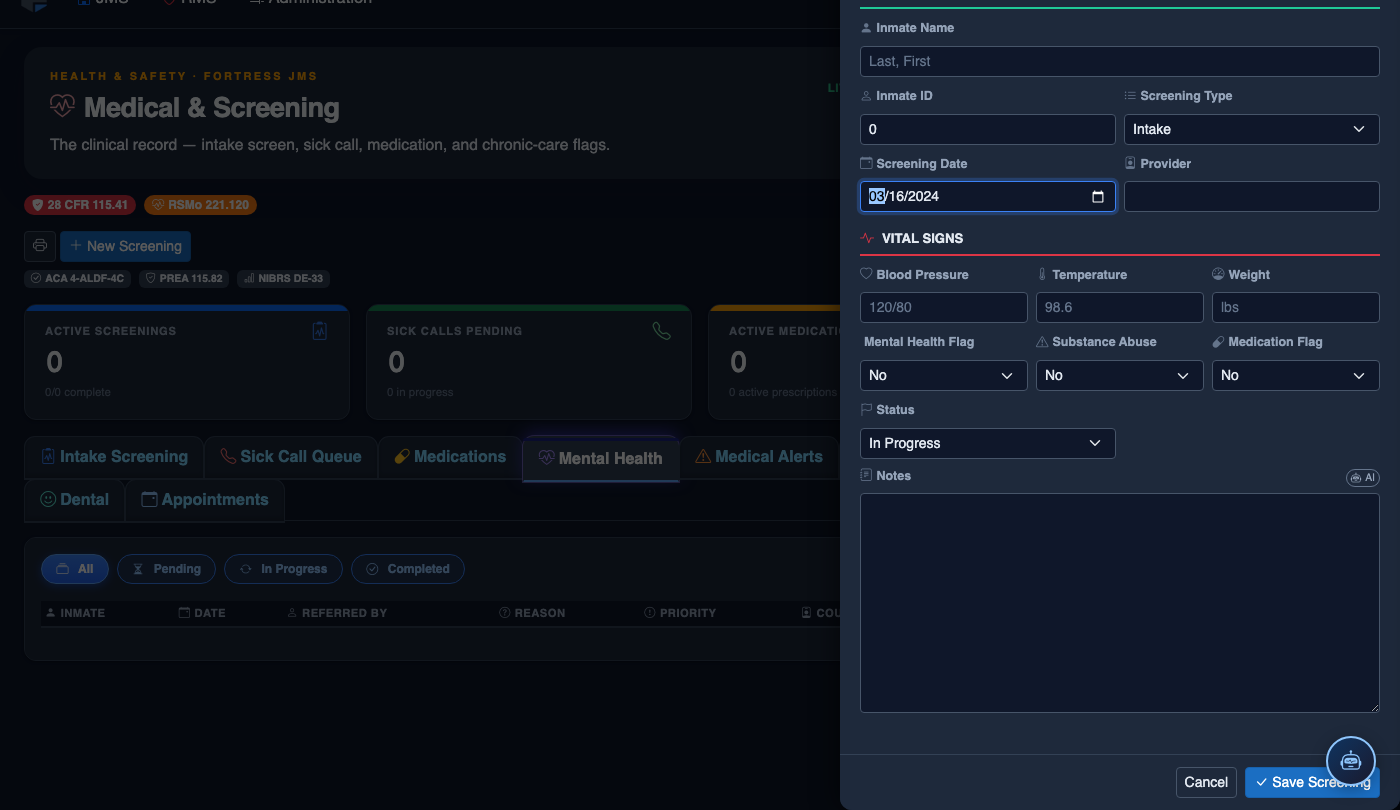
Create a New Medical Record
Click New Screening in the module toolbar. Complete the medical form:
- Inmate — search by name or booking number.
- Visit Type — Intake Screening, Sick Call, Scheduled Follow-Up, or Emergency.
- Priority — Routine, Urgent, or Emergent; Emergent pages on-call provider immediately.
- Chief Complaint / Findings — document symptoms, vitals, and objective observations.
- Provider — assign the clinician or nurse conducting the visit.
- Disposition — Treat and Return, Infirmary Admission, Hospital Transfer, or No Action.
- Add any Prescriptions, Follow-Up Date, or Restrictions.
- Click Save Record. Alerts fire automatically if vital signs are out of range.
💡 Pro Tips
- Set a Risk Level flag during intake screening — this automatically triggers a supervisor notification and a mandatory 24-hour follow-up reminder for high-risk inmates.
- Use the Crisis Event Log to link crisis records directly to any related incident reports, ensuring your documentation holds up during audits or litigation.
- Treatment plans auto-alert the assigned provider when a scheduled review date is approaching, preventing care gaps during long-term incarcerations.
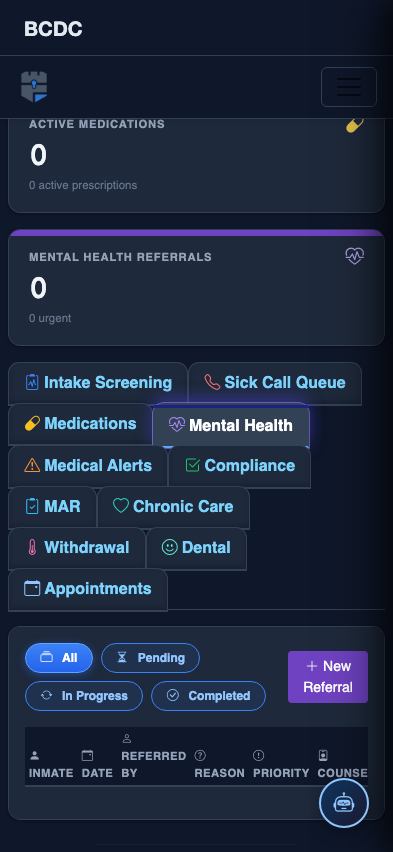
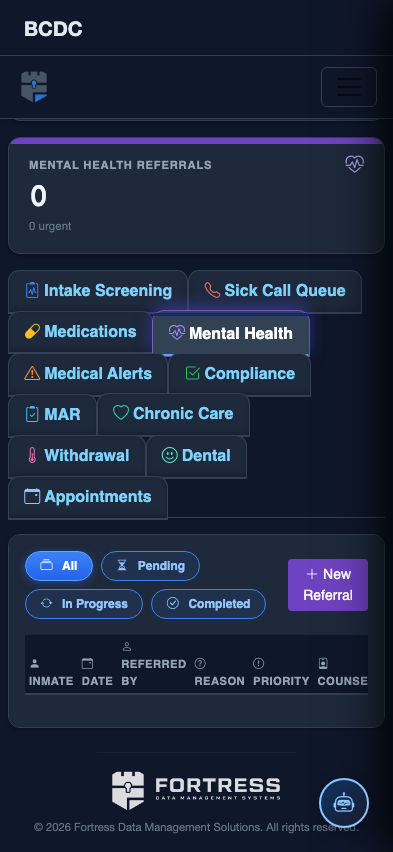
Mobile View — Mental Health
FortressDMS is fully responsive. Officers can access the Mental Health on a phone or tablet directly from the field — no app install required.
Tab view with data rows
Scrolled / detail view