
Processing Queue
Real-time visibility into the AI pipeline. Watch each mail piece move through OCR, NLP analysis, keyword scanning, and delivery — stage by stage.
10-Stage Pipeline
Each piece flows through: Ingest → OCR (Tesseract + Azure AI) → Nemotron NLP → Keyword Scan → Staff Review → PDF Assembly → Kiosk Delivery.
Auto-Refresh Mode
Toggle Auto ON to refresh the pipeline view every 5 seconds without manual intervention. Watch pieces advance in real time.
Stage Metrics
See counts per stage: how many pieces are in OCR, how many flagged for review, how many assembled and queued for delivery.
Error Surfacing
Failed pieces surface immediately with their error reason — connectivity, OCR failure, corrupt file — so staff can requeue without hunting.
📚 How To: Monitor the Processing Pipeline
Open the Processing Queue
Navigate to JMS → IPS → ScanMail → Processing Queue. The swimlane view loads showing each of the 10 pipeline stages with current piece counts.
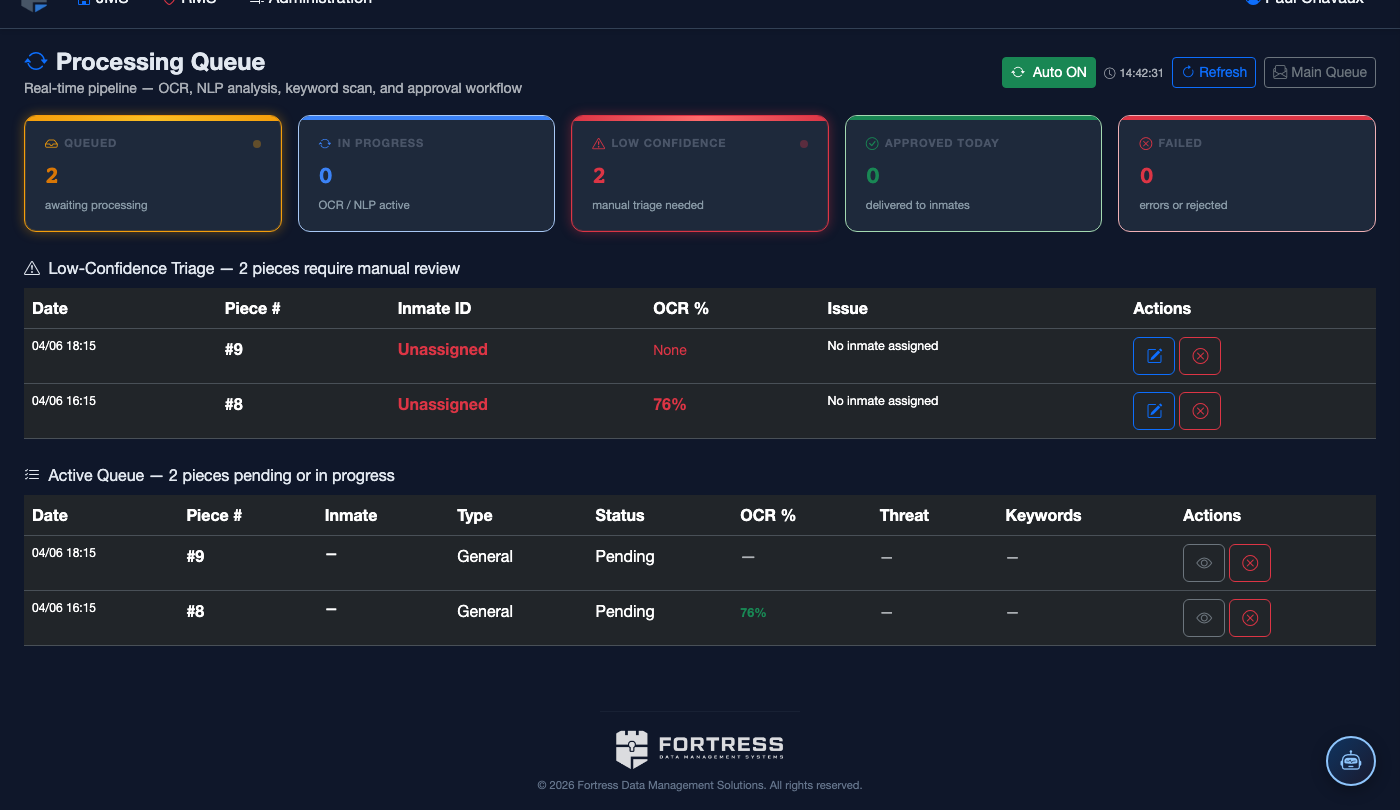
Enable Auto-Refresh
Click Auto OFF to toggle it to Auto ON. The view refreshes every 5 seconds automatically, showing pieces flowing through stages in real time.
Read the Pipeline Stages
Stages are color-coded: blue (in-progress), green (complete), amber (waiting for staff review), red (error). Each card shows the piece count and a mini-log of the last processed item.
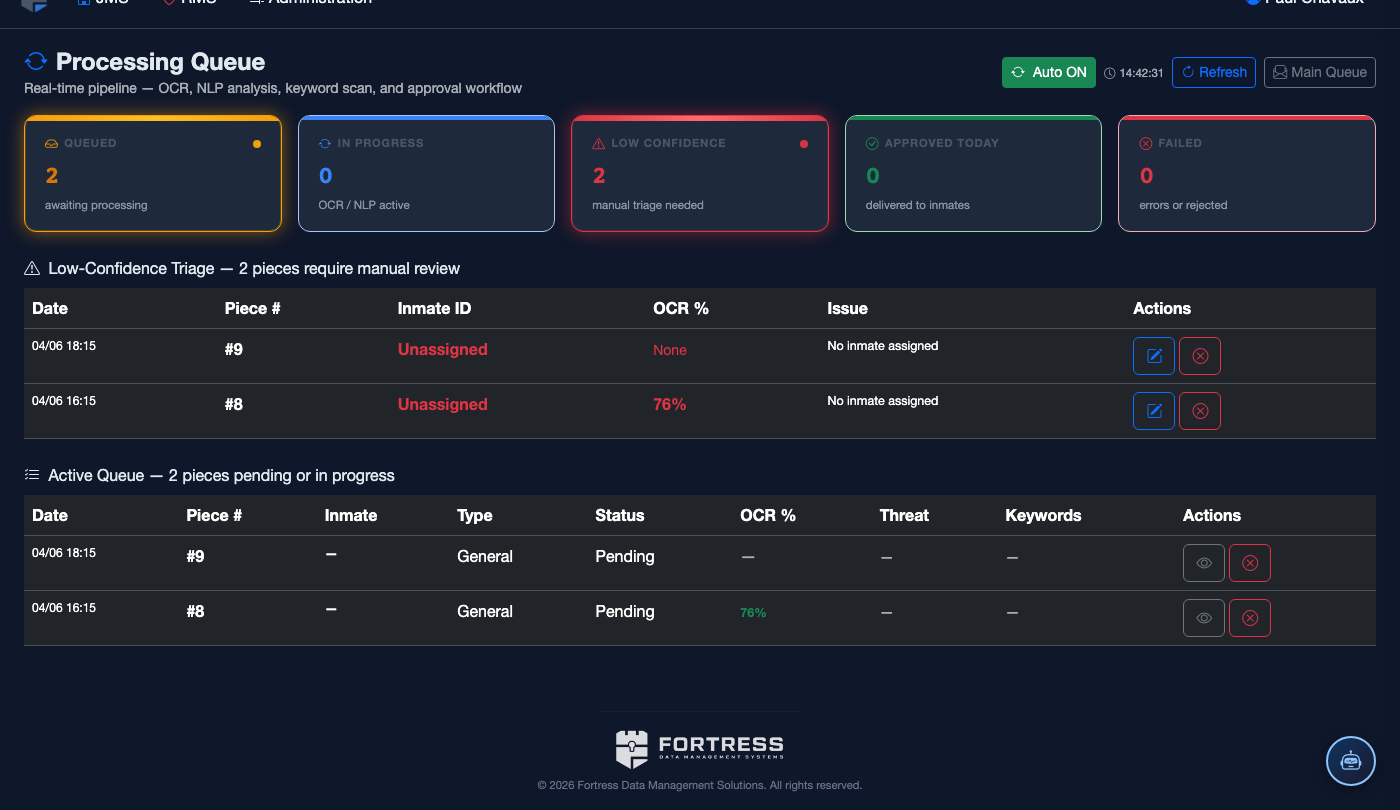
Identify Bottlenecks
If pieces stack up in a stage (e.g., many in “Awaiting OCR”), the Azure AI Vision endpoint may be rate-limiting. The stage card shows retry count and last-error details.
Requeue Failed Pieces
Click any failed piece row to open the detail panel. Review the error, then click Requeue to push it back through the pipeline from the failed stage forward.
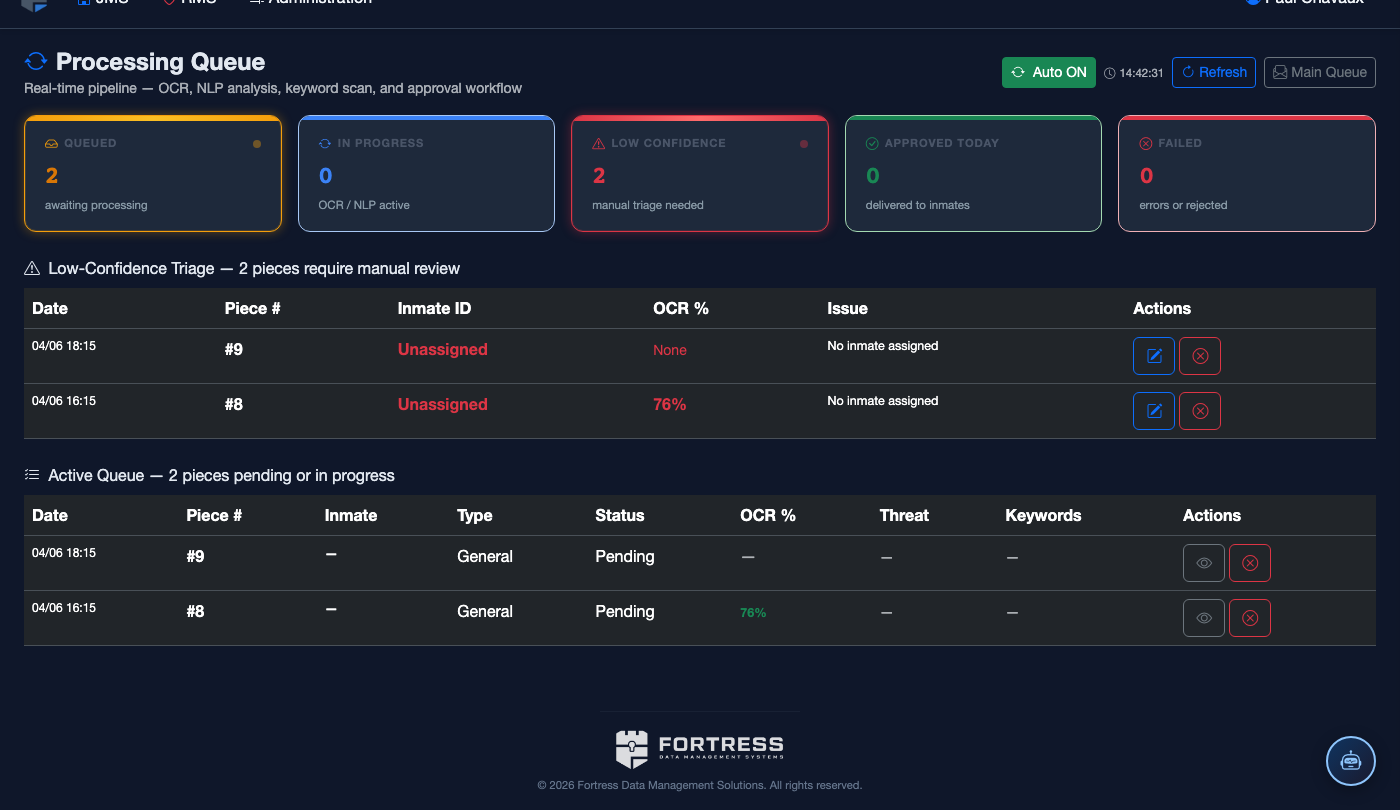
- Auto-refresh is per-session — it resets to OFF when you navigate away.
- OCR Stage: Tesseract runs first (LSTM engine). If confidence is below 60%, Azure AI Vision Read v3.2 runs as fallback for handwritten mail.
- Nemotron NLP runs on-premises at the facility server — mail content never leaves the LAN for AI analysis.
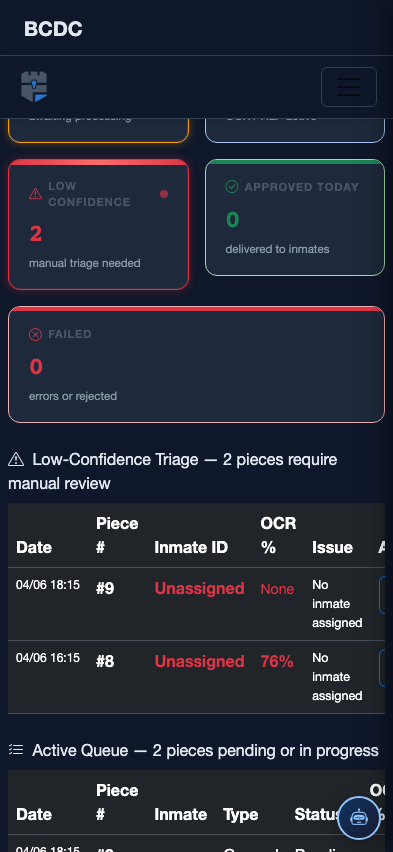
Mobile View — Processing Queue
FortressDMS is fully responsive. Officers can access the Processing Queue on a phone or tablet directly from the field — no app install required.
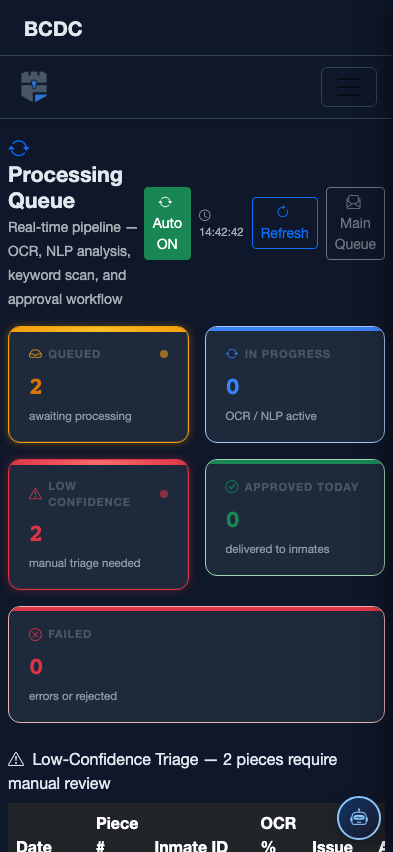
Tab view with data rows
Scrolled / detail view