
Communicator — Inmate Phone System
FortressDMS Communicator is a fully integrated inmate phone and messaging platform built for correctional facilities. Manage approved contact lists, monitor and record calls, enforce calling restrictions by classification, and generate billing reports — all within the same system your officers and booking staff already use. Communicator replaces costly standalone telephony kiosks with a secure, cloud-managed solution that keeps contraband communication off your network.
Monitored Calling
Record, monitor live, and flag calls with a single-click intercept — all calls logged with timestamp and duration.
Approved Contact Management
Staff review and approve each contact number before any inmate can dial out, blocking unauthorized communication.
Pre-Paid Account Billing
Inmate calling debits a pre-paid balance in real time, with family-funded deposits accepted through the offender portal.
Restriction Enforcement
Automatically block calls for inmates on disciplinary restriction, protective custody, or administrative hold.
Call Analytics & Reporting
Export detailed call logs, usage trends, and billing summaries for audits, investigations, or court discovery requests.
Secure Messaging
Inmates send and receive text messages through staff-reviewed threads, with all content stored for 90-day retention.
Step-by-Step: Managing Inmate Calls with Communicator
Open the Communicator Dashboard
Select Communicator from the main navigation. The dashboard displays active calls in progress, today’s call volume, inmate account balances requiring attention, and any flagged communications needing officer review.
Review and Approve Contacts
Navigate to Approved Contacts. Pending contact submissions appear with the inmate’s name, the proposed contact name, and relationship. Click Approve or Deny — denied contacts receive an automated notification to the inmate with the reason.
Monitor Live Calls
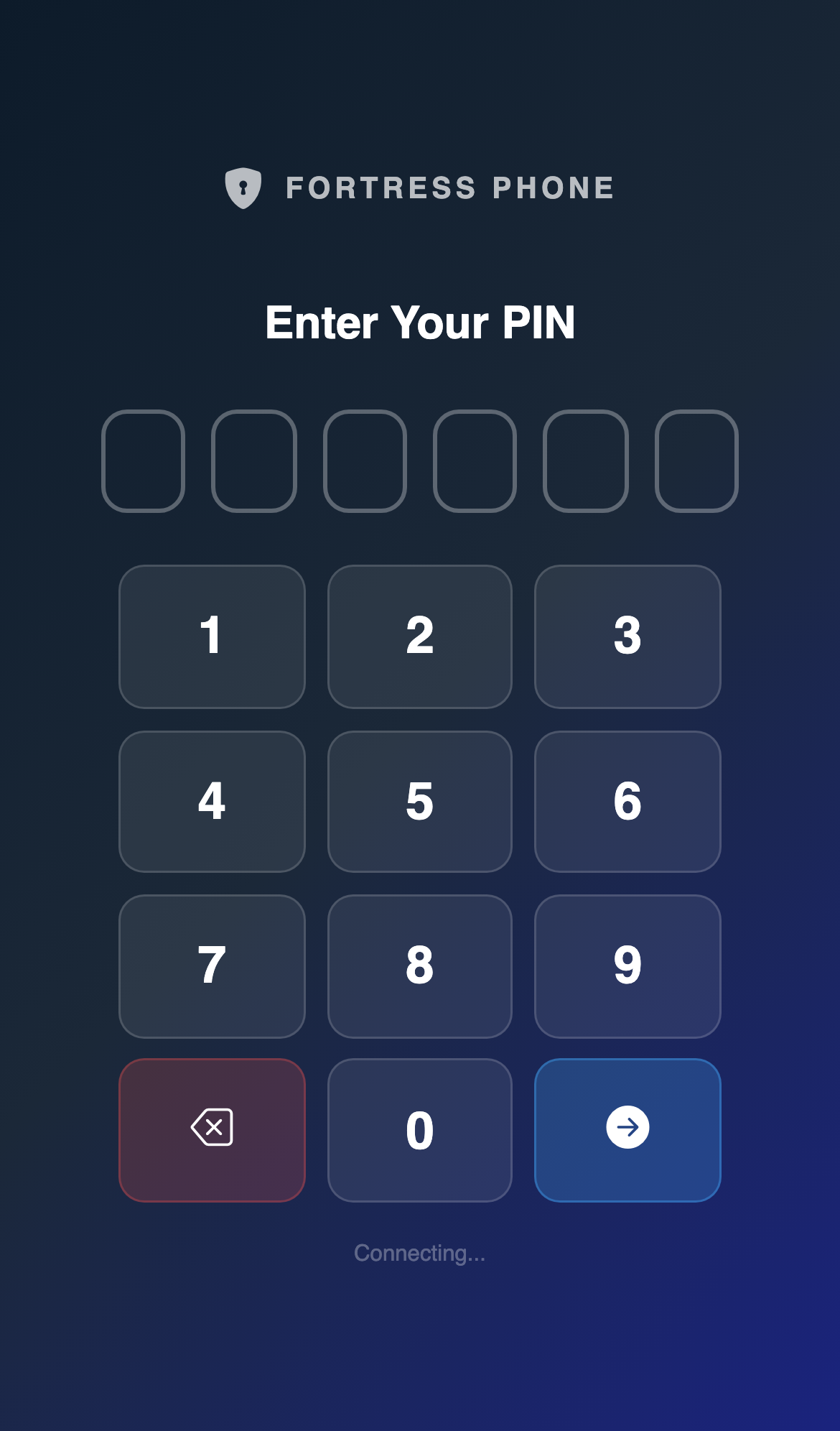
The Live Calls panel shows all calls in progress with the inmate name, PIN used, contact number, and duration. Click the Listen icon to monitor silently or click Intercept to terminate a call immediately. All interceptions are logged with the officer’s badge ID.
Apply Calling Restrictions
Open an inmate record and navigate to the Phone Privileges section. Toggle Calling Suspended and enter a reason code (Disciplinary, Administrative Hold, Protective Custody). The system immediately blocks outgoing calls from that PIN and logs the restriction event.
Manage Pre-Paid Balances
Go to Account Balances to view each inmate’s current calling credit. Staff can manually add funds or process a refund. Family members add funds through the Offender Portal, which posts to the balance in real time — calls over zero balance are automatically blocked mid-session if funds are exhausted.
Pull Call Records for Investigations
Under Call History, filter by inmate, date range, contact number, or duration. Export results to CSV or PDF. For court discovery, use the Evidence Package export to bundle call recordings with a chain-of-custody attestation document automatically.
Review Secure Messages
Open the Messaging tab to review inbound and outbound message threads. Messages are held in a Pending Review queue before delivery. Approve, edit for safety, or block messages — all decisions are audit-logged with officer ID and timestamp for compliance documentation.
💡 Pro Tips
- Set up Keyword Alerts in Communicator settings to automatically flag calls or messages containing gang terminology, contraband code words, or witness names — the system will queue them for immediate officer review.
- Use the Attorney Exempt flag on approved contacts to mark attorney phone numbers as non-recorded in jurisdictions where attorney-client privilege applies to monitored calls.
- Schedule a weekly Balance Report to export to finance — it reconciles all deposits, call charges, and refunds for the accounting period without requiring manual ledger work.
- During booking, enable the inmate’s Communicator PIN from the Booking module directly — this automatically provisions the account so the inmate can make calls as soon as they reach their housing unit.