
Grant Calendar
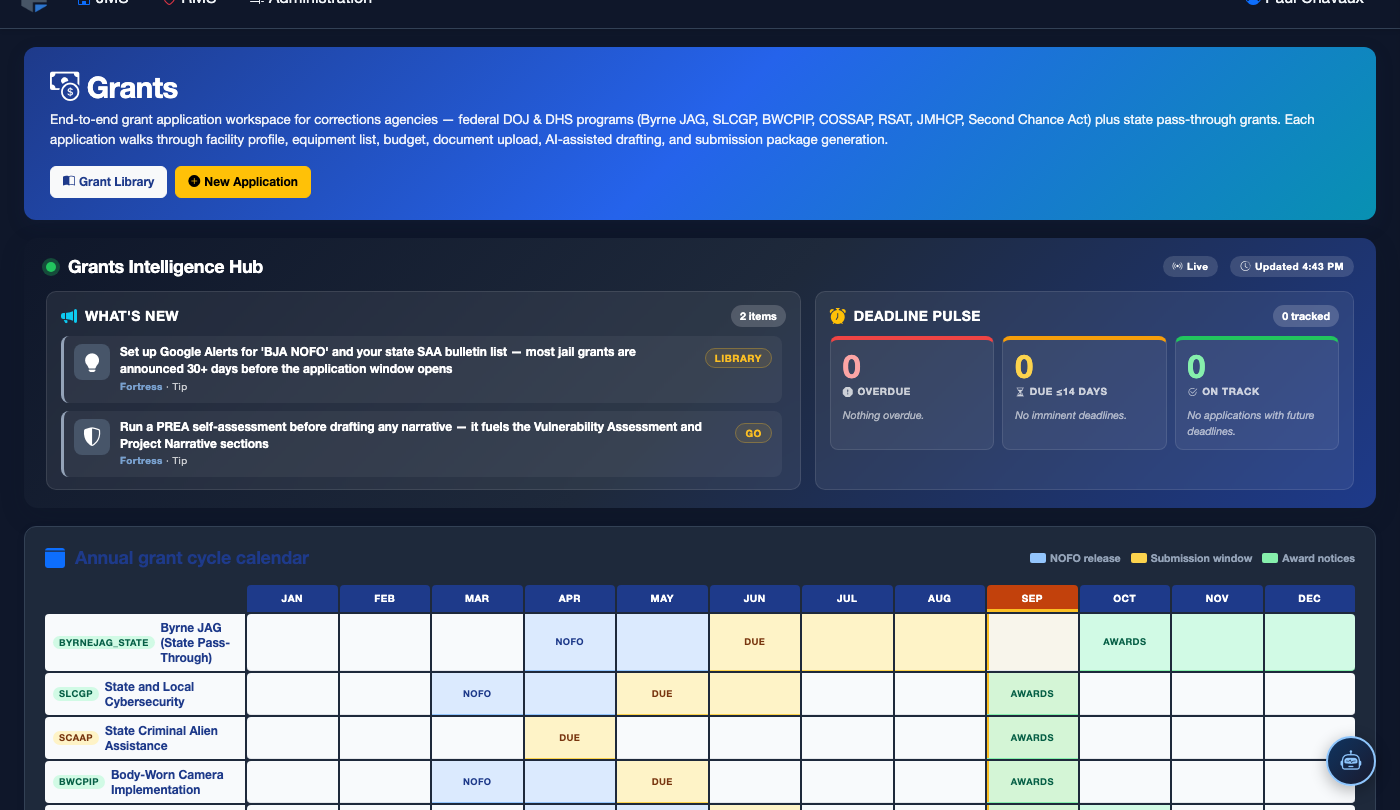
The Grant Calendar tab provides a visual, time-based view of every grant deadline, reporting milestone, and award period tracked within the FortressDMS Grants module. Correctional administrators and grant coordinators can see at a glance what is due this week, this month, and over the coming quarter — ensuring no submission deadline or compliance report is ever missed due to workload or oversight. Automated reminder notifications tie directly to calendar events for proactive deadline management.
Monthly & List Views
Toggle between a traditional monthly calendar and a compact chronological list view to match your planning workflow.
Automated Reminders
System sends configurable email and in-app alerts at 30, 14, and 7 days before each deadline to designated staff.
Color-Coded Event Types
Application deadlines, award notifications, reporting due dates, and compliance milestones each display in distinct colors for instant visual recognition.
Direct Grant Links
Each calendar event links directly to the associated grant record or application so staff jump immediately to the relevant workspace.
Step-by-Step: Using the Grant Calendar
Navigate to the Grant Calendar Tab
From the main menu, open Grants and click the Grant Calendar tab. The current month loads by default, with all tracked deadlines and milestones displayed as color-coded events on the calendar grid.
Understand the Color-Coding Legend
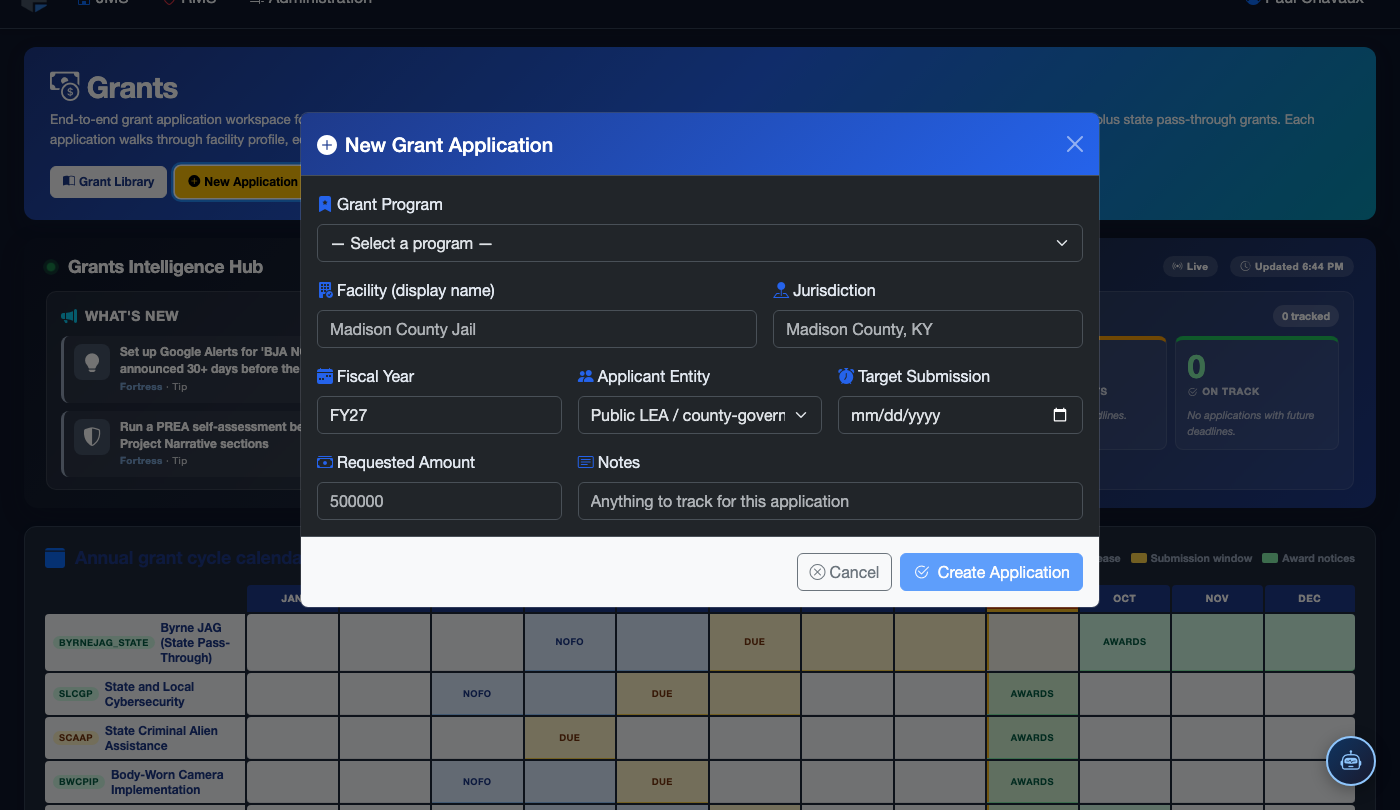
Review the legend at the top of the calendar: Blue = application submission deadlines, Green = award notification dates, Red = compliance report due dates, Amber = internal milestone reminders set by your team. This color system allows at-a-glance prioritization of the most critical upcoming obligations.
Click an Event to View Grant Details
Click any event on the calendar to open a quick-view popup showing the grant name, funding agency, event type, and the number of days remaining. Click Go to Grant to open the full grant library record, or Go to Application to jump directly to the active application workspace for that grant.
Switch to List View for Detailed Planning
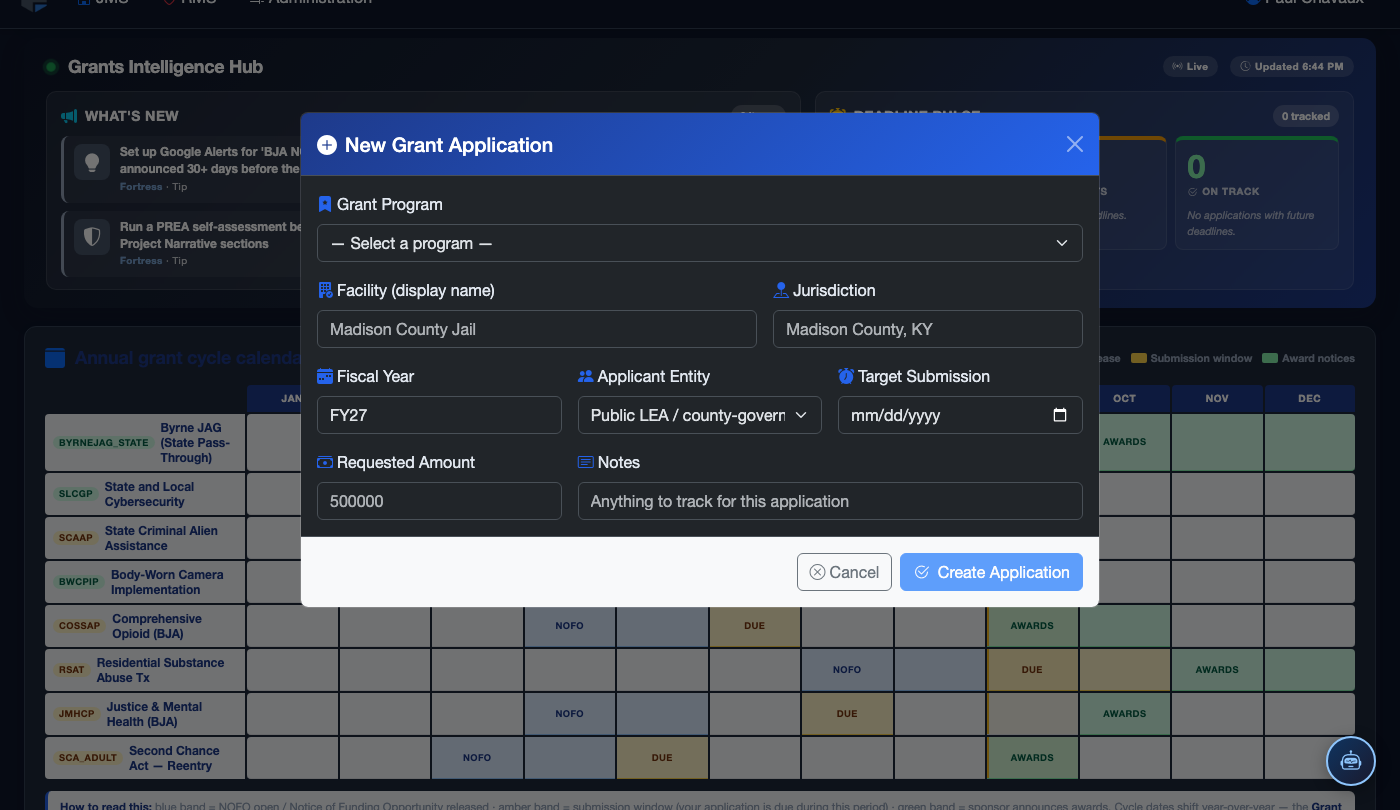
Click List View in the upper-right toggle to switch to a chronological list of all upcoming events. This view is particularly useful for weekly planning meetings — it shows the grant name, event type, days remaining, assigned coordinator, and a direct link to the application in a scannable format that can be exported to PDF for staff briefings.
Configure Reminder Notifications
Click Notification Settings in the top-right of the calendar tab. Set the lead times at which the system will send email and in-app alerts — the default configuration sends reminders at 30 days, 14 days, and 7 days before each deadline. Select the staff members or role groups who will receive each reminder type.
Add Internal Milestone Events
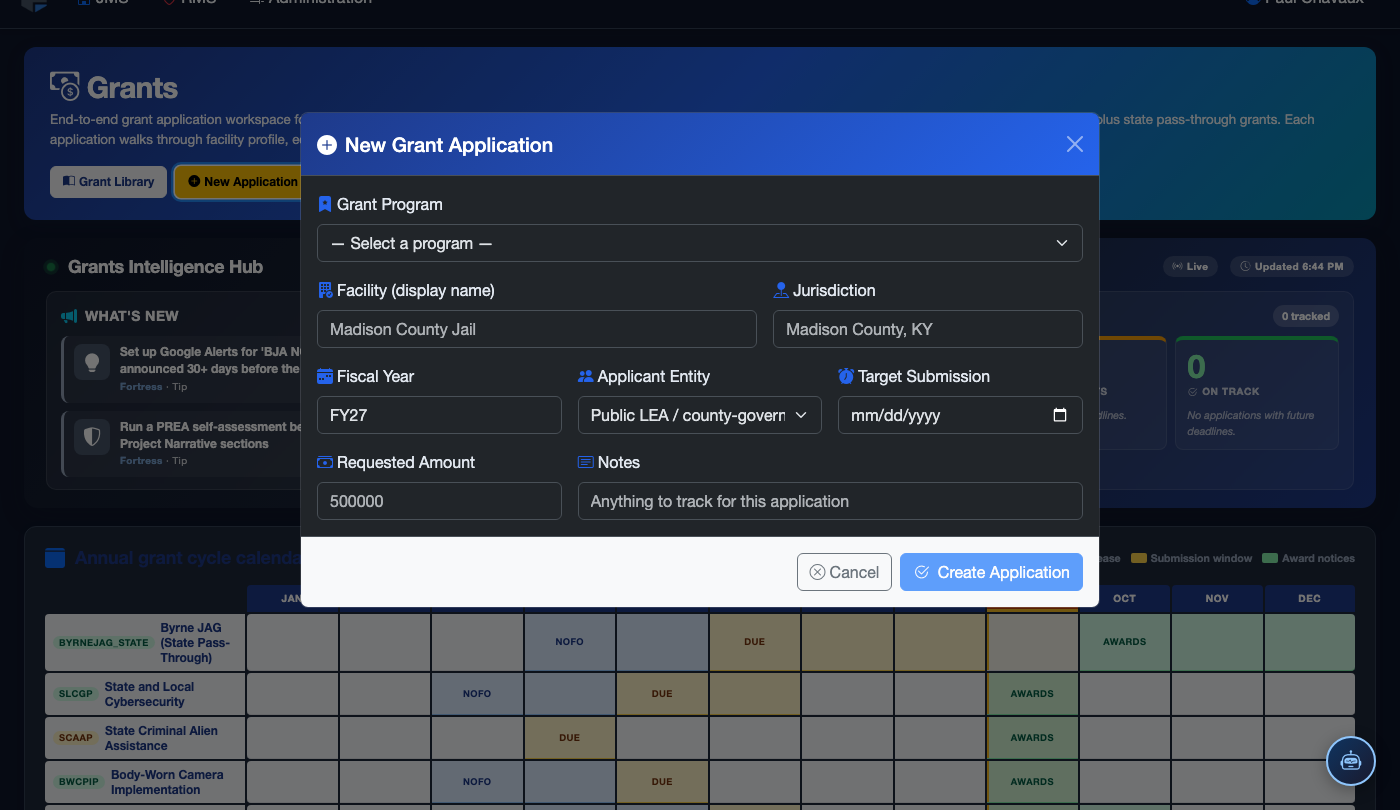
Click Add Milestone to create internal calendar events for your team’s own planning deadlines — for example, "Draft narrative complete" or "Budget review with finance." These amber-coded internal milestones are visible only to your facility and do not affect the grant’s official deadline record. Assign a responsible staff member to each milestone for accountability.
Export the Calendar for Leadership Reports
Use the Export button to download the upcoming 90-day grant calendar as a PDF suitable for presenting at command staff briefings, budget meetings, or board of supervisors sessions. The export includes grant names, deadlines, responsible coordinators, and application status for each listed event.
💡 Pro Tips
- Make reviewing the Grant Calendar a standard agenda item at your weekly command staff meeting — five minutes of proactive review at the start of each week prevents last-minute application scrambles.
- Federal grants often have pre-application webinars hosted by the granting agency in the 4-6 weeks before the deadline. Add these as internal milestone events on the calendar so the right staff attend and receive key technical guidance.
- Use the list view export at the start of each fiscal year to brief your county administrator or sheriff on all major grant opportunities your facility intends to pursue — proactive reporting builds support for the grant program.
Mobile View — Grant Calendar
FortressDMS is fully responsive. Officers can access the Grant Calendar on a phone or tablet directly from the field — no app install required.
Tab view with data rows
Scrolled / detail view