
PREA Compliance
The PREA Compliance tab centralizes all Prison Rape Elimination Act documentation requirements within the inmate’s housing record, ensuring your facility meets federal standards for housing separation, vulnerability screening, and incident reporting. Officers and classification staff can record PREA risk designations, document housing restriction reasons, and link to related incident reports — all in one auditable location. This tab is essential for facilities subject to Department of Justice PREA audits.
Risk Designation Tracking
Record PREA vulnerability and predatory risk designations linked to the classification screening results.
Housing Separation Alerts
Automated alerts prevent housing assignments that would place PREA-designated inmates in prohibited proximity to each other.
Incident Linkage
Link PREA-related incident reports directly to the housing record for a complete picture during audits or investigations.
Audit-Ready Reporting
Generate PREA-specific reports formatted for DOJ audit submissions, with complete documentation chains.
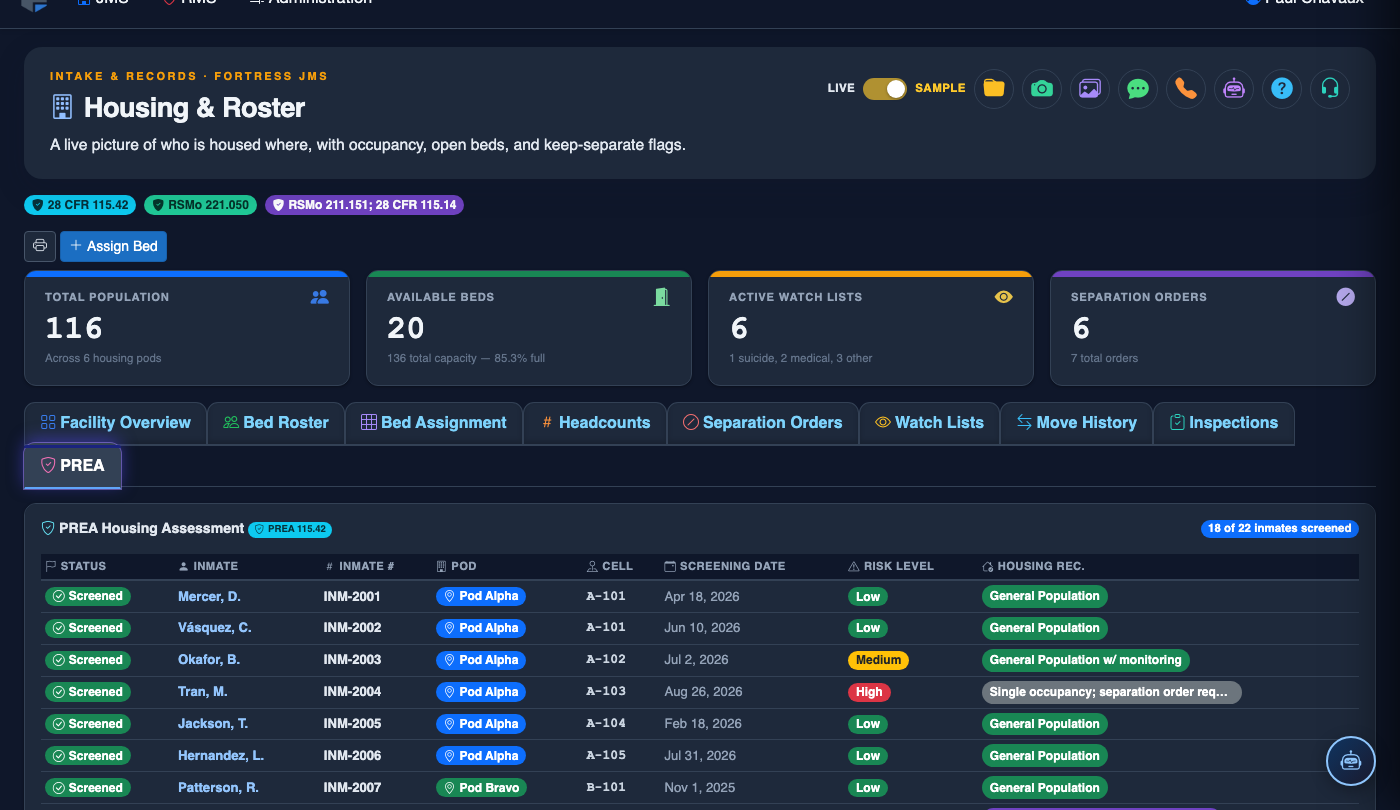
Step-by-Step: Managing PREA Compliance Records
Access the Inmate’s Housing Record
From Housing & Roster, search for the inmate by name or booking number. Open their record and click the PREA Compliance tab (Tab 9).
Review Existing PREA Designations
The tab displays any active PREA designations, including At-Risk (Vulnerable), Predatory Risk, or No Designation, along with the date set and the officer who entered the classification.
Update or Add a PREA Designation
Click Edit PREA Status to update the designation. Select the appropriate risk level, enter the Basis for Designation (e.g., prior victimization, classification screening score), and reference any relevant incident report numbers.
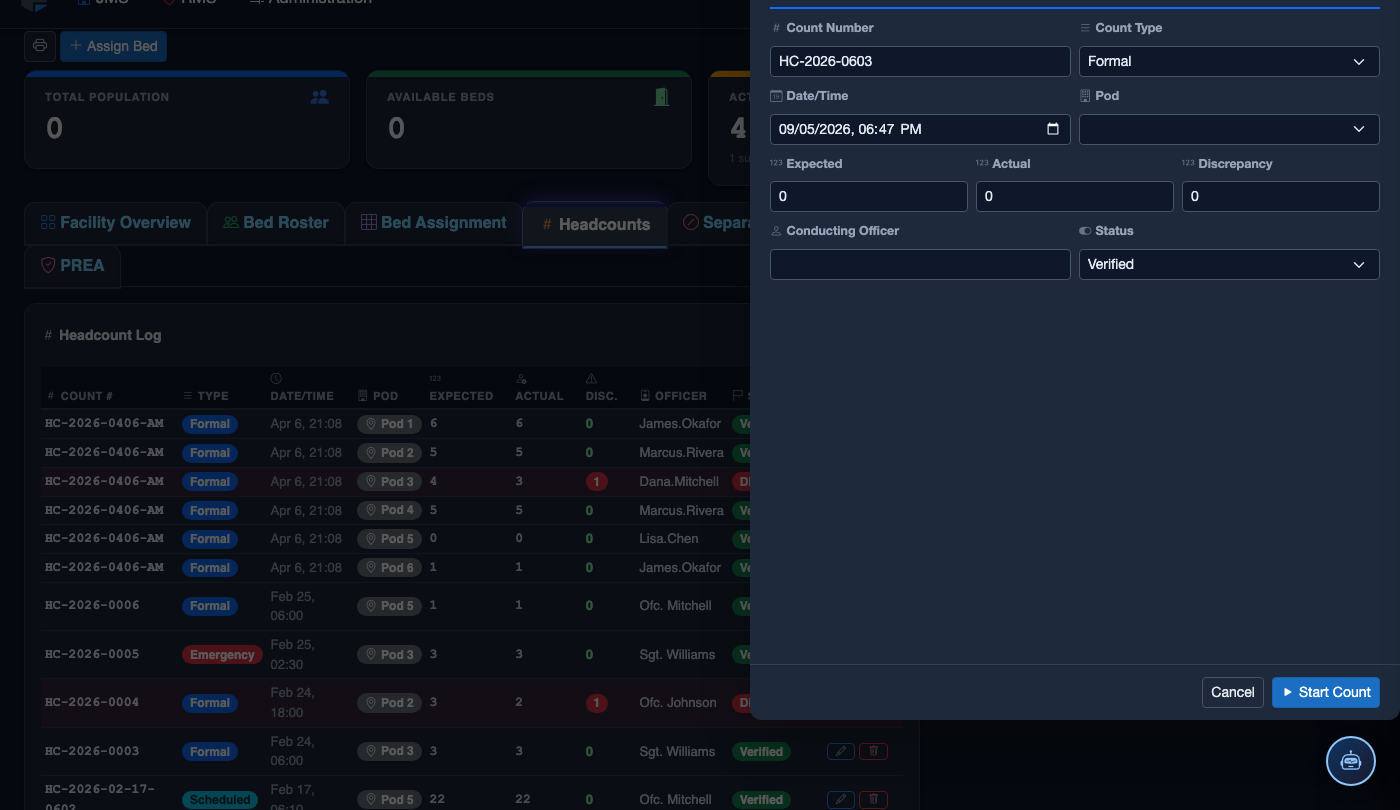
Review Housing Separation Constraints
The system displays any active Housing Separation Orders — inmates who must not be housed in the same unit or cell. These constraints are automatically enforced during housing assignment to prevent prohibited placements.
Link Related PREA Incident Reports
Use the Link Incident button to associate any PREA-related incident report numbers with this inmate’s PREA record. Linked reports appear with clickable references for quick access during audits.
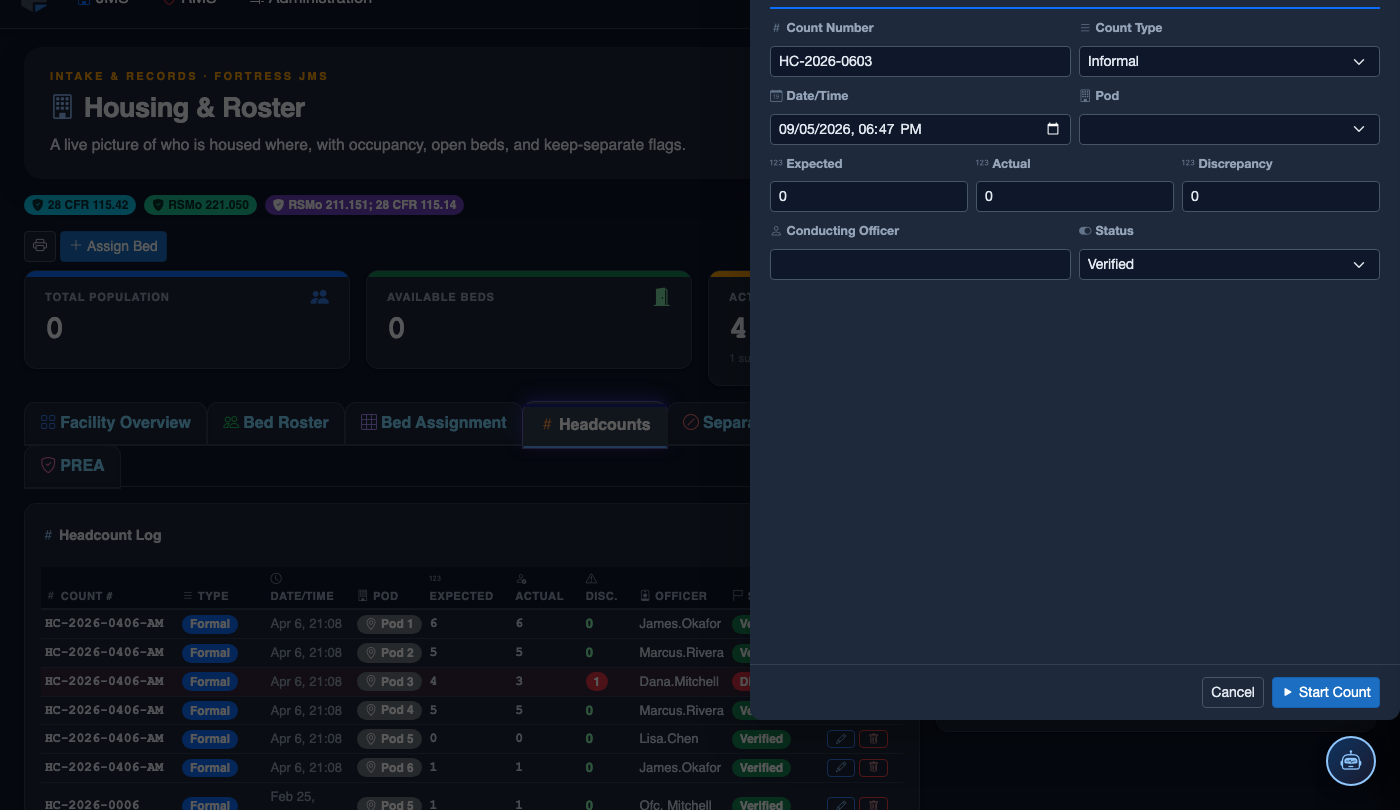
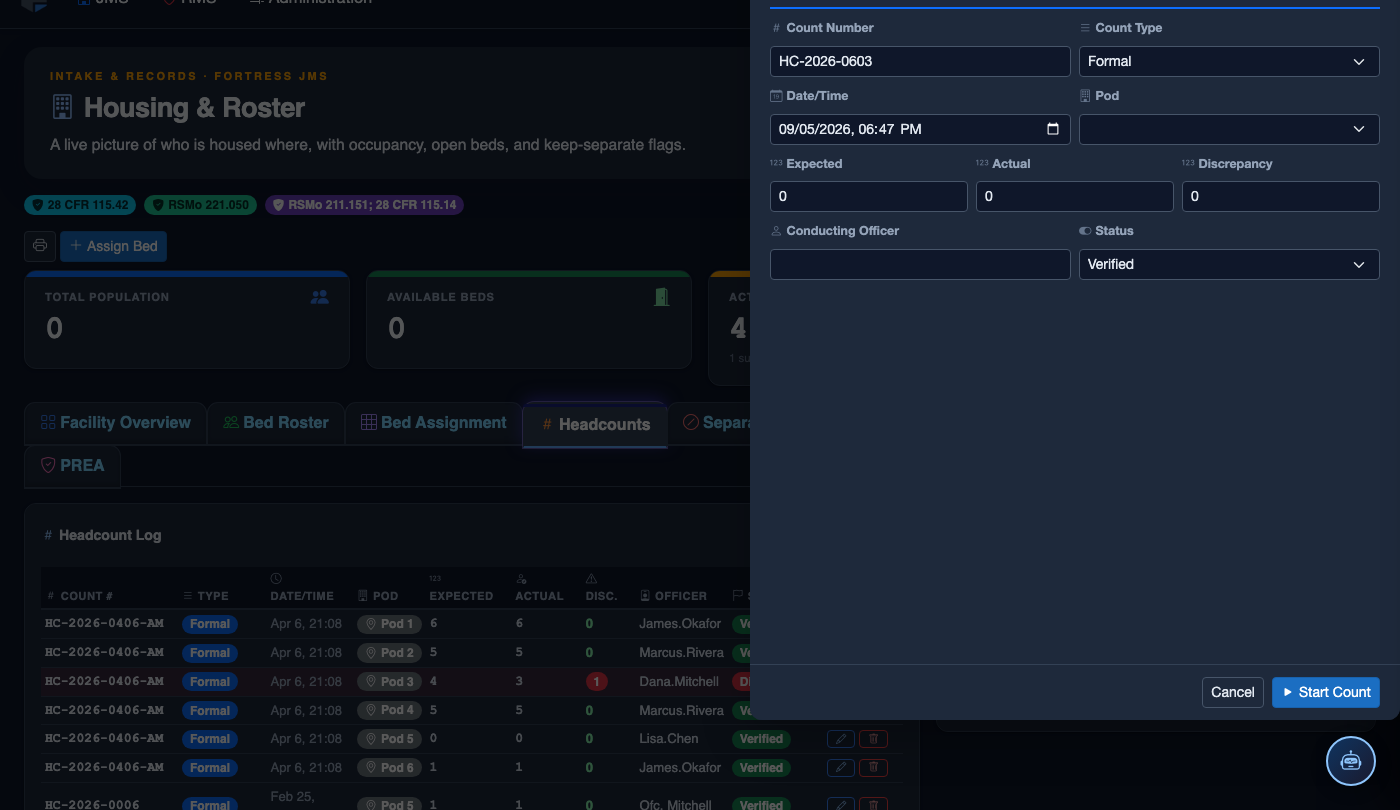
Generate PREA Compliance Report
Click Export PREA Report to produce a formatted compliance document for this inmate. The report includes designation history, housing restrictions, linked incidents, and the complete audit trail — ready for DOJ submission.
💡 Pro Tips
- PREA designations are automatically surfaced to officers during any housing assignment — a warning dialog will appear if a proposed placement violates a separation constraint.
- Classification staff should review PREA designations whenever an inmate’s classification level changes, as new risk factors may emerge from updated scoring.
- Document the basis for every designation change — vague entries like “staff discretion” are common audit deficiencies; cite specific screening answers or incident report numbers instead.
Mobile View — PREA Assessments
FortressDMS is fully responsive. Officers can access the PREA Assessments on a phone or tablet directly from the field — no app install required.
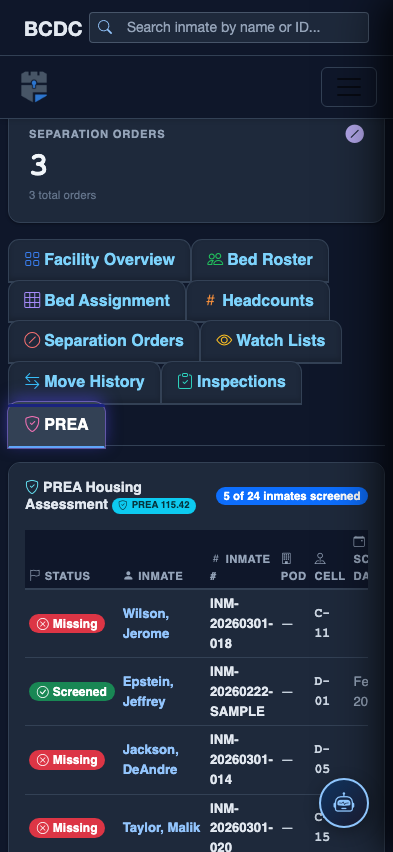
Tab view with data rows
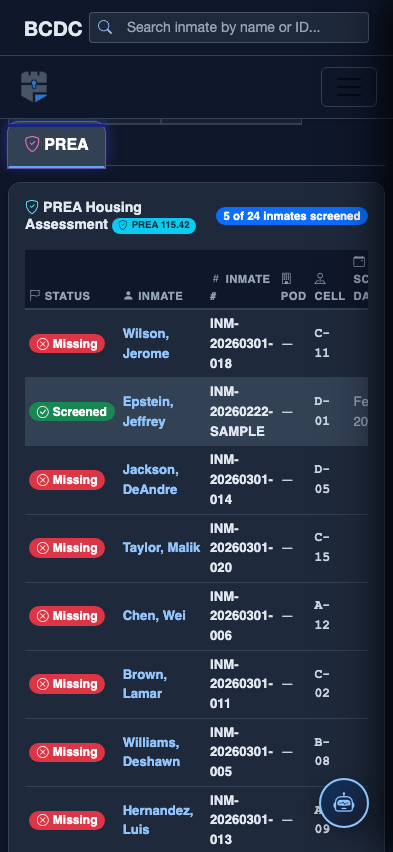
Scrolled / detail view