
Corrections Safety Grants
The Grants module in FortressDMS gives correctional administrators a single destination to discover, track, and apply for federal and state safety funding opportunities. Staff can browse a curated library of corrections-eligible grants, monitor upcoming deadlines on an integrated calendar, and manage active applications from initial draft through final award documentation — all without leaving the system. Maximizing grant funding for safety equipment, training, and technology upgrades has never been more accessible for facilities of any size.
Curated Grant Library
A regularly updated database of federal, state, and foundation grants available specifically to correctional facilities and public safety agencies.
Deadline Calendar
Visual calendar view of all grant deadlines with automated reminders sent to designated grant coordinators as deadlines approach.
Application Tracking
Track every application from first draft through submission confirmation, award decision, and post-award reporting requirements.
Award Management
Record award amounts, disbursement schedules, and compliance milestones to ensure continued eligibility for future grant cycles.
Automated Alerts
Configurable notifications alert grant coordinators of new matching opportunities, approaching deadlines, and required reporting dates.
Funding Summary Reports
Generate administrator-ready reports showing total grants pursued, awarded amounts, and pending application status for board and budget presentations.
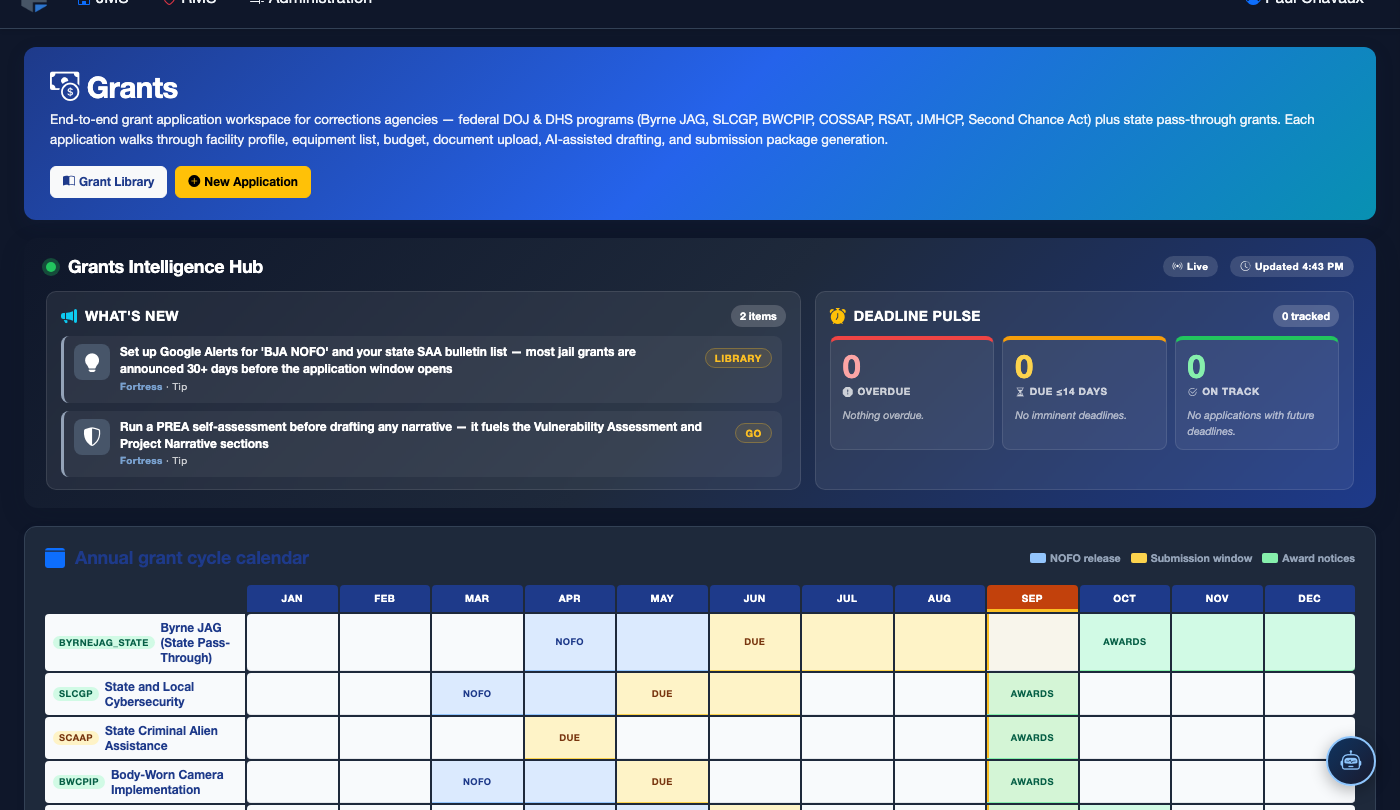
Step-by-Step: Using the Grants Module
Access the Grants Module
From the main FortressDMS navigation menu, click Grants. The module home displays a summary dashboard with open opportunities, upcoming deadlines, and active applications requiring attention.
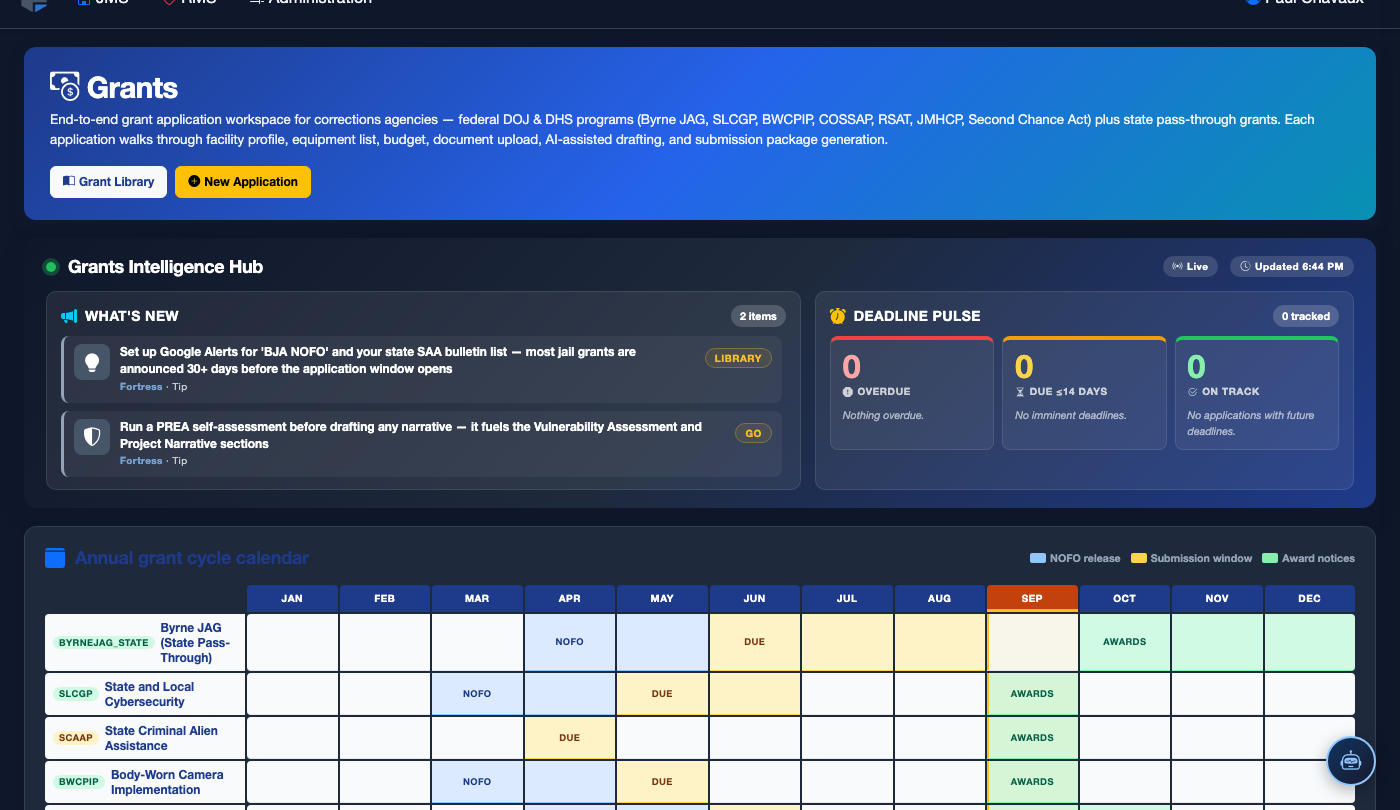
Browse the Grant Library
Click the Grant Library tab to search and filter available grants. Use the Category filter to narrow results by funding type — technology upgrades, mental health programming, officer training, infrastructure, or PREA compliance. Each listing shows the funding agency, award ceiling, and eligibility requirements at a glance.
Review Grant Details and Eligibility
Open any grant listing to view the full program description, eligible applicant types, required narrative sections, match requirements, and reporting obligations. A Facility Eligibility Checklist helps staff quickly confirm whether your facility meets the core criteria before investing time in an application.
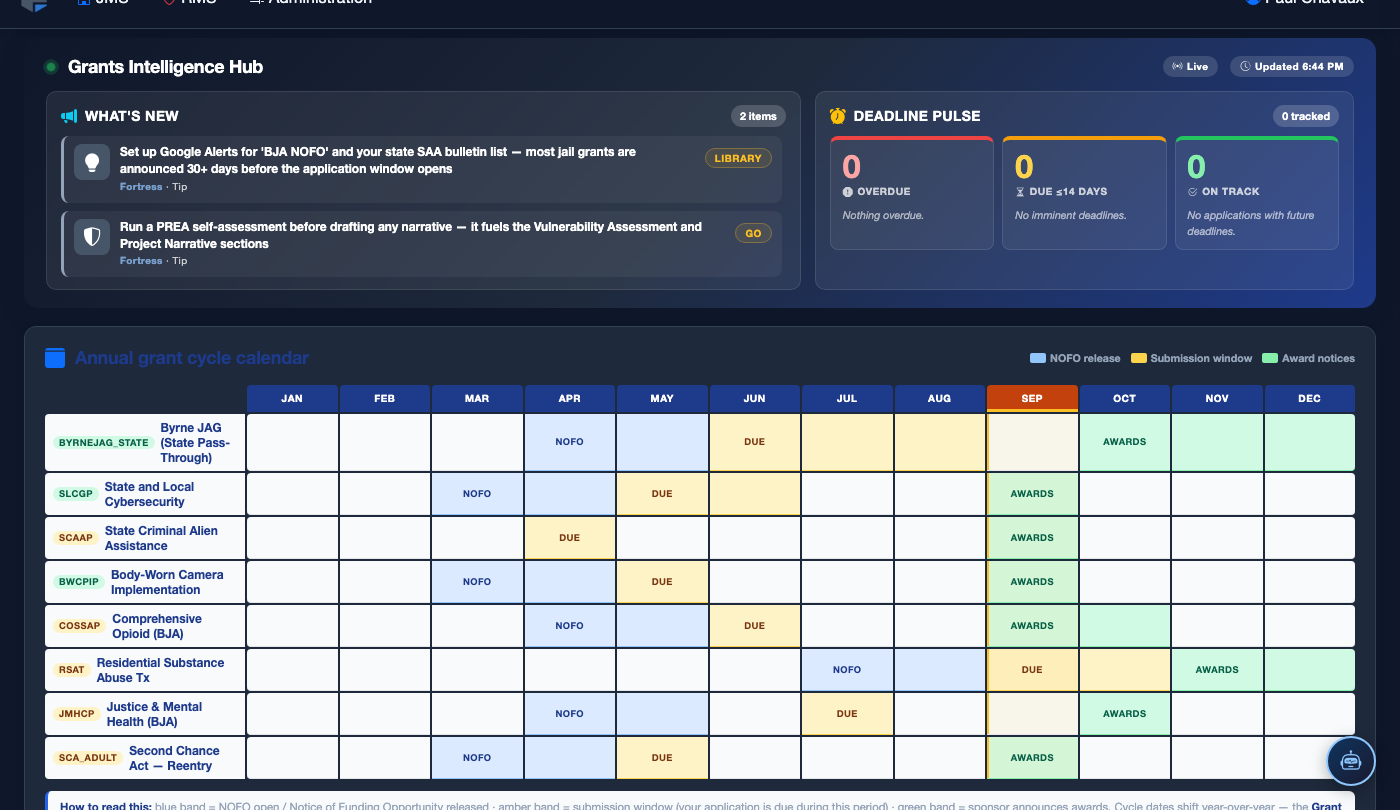
Check the Grant Calendar
Switch to the Grant Calendar tab to view all upcoming deadlines in a monthly or list view. Grants you have marked as Interested or In Progress are highlighted. Click any deadline to jump directly to the associated grant record or application draft.
Start a New Grant Application
From any grant listing, click Start Application. A structured application record is created under the Grant Applications tab, pre-populated with the grant program details. Assign a Lead Coordinator and set internal milestone dates to keep the team on track before the external deadline.
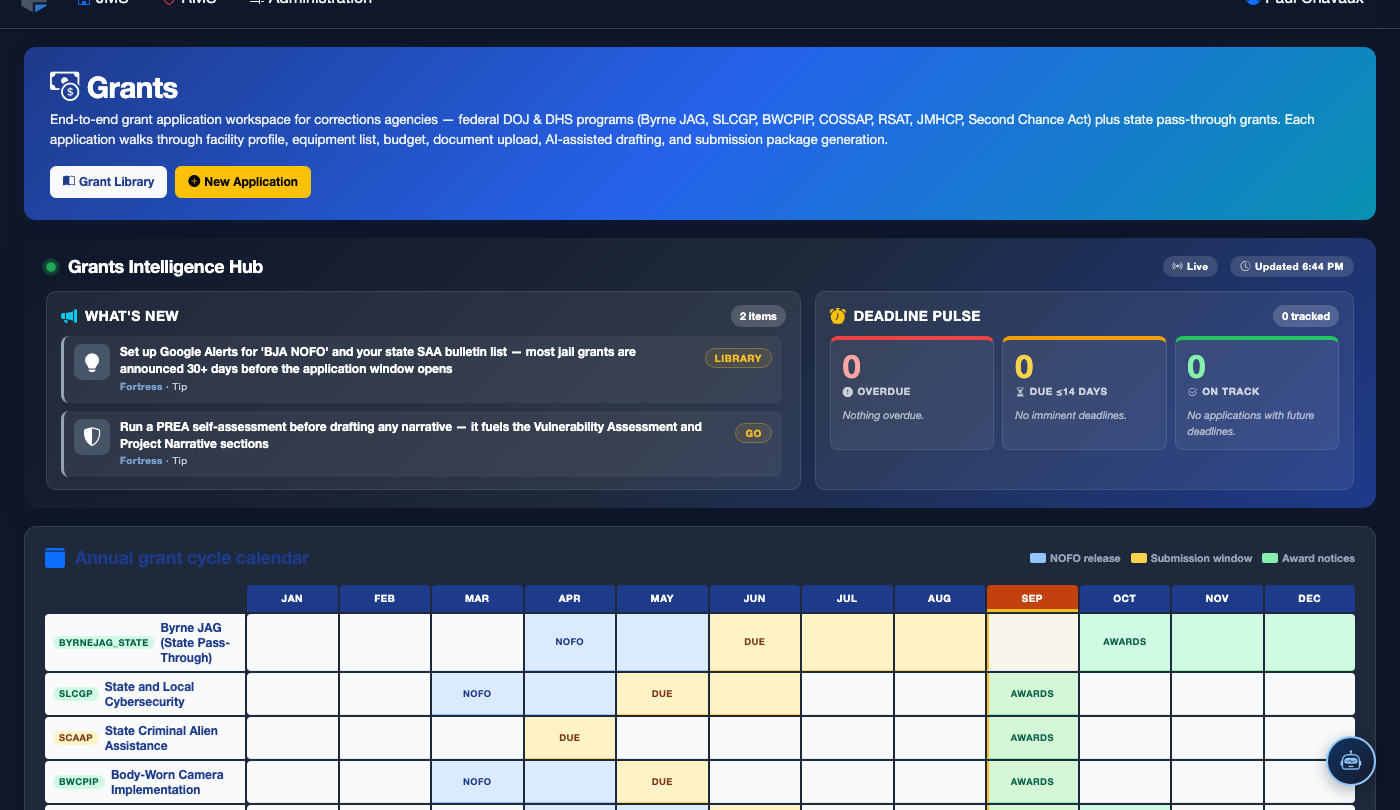
Complete and Submit the Application
Work through the application checklist: enter narrative responses, attach supporting documentation (budget justification, facility statistics, prior award compliance records), and have a supervisor review using the Approval workflow. When all sections are marked complete, click Mark as Submitted to record the submission date and confirm external submission has been made through the granting agency’s portal.
Record Award Decision and Manage Compliance
Once the granting agency issues a decision, update the application status to Awarded or Not Awarded. For awards, enter the Award Amount, disbursement schedule, and required reporting dates. The system will generate reminders for quarterly and annual performance reports to maintain award compliance.
💡 Pro Tips
- Assign a dedicated Grant Coordinator role to a staff member who receives all grant alert notifications — this ensures deadline emails don’t get buried in a shared administrator inbox.
- Many federal corrections grants (BJA, COPS, PREA) require prior-year statistical data on inmate population, incidents, and programming. Keep these figures updated in your FortressDMS reports so they are ready when a new application opens.
- Use the Save as Interested function on grants you plan to pursue next cycle — the system will alert you when the next application period opens so you can begin preparation early.