
Reports & Analytics
The Reports module gives jail administrators and supervisors instant access to comprehensive operational data across every area of facility management. Generate standard compliance reports, build custom queries from raw booking and housing data, and schedule automated delivery to command staff — all from a single, unified interface. Every report can be exported to PDF or Excel for record-keeping, court submissions, and accreditation audits.
Standard Reports
Pre-built compliance and operational reports covering bookings, releases, population counts, and classification summaries.
Custom Report Builder
Drag-and-drop query builder lets administrators select fields, apply filters, and group data without writing SQL.
Scheduled Delivery
Automate daily, weekly, or monthly report delivery via email to command staff, auditors, and oversight agencies.
Export Options
Export any report to PDF or Excel with one click — ready for court filings, commission reviews, and accreditation packets.
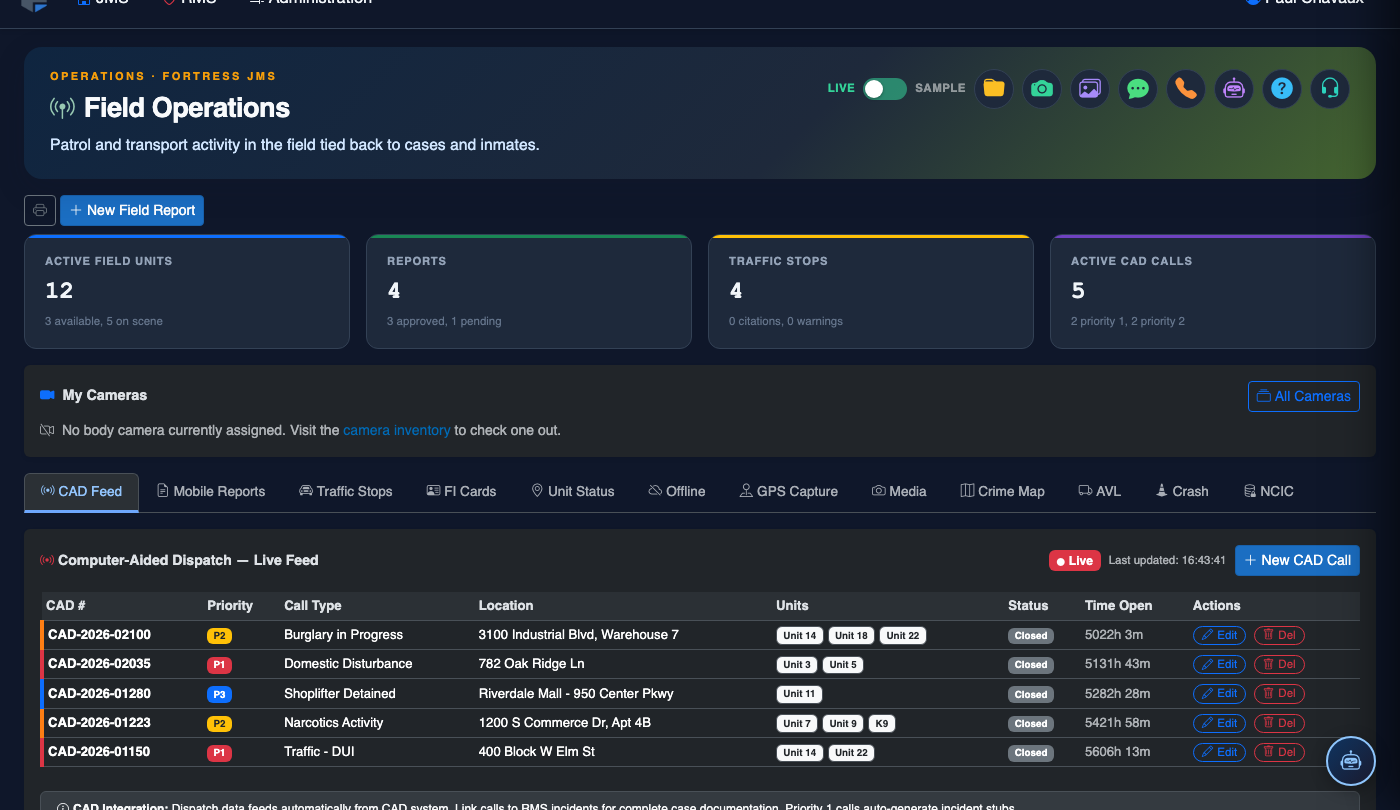
Step-by-Step: Running and Managing Reports
Navigate to the Reports Module
From the main navigation sidebar, click Reports. The module opens to the Standard Reports tab by default, displaying all pre-built report categories available to your role.
Select a Report Category
Browse report categories including Booking & Release, Population Summary, Classification, Medical, Incidents, and Financial. Click any category to expand the list of available reports within it.
Set Date Range and Filter Parameters
Enter the Start Date and End Date for your report window. Apply optional filters such as Housing Unit, Classification Level, Charge Type, or Assigned Officer to narrow results.
Run the Report
Click the Run Report button. Results appear in an interactive data grid with sortable columns. Large reports display a progress indicator while the system compiles data across all facility records.
Review and Sort Results
Click any column header to sort the results grid. Use the Search field above the grid to quickly locate a specific inmate name, booking number, or housing unit within the result set.
Export the Report
Click Export PDF to generate a formatted, facility-branded PDF document, or click Export Excel to download a .xlsx file for further analysis. Both formats include the report title, date range, and filter parameters in the header.
Save or Schedule for Recurring Delivery
Click Save Report to bookmark the current configuration for quick re-use, or click Schedule to configure automated delivery. In the scheduler, set the frequency (daily, weekly, monthly), preferred format, and recipient email addresses.
💡 Pro Tips
- Run the Daily Population Count standard report each morning and distribute it to shift supervisors to establish a reliable headcount baseline.
- When building a custom report for an auditor or oversight agency, save it with a descriptive name (e.g., “State Audit Q3 2026”) so it can be re-run with updated dates next cycle.
- Scheduled reports run at 6:00 AM facility local time by default — adjust the delivery time in the schedule settings if command staff prefer a different window.
- The Incidents by Housing Unit standard report is the fastest way to identify chronic trouble spots before classification committee meetings.