
Private Texting
The Private Texting module provides inmates and their approved contacts with a monitored, asynchronous text messaging channel as an alternative to phone calls. All messages pass through the facility’s content review queue before delivery, giving investigators and administrators full visibility into communications while providing a cost-effective option for families who cannot afford per-minute call rates. Message threads are stored permanently and linked to the inmate’s booking record for evidentiary access.
Threaded Conversations
Each approved contact has a dedicated message thread — messages are grouped chronologically and fully searchable by keyword, date, or participant.
Content Review Queue
Staff can enable a review-and-approve workflow for all inbound or outbound messages before they are delivered, flagging prohibited content automatically.
Evidentiary Export
Export any message thread as a court-ready PDF with timestamps, sender identifiers, and facility metadata for investigative or legal hold purposes.
Contact-Level Controls
Block texting to or from any individual contact instantly, or suspend all messaging for an inmate as a disciplinary measure.
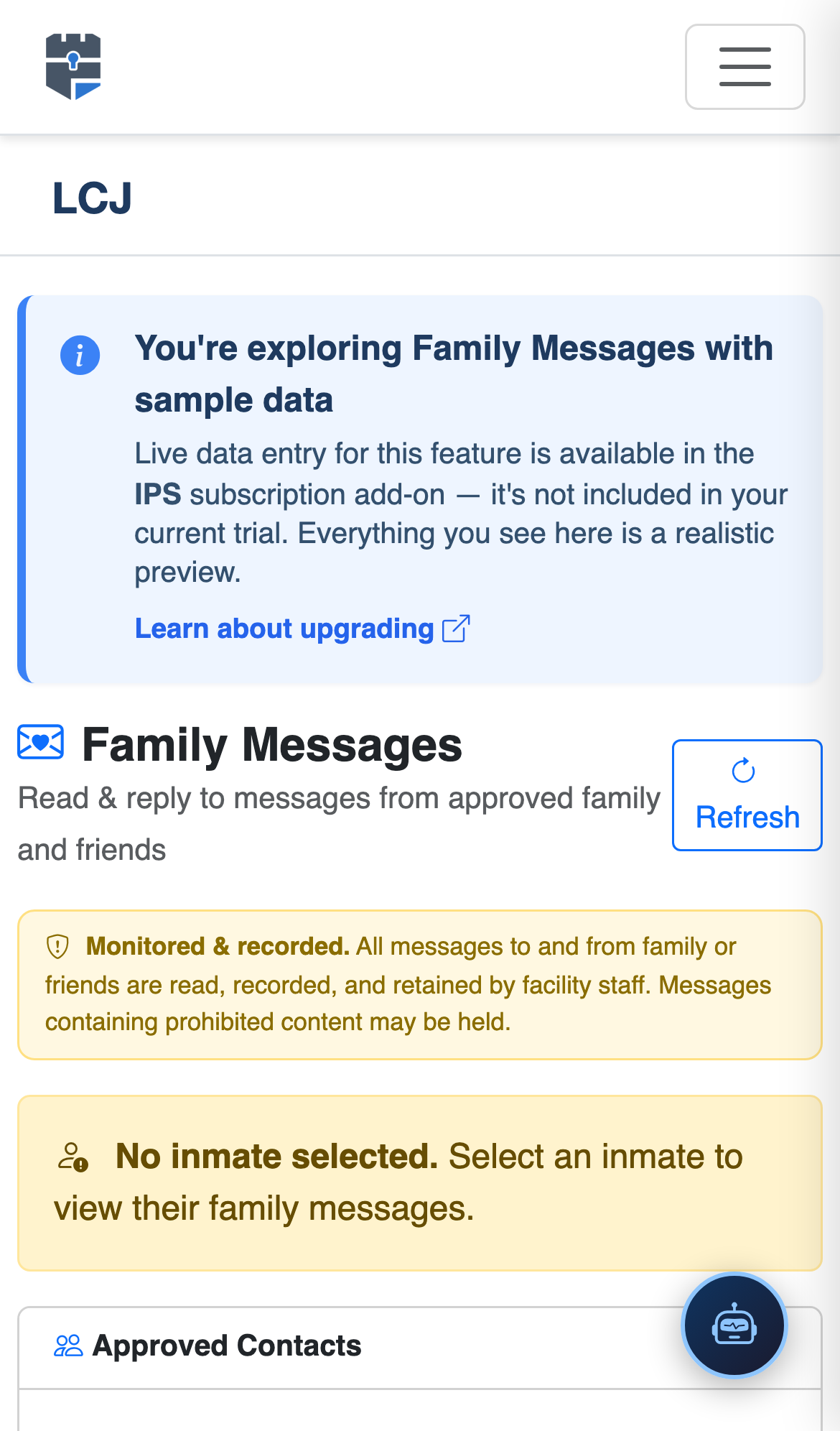
Step-by-Step: Monitoring and Managing Private Texting
Open the Private Texting Module
Navigate to Inmate Phone System in the sidebar and select Private Texting. The module opens to a two-panel view: an inmate list on the left and the active message thread on the right. A badge counter shows the number of messages pending content review.
Select an Inmate to View Their Threads
Search for an inmate by name or booking number in the left panel. Click their name to expand a list of all approved contacts they are actively texting. Each contact row shows the contact name, last message preview, and a timestamp. Threads with unreviewed messages are highlighted in amber.
Open and Read a Message Thread
Click a contact row to open the full message thread in the right panel. Messages are displayed in chronological order with sender label (inmate vs. contact), delivery timestamp, and review status badge. Scroll up to access the full message history for this thread.
Review and Approve Queued Messages
Messages pending review show an Approve and Block button. Click Approve to deliver the message to the recipient. Click Block to suppress delivery — blocked messages remain in the thread view with a “Blocked by Staff” indicator but are never sent. Enter a block reason for the audit log.
Flag a Message for Investigative Hold
Click the flag icon on any message to place it on investigative hold — it becomes pinned at the top of the thread and is excluded from any bulk deletion or archiving. Add a confidential investigator note visible only to administrator-level staff.
Block a Contact or Suspend All Messaging
To block an individual contact, click the ⋮ menu on their contact row and select Block Texting. To suspend all messaging for the inmate (e.g., as a disciplinary sanction), open the inmate’s Restrictions tab in IPS and toggle Text Messaging Suspended with an expiration date.
Export Thread for Legal or Investigative Use
Click Export Thread at the top of any message thread to generate a PDF including all messages, timestamps, sender identifiers, staff review actions, and a facility certification header. This document is formatted for court submission and legal hold responses.
💡 Pro Tips
- Enable the keyword alert feature in IPS settings to automatically flag any message containing terms on your prohibited-content watchlist (e.g., contraband, escape, gang identifiers) and surface them at the top of the review queue.
- Export and preserve complete message threads at the time of an inmate’s release — once released, threads are archived and retrieval requires an administrator-level legal hold request.
- Assign dedicated review queue hours to classification staff during each shift so the review backlog never exceeds 24 hours — delayed review effectively delays communication rights, which can be a grievance trigger.
- Private texting threads are entirely separate from the phone call record — always check both when conducting an investigation, as inmates may use one channel to coordinate what they avoid saying on the other.