
IPS Products
The Inmate Phone Services (IPS) Products overview provides facility administrators with a complete picture of the IPS suite — from inmate calling and video visitation to commissary ordering and tablet management. This dashboard serves as the starting point for configuring, monitoring, and billing all IPS features, giving your facility a single pane of glass for every inmate-facing service. Each product tile links directly to its configuration module so administrators can move quickly between setup tasks.
Inmate Calling
Pre-paid voice calls with per-minute billing, approved contact gating, and automatic call recording for compliance.
Video Visitation
Scheduled, recorded video sessions between inmates and approved visitors via kiosk tablets or visitor web browsers.
Commissary Ordering
Inmates browse and order approved items from their housing unit tablet, with orders routed directly to the commissary fulfillment queue.
Tablet Management
Open-source MDM enrollment, kiosk lock, and remote wipe for all Android tablets deployed across the facility.
Step-by-Step: Navigating IPS Products
Access the IPS Products Dashboard
From the Fortress main menu select IPS. The Products overview loads automatically as the IPS home page, showing your facility’s active product tiles, current subscription tier, and any pending configuration alerts that require administrator attention.
Review Active Product Subscriptions
Each product card displays its current status: Active, Trial, or Inactive. Trial products show a countdown to expiry. Click any card to open that product’s configuration module directly. Inactive products display a Request Access button to contact Fortress support for provisioning.
Configure Inmate Phone Services
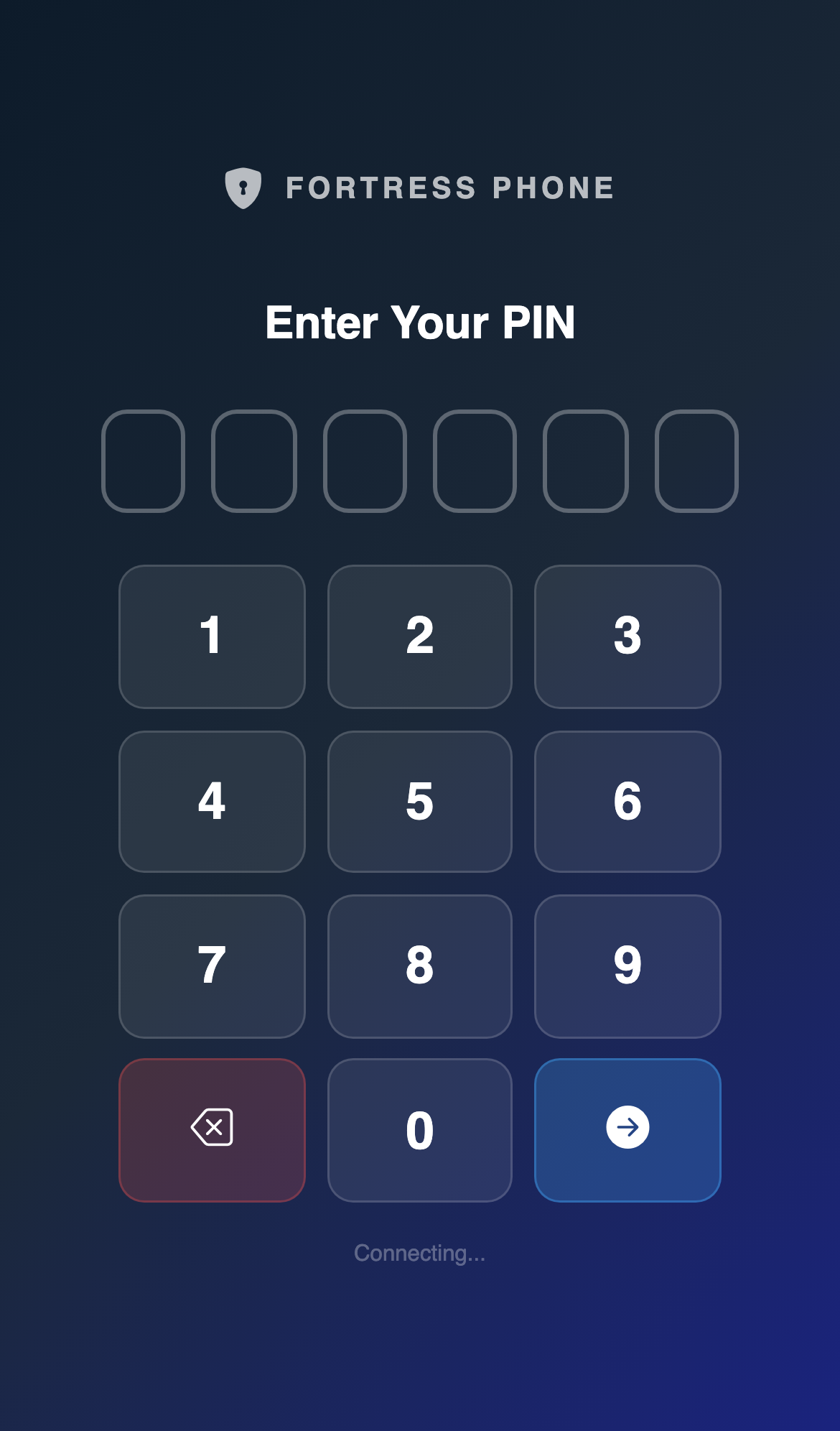
Click the Inmate Calling tile to open the IPS phone configuration panel. Set per-minute rates for standard and in-network calls, define approved contact approval workflows, configure the 6-digit inmate PIN system, and assign DID phone numbers to housing units.
Enable Video Visitation
Click the Video Visitation tile and toggle the product Active. Configure visit windows (days of week, time blocks), maximum session duration per classification level, and whether remote web visitors are permitted or only facility-side kiosk sessions are allowed.
Set Up Commissary Ordering
Open the Commissary tile to load the product catalog management screen. Upload your approved item list, set per-item purchase limits, configure order cutoff times for each housing unit, and link the commissary account to the inmate trust fund ledger for automatic balance deduction.
Provision Tablets
Click the Tablet Management tile to navigate to the MDM enrollment panel. Enroll Android tablets, assign housing unit profiles, and push the Fortress Facility APK. Each enrolled tablet is automatically associated with your facility subscription.
Monitor Usage & Billing Summary
Return to the IPS Products dashboard to view the Usage Summary panel at the bottom of the page. This displays month-to-date call minutes, video session counts, commissary order totals, and the current pre-paid balance for each inmate account — all in one view for rapid financial oversight.
💡 Pro Tips
- Use the IPS Products page as your daily dashboard — check the Pending Configuration Alerts banner each morning to catch expired approved-contact lists or tablets that have gone offline overnight.
- Trial products automatically disable at expiry and lock inmates out of the related tablet module — contact Fortress support at least 5 business days before a trial ends to avoid service interruption.
- In-network calls between inmates on the same facility plan never consume pre-paid balance minutes — ensure your calling tiers are configured correctly in the Inmate Calling module to avoid overcharging inmates for internal calls.