
Dietary Restrictions
The Dietary Restrictions module in Fortress JMS gives correctional facility food service and medical staff a single platform to document, manage, and enforce inmate dietary needs. From religious meal accommodations to medically prescribed diets and verified food allergies, the module ensures every tray that leaves the kitchen meets each inmate’s individualized requirements — reducing liability and supporting ADA and constitutional meal-service obligations.
Dietary Profiles
Maintain individual dietary profiles for every inmate, capturing religious, medical, and personal dietary classifications with effective dates and approval status.
Meal Planning
Build weekly and monthly meal plans aligned to active dietary profiles, with automated conflict detection when a planned menu item violates a recorded restriction.
Allergy Tracking
Record and enforce documented food allergies and intolerances, with kitchen alert flags that appear on meal-pull reports and tray-labeling systems.
Compliance Reporting
Generate auditable dietary compliance reports for accreditation reviews, grievance responses, and legal discovery — all timestamped and signed.
Step-by-Step: Dietary Restrictions
Access the Dietary Restrictions Module
From the Fortress JMS main navigation, select Dietary Restrictions under the Health & Services section. The module landing page displays a summary dashboard showing active dietary profiles, pending approvals, and any open allergy flags across the facility.
Review the Facility-Wide Dietary Dashboard
The dashboard tiles show counts for: Active Special Diets, Pending Medical Diet Requests, Verified Allergies, and Upcoming Meal Plan Conflicts. Click any tile to drill into the filtered list.
Open or Create an Inmate Dietary Profile
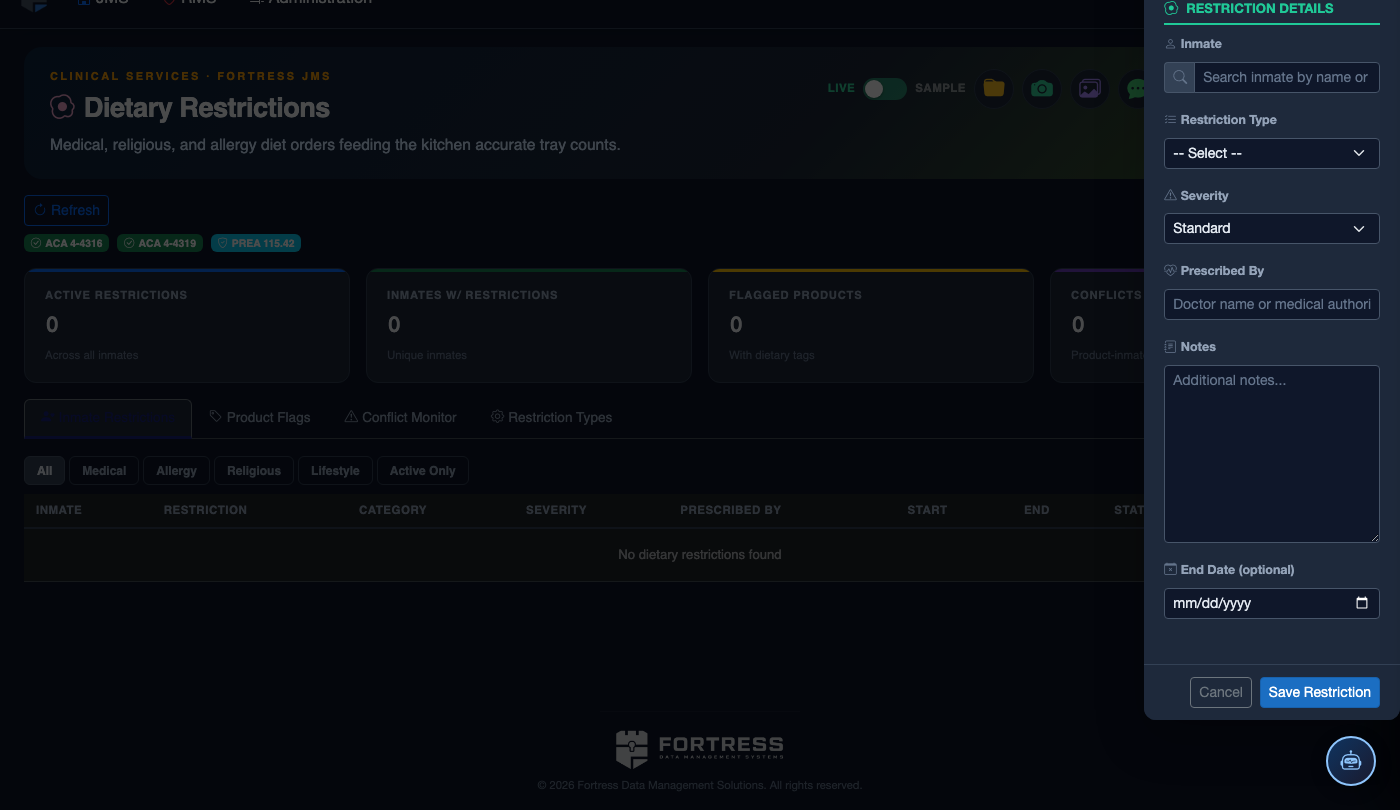
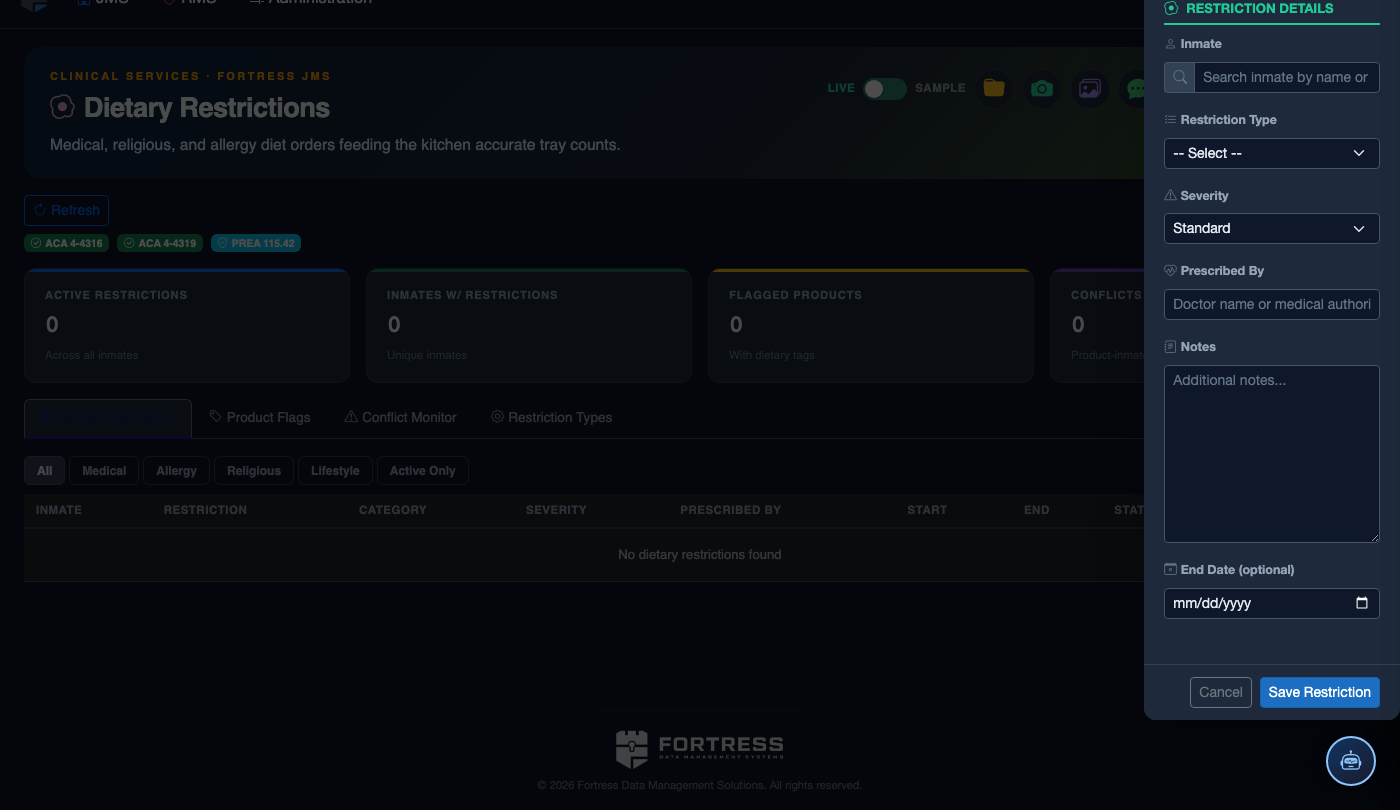
Navigate to the Dietary Profiles tab and search for an inmate by name or booking number. Click Add Profile to create a new dietary assignment, or click an existing profile row to edit it. Specify the diet type, effective date, and authorizing staff member.
Enter Allergy and Intolerance Data
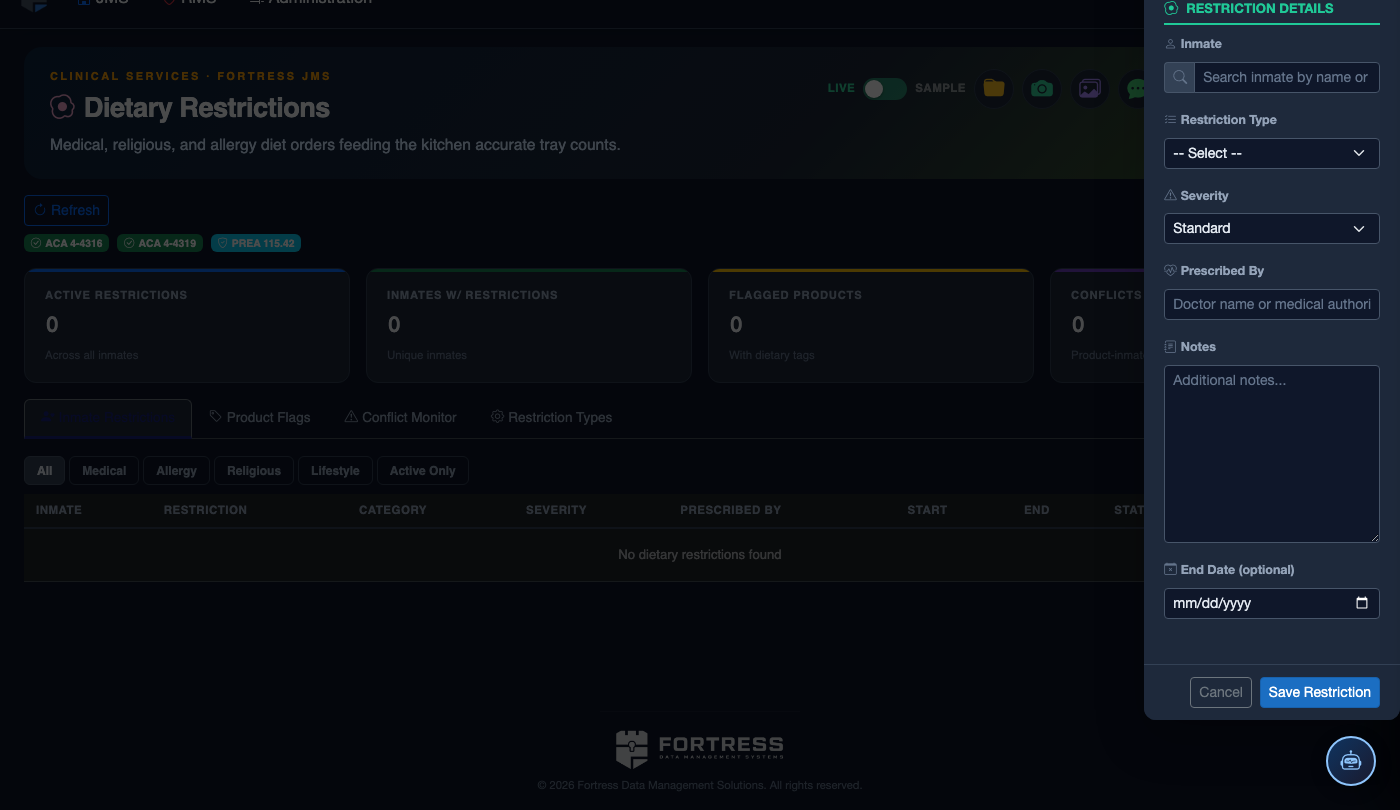
Click the Allergy Tracking tab and select the inmate. Click Add Allergy and choose the allergen from the standardized list (e.g., Peanuts, Shellfish, Gluten, Dairy) or enter a custom item. Set severity (Intolerance, Allergy, or Anaphylactic) and attach any supporting medical documentation.
Build or Adjust the Meal Plan
Open the Meal Planning tab to view the current week’s menu grid. The system automatically highlights any meals that conflict with active inmate dietary restrictions or allergies using a red warning badge. Click a conflicted meal cell to view which inmates are affected and select an approved substitute meal.
Approve and Publish the Meal Plan
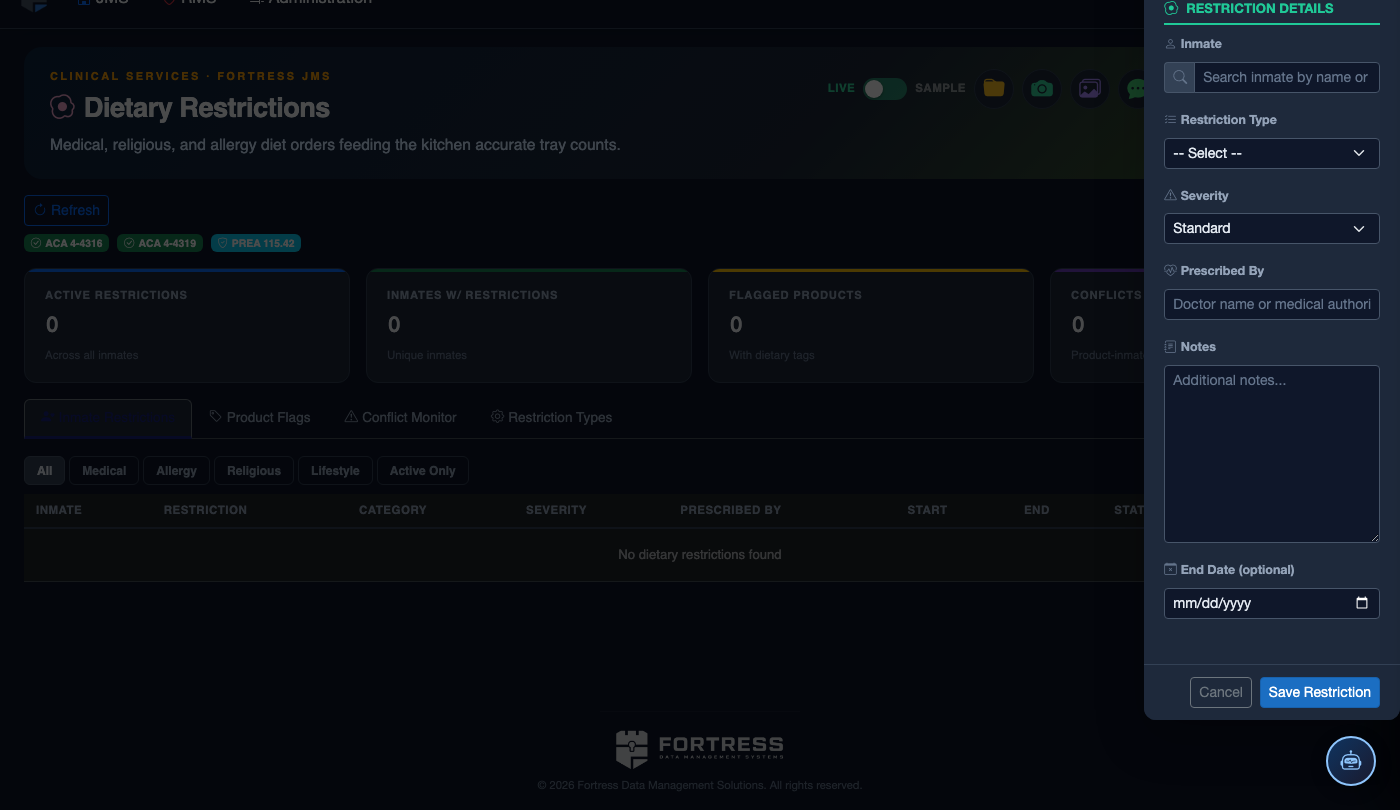
Once conflicts are resolved, click Approve Plan to lock the weekly menu. Approved plans generate printable tray-label reports and kitchen pull-sheets, segmented by dietary category (Standard, Vegetarian, Diabetic, Allergen-Free, etc.).
Generate Compliance Reports
Navigate to Reports within the module and select Dietary Compliance Summary. Choose a date range, housing unit filter, and export format (PDF or CSV). The report lists each inmate with their active diet, allergy flags, any substitutions made, and the approving staff member — suitable for accreditation binders or legal review.
Audit and Update Profiles on Transfer
When an inmate transfers housing units or is released, the system prompts staff to confirm whether the dietary profile should be retained, modified, or closed. Use the Transfer Checklist flag to ensure the receiving unit’s kitchen is notified before the next meal service.
💡 Pro Tips
- Set the Effective Date on every dietary profile — this creates a full audit trail and allows the system to correctly apply diets that begin or expire on specific dates.
- Anaphylactic allergy flags generate a red banner on the inmate’s full profile header, not just in the dietary module — kitchen staff and housing officers both see the alert.
- Run the Meal Plan Conflict Report every Sunday before approving the upcoming week’s menu to catch substitution needs before they become service failures.
- Medical diet orders signed by a physician override all other dietary assignments; ensure the physician name and order date are entered to satisfy accreditation auditors.